About
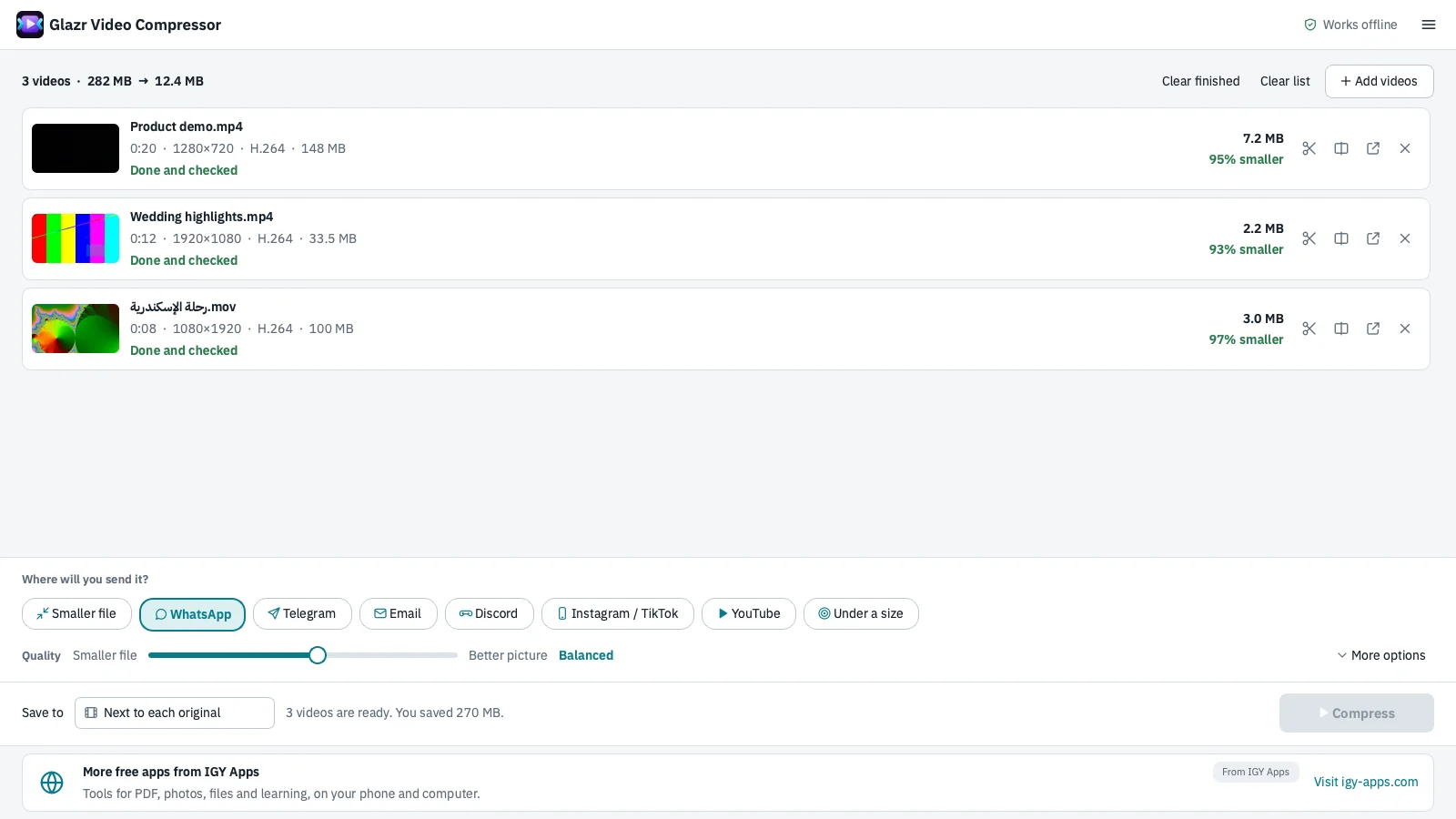
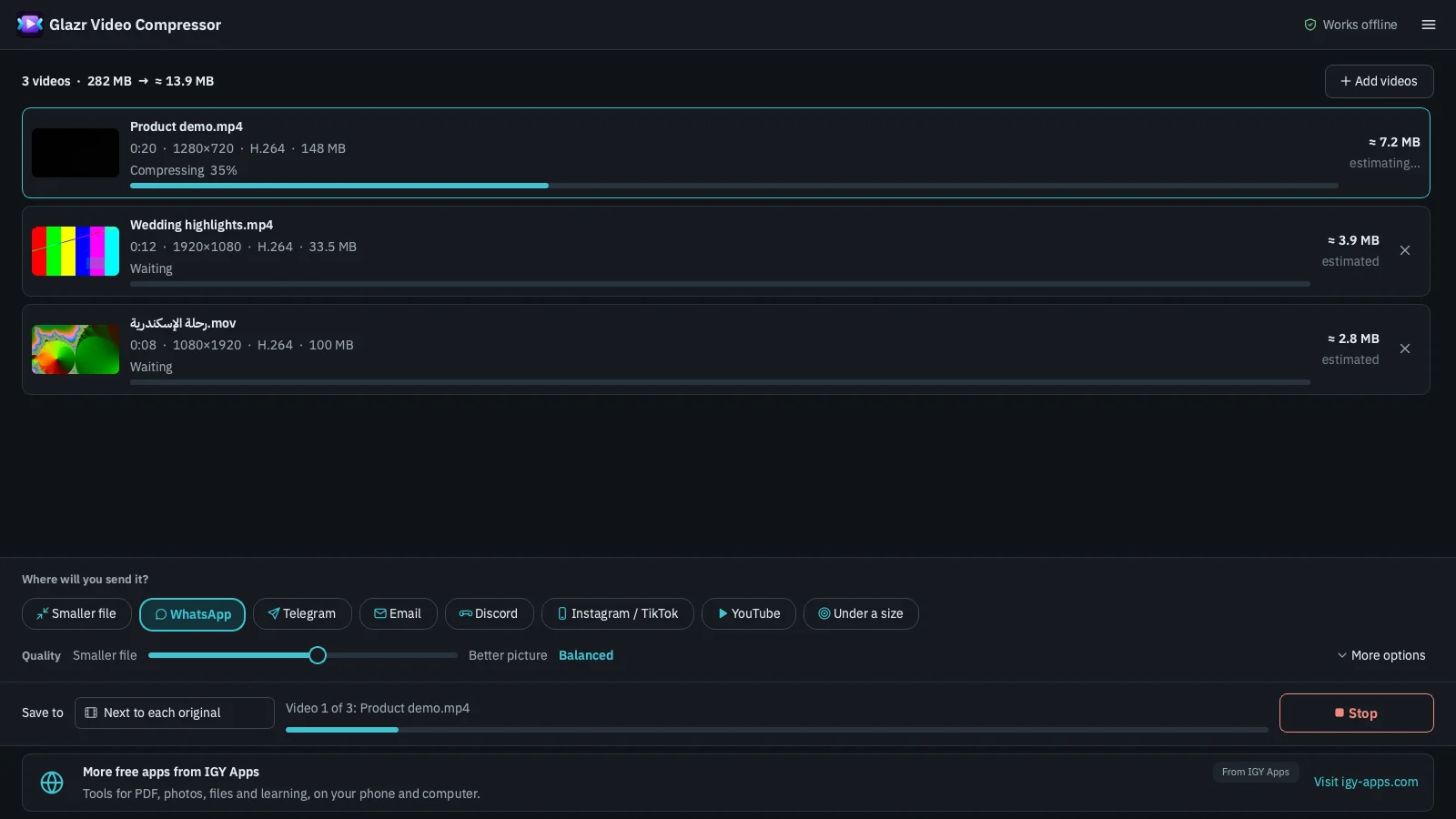
Glazr Video Compressor makes videos small enough to send, without uploading them anywhere. Drop your videos, choose where they will go, and press Compress.
It picks the right resolution and settings for each destination: WhatsApp, Email and Discord stay under their limits, and "Under a size" never goes over the number you type. You see the expected size before you start, and the graphics card is used when it is faster.
Everything happens on your computer. After compressing, the whole new file is played through once to make sure it opens everywhere, then saved next to the original under a new name. Your originals are never changed or deleted.
What you get
- Ready destinations: WhatsApp, Telegram, Email, Discord, Instagram/TikTok and YouTube
- "Under a size": results never go over the megabytes you set
- Works offline; videos are never uploaded
- Originals are never changed; results are saved next to them under a new name
- Many videos or a whole folder at once, several compressing at the same time
- Expected size for every video before you start
- Uses your graphics card when available (NVIDIA, Intel, AMD)
- Trim, rotate and remove sound, with a before/after preview
- MP4, WebM, MOV and GIF, and sound-only MP3 or M4A
- Works with AI assistants: a command line and a “Copy instructions for AI” button for ChatGPT, Claude or Codex
- Arabic, English, French and German, with light and dark themes
 English
 العربية
 Français
 Deutsch