 English
 العربية
 Français
 Deutsch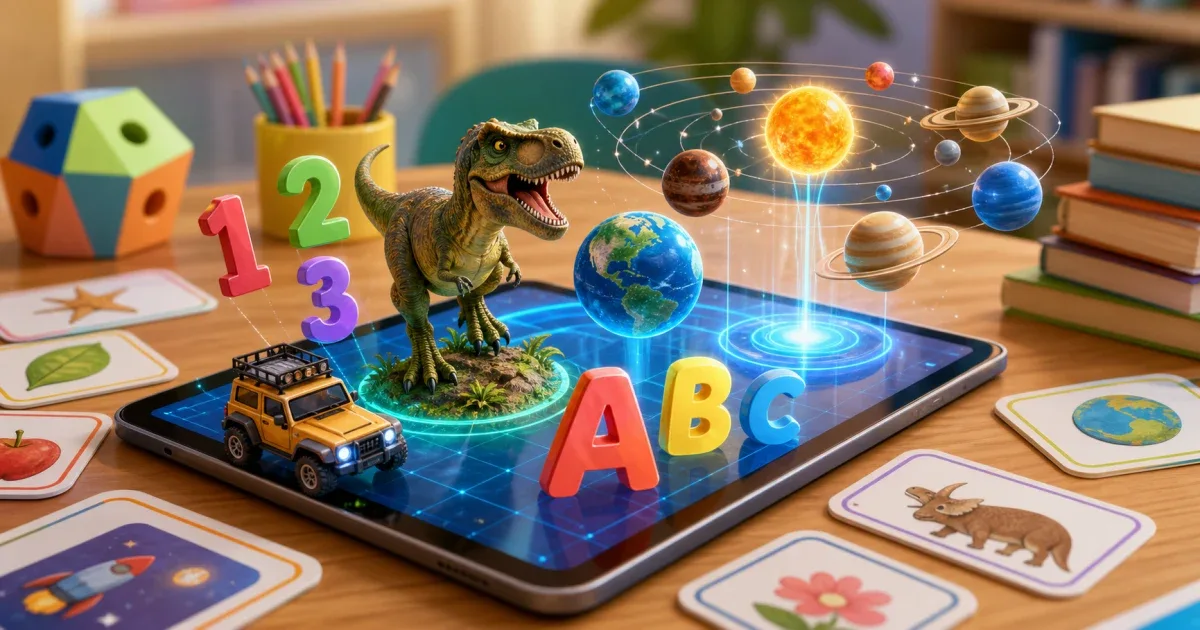
What is AR Kids Kit 4D?
AR Kids Kit 4D is an educational augmented reality app for children. It turns learning cards and flat surfaces into interactive 3D lessons, so children can see objects appear on a phone or tablet instead of only looking at static pictures.
The app is built for Android and iOS and supports Arabic, English, French, and German. That makes it useful for families, schools, and multilingual learning environments.
Two ways to learn with AR
The app supports two AR modes. In card mode, the child points the camera at printed flashcards and sees the matching 3D object. In markerless mode, the app detects a flat surface and places the object directly on the desk or floor.
This is useful because not every learning session happens the same way. Cards are good for structured lessons. Markerless mode is better for quick exploration when the child wants to place a model in the room.
What children can explore
AR Kids Kit 4D includes 28 educational sections. The core areas include Arabic, English, French, and German alphabets, plus number sections in the same languages. Beyond that, children can explore the solar system, dinosaurs, external and internal body organs, animals, fruits and vegetables, plants, shapes, marine life, classroom tools, home objects, transportation, professions, STEM lab tools, kitchenware, workshop tools, landmarks, journey topics, and facial expressions.
That breadth matters. A child can move from basic literacy to science vocabulary without leaving the same learning environment.
Interaction makes the lesson stick
The app is not only a 3D viewer. Animals and dinosaurs can move and make sounds. In transportation, children can control vehicles like remote-control cars in augmented reality. The app also includes pronunciation audio, screenshots, quizzes, and a points system.
For letters and numbers, a trace board helps children practice writing by following the path on screen. Correct quiz answers and successful tracing can add points, which gives children a simple reason to repeat the activity.
How parents can use it at home
Keep sessions short. Choose one section, let the child explore a few objects, then ask simple questions: What is this? What sound does it make? Which letter does it start with? Can you find the same object in the room?
For younger children, start with alphabets, numbers, animals, and shapes. For older children, use solar system, anatomy, dinosaurs, STEM lab, and transportation to build vocabulary and curiosity.
How teachers can use it
Teachers can use AR Kids Kit 4D as a lesson starter, station activity, or review tool. It works well when students need a visual anchor for a new word or concept.
For classroom control, choose the section before the lesson starts, download needed content in advance, and keep the activity tied to one learning goal. For example: identify five planets, name three internal organs, or match ten animals to their sounds.
Final recommendation
AR works best when it supports a clear learning goal. Use AR Kids Kit 4D to make letters, numbers, science, animals, and everyday vocabulary more visible and interactive, then connect the experience back to speaking, reading, writing, or classroom discussion.