 English
 العربية
 Français
 Deutsch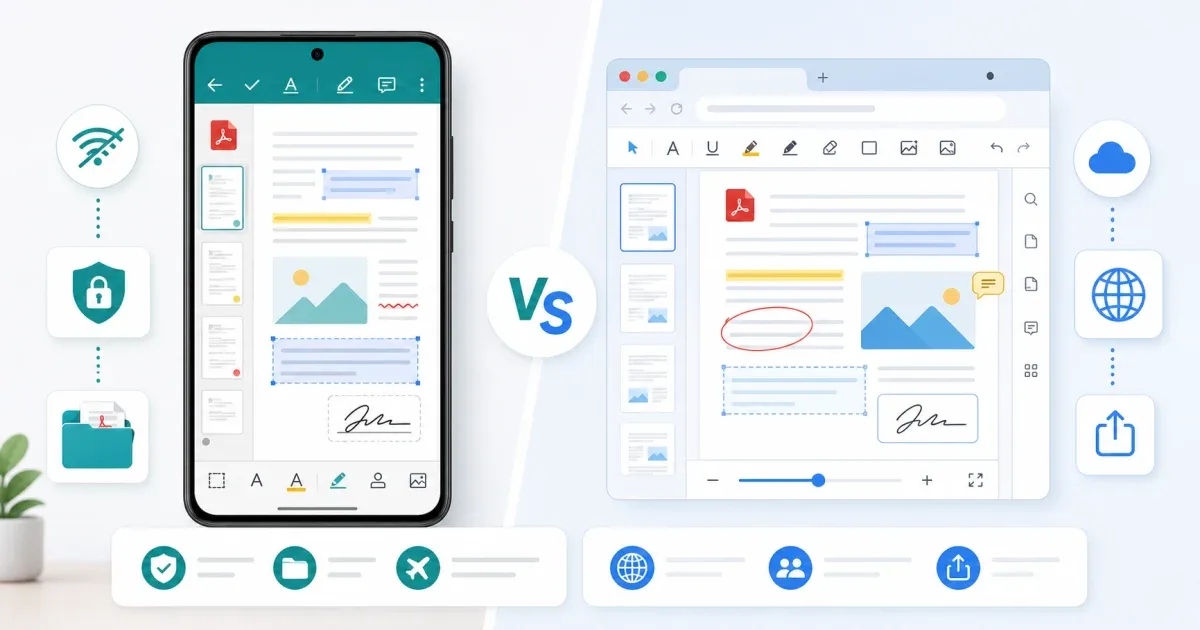
The short answer
Use a browser PDF tool when the task is quick: view a file, add a simple note, merge documents, or make a small edit on a computer. Use Glazr PDF Editor when you need a dedicated mobile PDF editor, offline access, local file organization, and repeated editing on your phone or tablet.
Both approaches are useful. The right choice depends on where the file is, how private it is, and how much editing you need.
When browser PDF tools are better
Browser tools are convenient when you are already on a computer and need one focused task. For example, open PDF Editor to add annotations, shapes, drawings, or highlights without installing a desktop app.
Browser tools are also practical for occasional work. If you need to merge a few files, Merge PDF is faster than setting up a mobile workflow. The browser is best when the task is short and the file is already on the computer.
When Glazr PDF Editor is better
Glazr is better when PDF work happens on mobile. You can create PDFs, open existing files, add text boxes, highlight sections, draw shapes, insert images, sketch signatures, reorder pages, and organize files in folders.
The biggest advantage is offline work. If you travel, work away from stable internet, or prefer files to stay on the device, a mobile offline editor is often more comfortable than uploading or moving files around.
Privacy and file location
Ask where the PDF should live. If the file is already on your phone and contains private notes, contracts, school work, or forms, keeping it in a mobile app can be simpler. If the file is on a desktop and you only need a quick browser edit, a web tool may be enough.
Privacy is not only about the tool. It is also about avoiding unnecessary transfers. The fewer times you move a document between devices, the fewer chances you have to lose track of the final version.
Editing depth
For light markup, browser tools are ideal. For repeated mobile editing, folder organization, offline annotations, signatures, and page work, Glazr is the stronger fit.
Think of browser tools as fast task tools. Think of Glazr as a mobile workspace for PDFs.
A practical decision rule
Choose browser PDF tools when:
- You are on a computer.
- The task takes a few minutes.
- You need a quick annotation or merge.
- You do not want to install anything.
Choose Glazr PDF Editor when:
- The PDF is on your phone.
- You need to work offline.
- You edit PDFs often.
- You want local organization and repeated access.
Final recommendation
Use both where they fit. Start with PDF Editor or Merge PDF for quick browser work. Use Glazr PDF Editor when PDF editing becomes part of your mobile workflow.