 English
 العربية
 Français
 Deutsch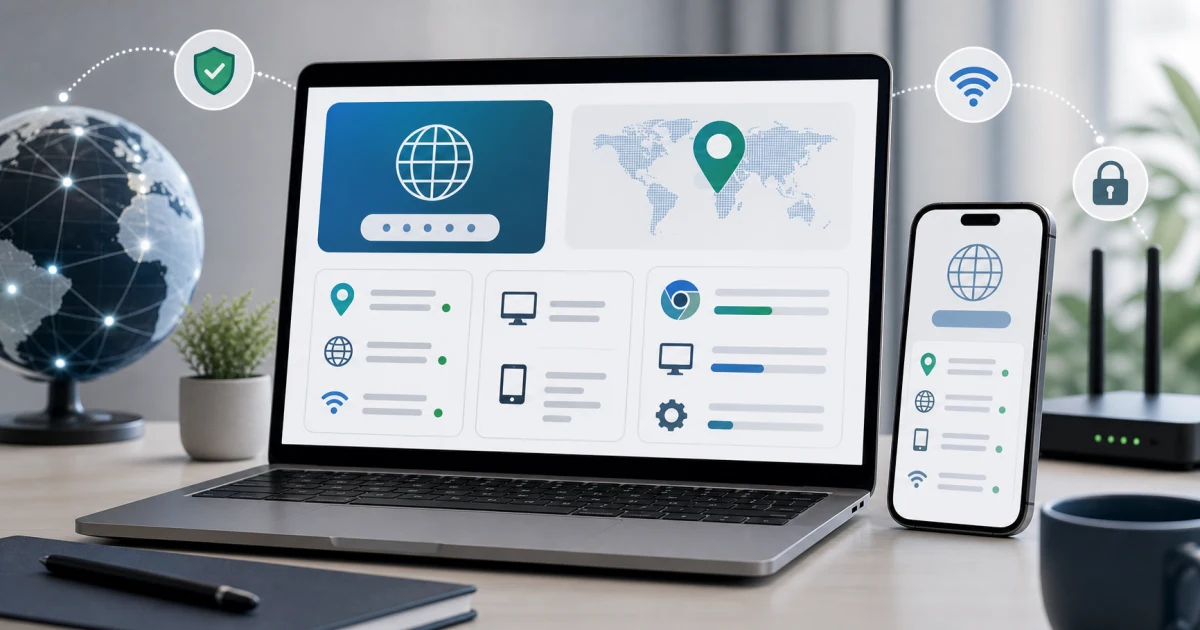
Check your IP address, country, and device info
Your public IP address is the address websites see when your device connects to the internet. It can help route traffic, show a nearby server, detect a VPN, apply region settings, or troubleshoot a connection issue.
The free My IP & Device Info tool shows your public IP address, country, browser, operating system, device type, screen size, timezone, and connection details on one page. It is useful when you search for "my IP country", "what is my IP address", "IP address country", or "check my device info online".
What does a My IP tool show?
A My IP page usually starts with your public IP address. This is different from a private local address such as 192.168.x.x inside your home or office network. Your public IP is the one remote websites and services can see.
The tool may also show:
- Country or country code.
- Browser name and version.
- Operating system.
- Device type.
- Screen resolution.
- Timezone.
- Connection or network hints.
The country is an estimate based on network information. It can show your internet provider, mobile carrier, company network, or VPN endpoint rather than your exact physical location.
Why the country may look wrong
If the displayed country is different from where you are, it does not always mean there is a problem. A VPN may route traffic through another country. A mobile carrier may send traffic through a regional gateway. A company network may exit through a different location. IP databases can also lag behind real network changes.
That is why an IP lookup should be treated as a practical network clue, not a precise address. It can confirm a VPN route or support region troubleshooting, but it should not be read as exact GPS location.
When to check your IP
Check your IP and country when:
- A website shows the wrong region.
- A service blocks access unexpectedly.
- You turn a VPN on or off.
- A support team asks for connection details.
- A website layout behaves differently on one device.
- You need to confirm browser, operating system, or screen details.
Instead of sending a vague message like "the site does not work", you can share the browser, OS, country, screen size, and connection details. That makes the issue easier to reproduce.
Privacy and safety notes
Websites already receive some connection information when you visit them. A My IP tool simply displays key details back to you so you can understand what your browser and network are reporting.
Do not post your full IP address publicly unless there is a clear reason. For many support cases, a partial IP, country, browser, and OS are enough. If the issue is sensitive, ask the support team exactly which details they need.
Browser and device details matter too
Your IP address is only one part of troubleshooting. Browser and device information often explains layout, login, download, and feature problems. A page may work in one browser but fail in another. A mobile screen may show a different layout from desktop. A feature may depend on modern browser support.
That is why My IP & Device Info groups the IP, country, browser, operating system, screen, timezone, and connection details together.
Simple troubleshooting workflow
- Open My IP & Device Info.
- Copy your public IP only if you need to share it.
- Check the displayed country.
- Turn your VPN on or off if you are testing routing.
- Compare browser, OS, and screen details with the affected device.
- Share only the information needed for support.
For a quick network check, open My IP & Device Info and confirm your IP address, country, browser, operating system, screen, timezone, and connection details in one place.