How-to
Remove EXIF, GPS location, camera, XMP, and IPTC metadata from JPG, PNG, or WebP photos locally without re-encoding the image.
7 min read
Read article
Practical guide
Remove supported metadata from JPG, PNG, WebP, PDF, video, and audio locally before sharing while keeping the originals unchanged.
7 min read
Read article
How-to
Remove PDF author, title, subject, keywords, creator, producer, dates, and XMP metadata locally before sharing the document.
6 min read
Read article
Practical guide
Compress a PDF online for free, reduce its file size without uploading it, compare the result, and keep searchable text intact.
6 min read
Read article
How-to
Convert a scanned PDF to Word online with Arabic or English OCR, export an editable DOCX, and keep the document on your device.
6 min read
Read article
Practical guide
Edit Markdown and README files online with live preview, outline, images, local drafts, and export to MD, HTML, or ZIP.
6 min read
Read article

Practical guide
Password protect and encrypt a PDF online with AES-256, set printing or copying permissions, and keep the file on your device.
6 min read
Read article
Practical guide
Create a ZIP file or extract an archive online without uploading your files, with local processing and safe path checks.
6 min read
Read article

Workflow guide
Create readable PUBG-style names with Unicode fonts, symbols, random gaming ideas, and practical checks before copying a nickname.
6 min read
Read article
Tool roundup
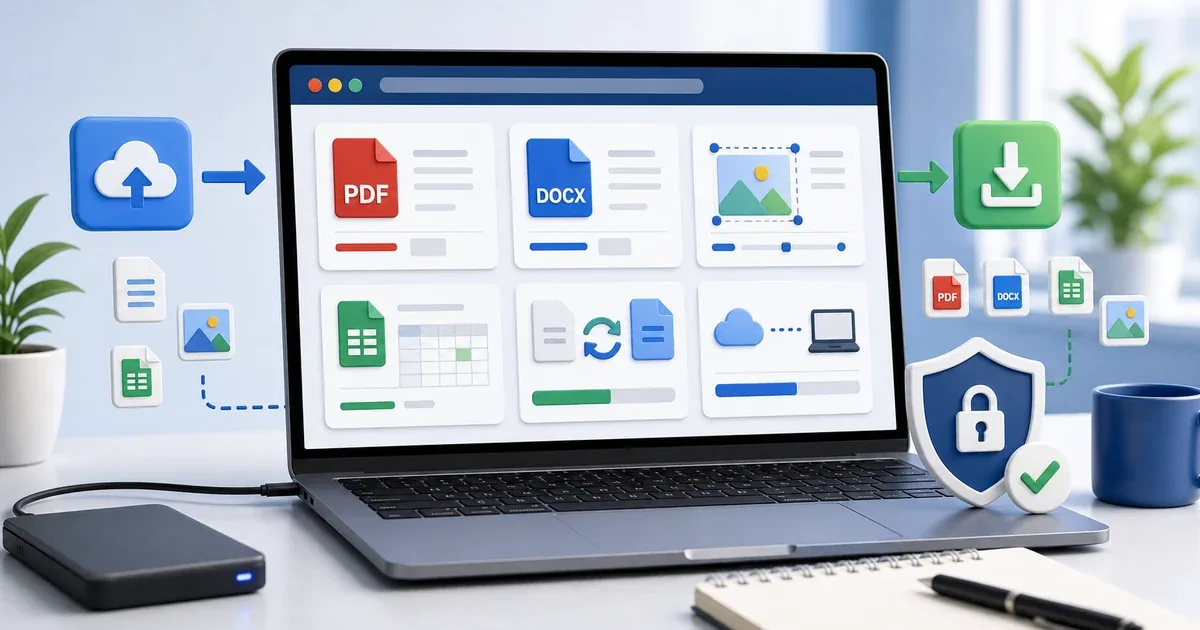
A practical no-install toolkit for college students: count essays, edit DOCX, prepare PDFs, compress images, and check files in the browser.
7 min read
Read article

Workflow guide
Count words in an essay without Microsoft Word, check character limits, estimate reading time, and edit toward a target word count.
6 min read
Read article

Workflow guide
Generate clean URL slugs from English or Arabic titles, choose separators, control length, and avoid common SEO URL mistakes.
6 min read
Read article
 English
 العربية
 Français
 Deutsch