Glazr Image Converter
Convert iPhone photos, shrink pictures and remove their location, free

Glazr Image Converter

Convert iPhone photos (HEIC) and other pictures to JPG, PNG or WebP, shrink them for WhatsApp, email and the web, and remove their location. Free, in Arabic, English, French and German.

Windows version coming soon to Microsoft Store.

Free. Signed and notarized by Apple, from IGY Apps’ releases page on GitHub.

On a Mac: open the downloaded file, drag the app icon onto the Applications folder, then open it from Applications and choose “Open” the first time.

Price
Free
System
Mac: macOS 12 or newer, Apple Silicon (M1 or newer). Windows 10 or 11 (64-bit): coming to the Microsoft Store
Version
1.0.0

Screenshots

About

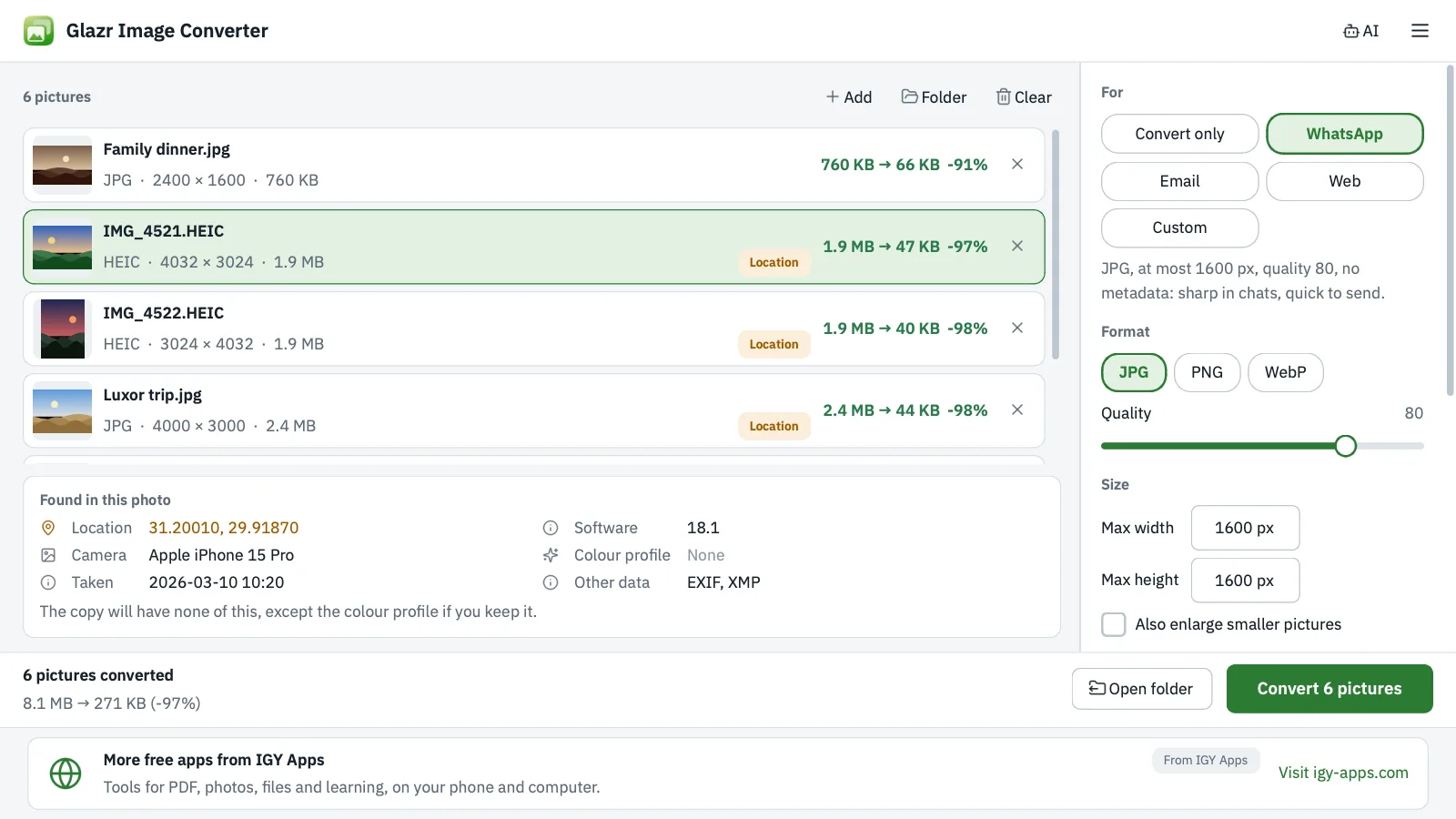
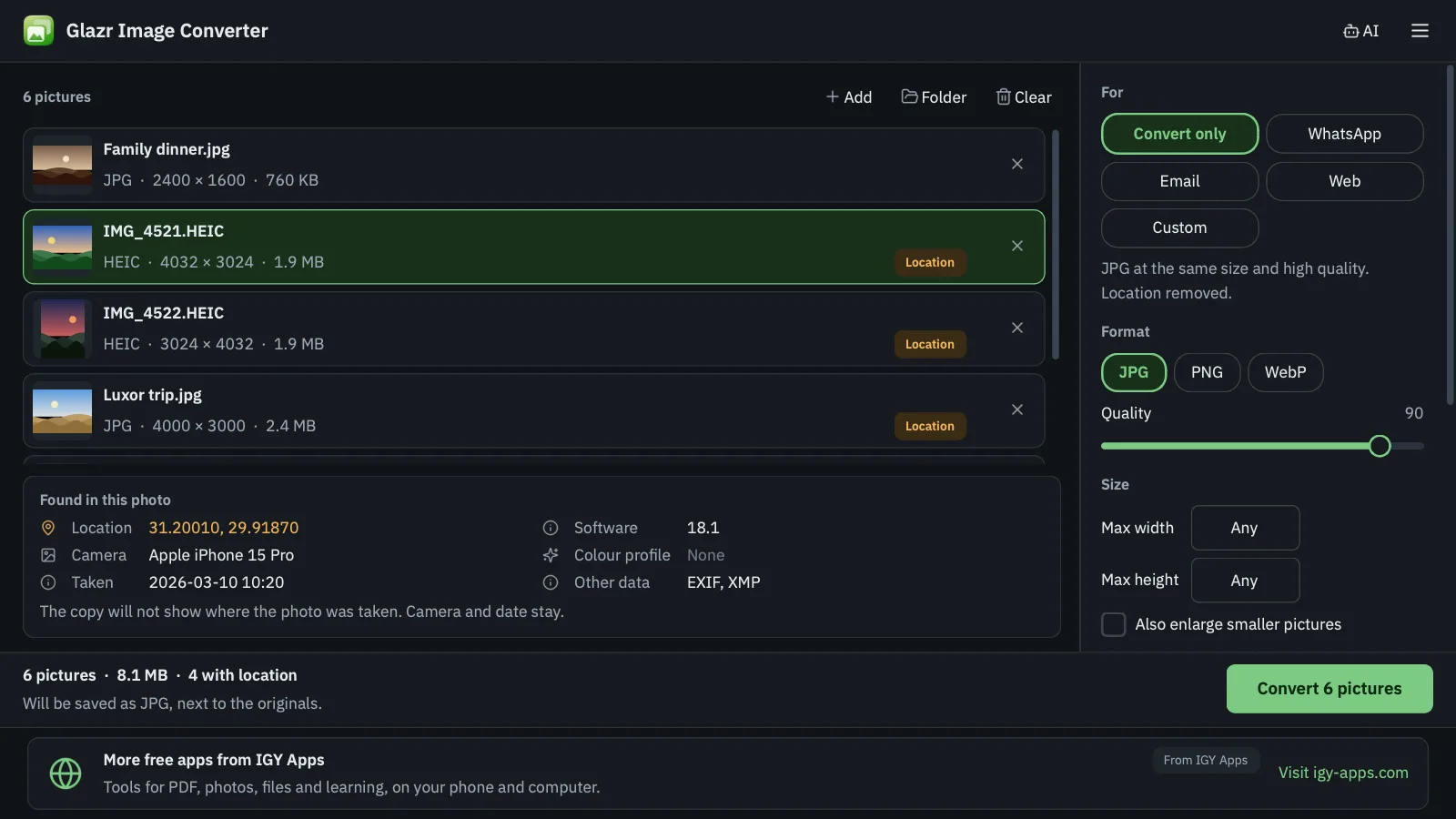
Glazr Image Converter opens iPhone photos (HEIC/HEIF) and JPG, PNG, WebP, BMP, TIFF and GIF pictures, and converts them to JPG, PNG or WebP in one go. Drop pictures or a whole folder on the window, pick “Convert only”, “WhatsApp”, “Email” or “Web”, and press Convert.

It makes pictures smaller while keeping their proportions, never enlarges small ones, and shows each picture’s size before and after. It also shows what each photo carries: where it was taken, the camera, the date and the colour profile, then removes the location or all metadata as you choose. Photos are always saved upright.

Your originals are never changed or deleted: every result is a new file next to the original or in the folder you choose, and nothing is overwritten. It works offline, and an AI assistant (ChatGPT, Claude, Codex) can use it from the command line with instructions the app copies for you.

What you get

  • Opens iPhone HEIC/HEIF, JPG, PNG, WebP, BMP, TIFF, GIF and AVIF
  • Converts to JPG, PNG or WebP: many pictures or whole folders, by drag and drop
  • Ready settings for WhatsApp, email and the web, or your own quality and size
  • Shrinks pictures without changing proportions or enlarging, with sizes before and after
  • Shows what a photo carries: location, camera, date and colour profile
  • Removes only the location or all metadata, optionally keeping the colour profile
  • Never changes originals or overwrites files; an Open folder button at the end
  • Command line and ready-made instructions for AI assistants
  • Free and works offline; Arabic, English, French and German, light and dark themes

Questions

Is it free?

Yes, completely: no trial, no watermark and no account. A small banner at the bottom of the window shows news from IGY Apps and, sometimes, a sponsor that is always labelled.

How do I open iPhone HEIC photos on Windows?

Drop the photos or their folder on Glazr Image Converter, pick “Convert only” and press Convert. JPG copies at the same size appear next to the originals and open in any program.

Does it change my original photos?

No. The app never edits or deletes your originals and never overwrites an existing file: if a name is taken it saves as photo_2.jpg and so on.

How do I remove the location before sharing photos?

Choose “Remove location only” to keep the camera and date, or “Remove all metadata”. Before converting, the app shows what it found in each photo, including where it was taken.

Can an AI assistant use it?

Yes. In the menu choose “Copy instructions for AI” and paste them into ChatGPT, Claude or Codex: they contain the glazr-image command and where it is on your computer, so the assistant can convert the pictures you name without installing any libraries.

Is there a Mac version?

Yes. The Mac version is available now for Apple Silicon Macs (M1 or newer) with macOS 12 or newer, signed and notarized by Apple. The Windows version is coming to the Microsoft Store.

Free tools on this site that go with it