Overview
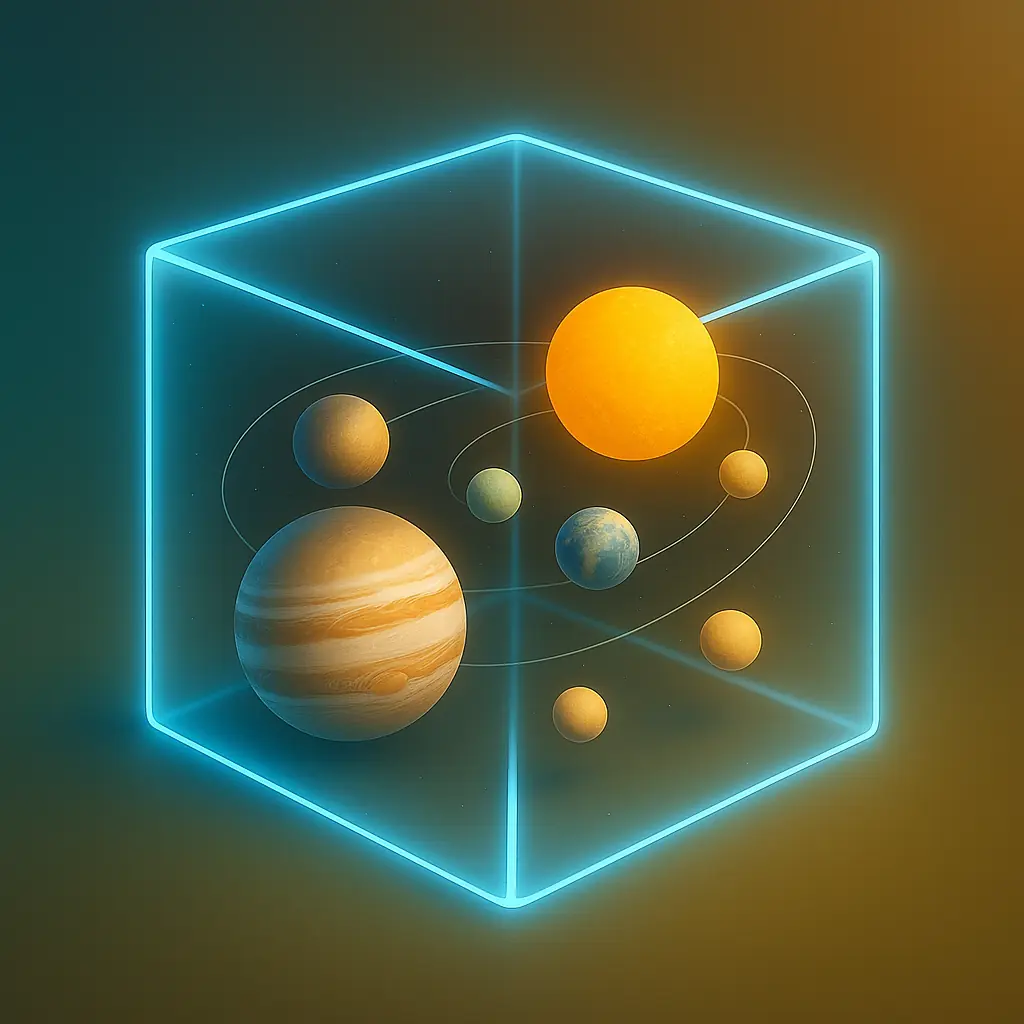
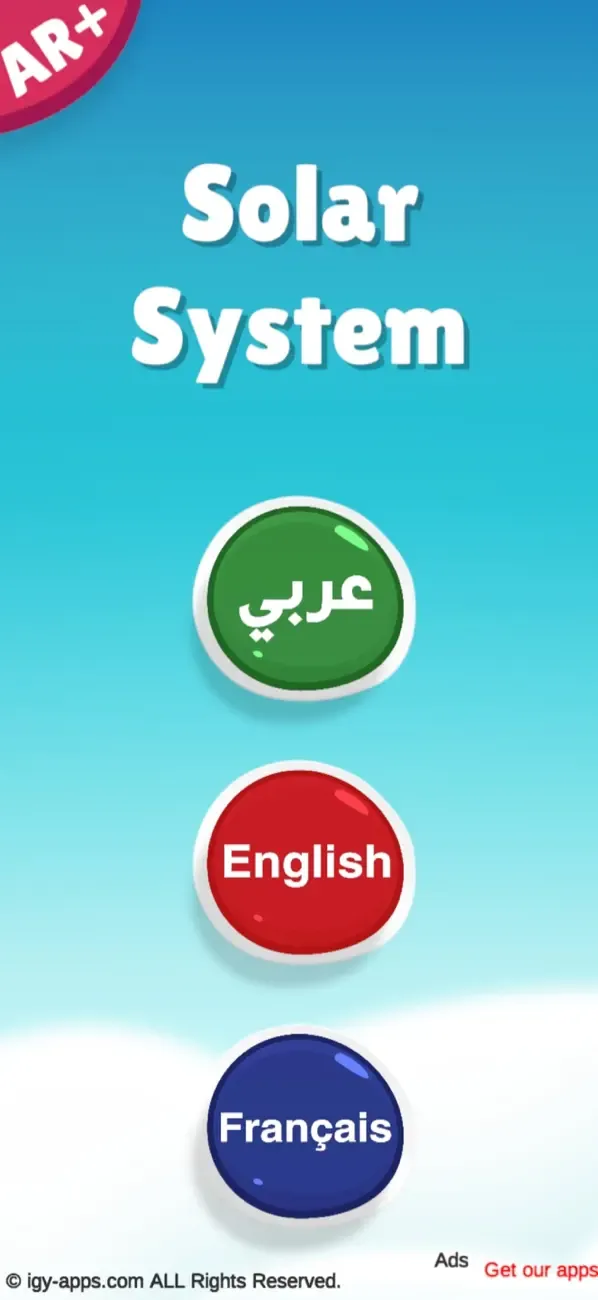
Solar System AR 4D helps children explore astronomy by placing planets, the Sun, and space objects in the real world. Learners can view 3D models, rotate and resize them, hear educational narration in Arabic, English, or French, practice tracing, and capture their own AR space scenes.
What this app includes
Sun and 8 Planets
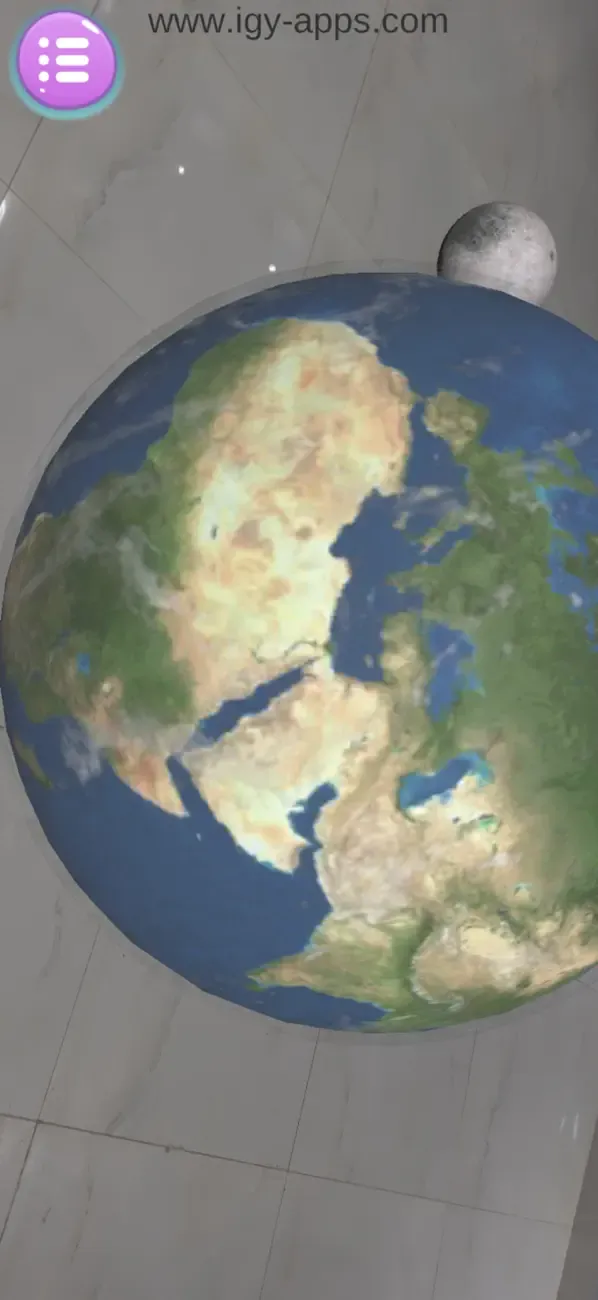
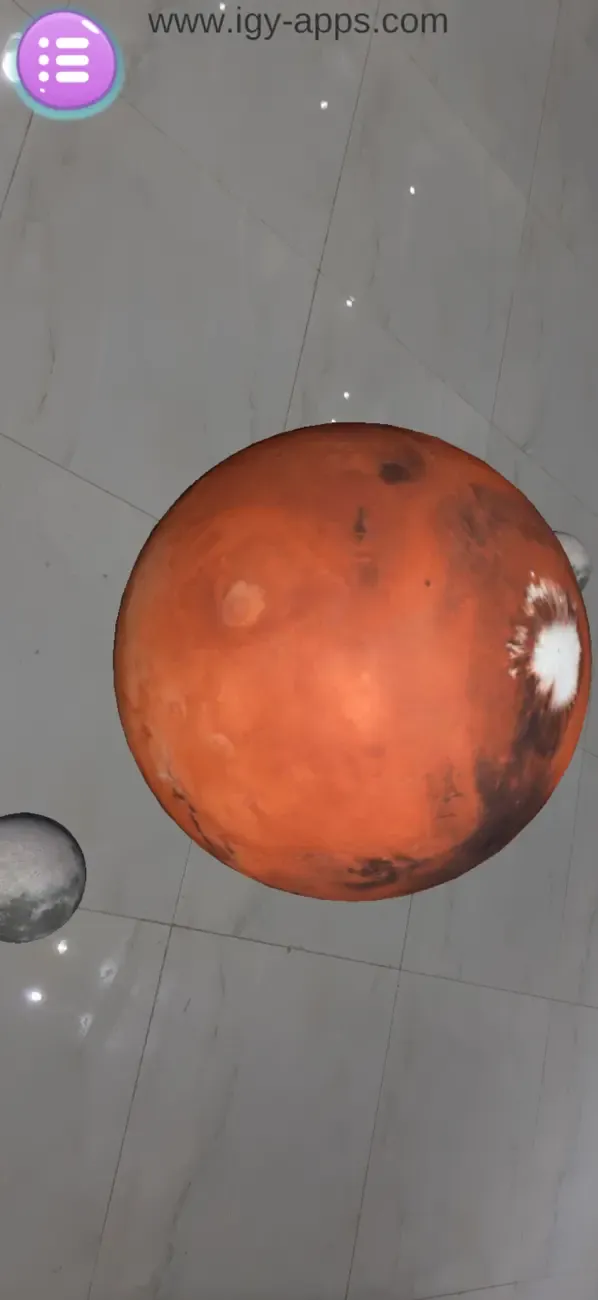
- Explore the Sun, Mercury, Venus, Earth, Mars, Jupiter, Saturn, Uranus, and Neptune as 3D models.
- Children can see planets as objects they can move around and inspect, not just flat pictures.
- This supports early astronomy, planet names, and science vocabulary.
Full Solar System View
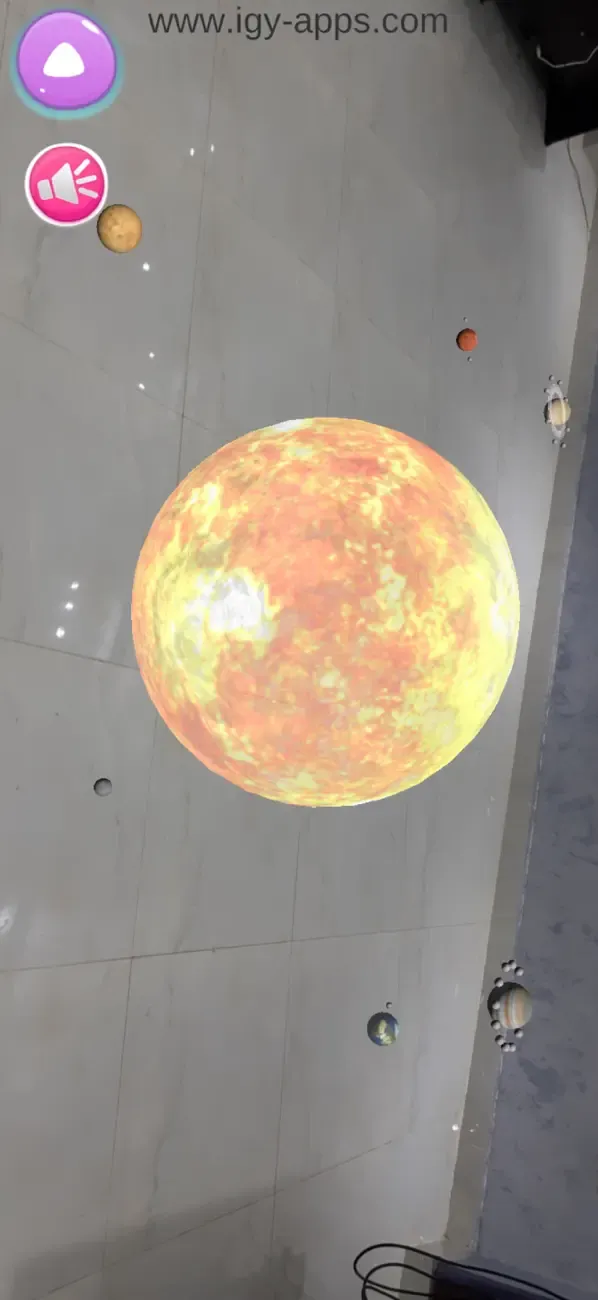
- The app includes a complete solar system model for seeing planets together.
- Students can compare order, scale ideas, and the relationship between the Sun and planets.
- Useful for classroom explanations and homework revision.
Space Exploration Objects
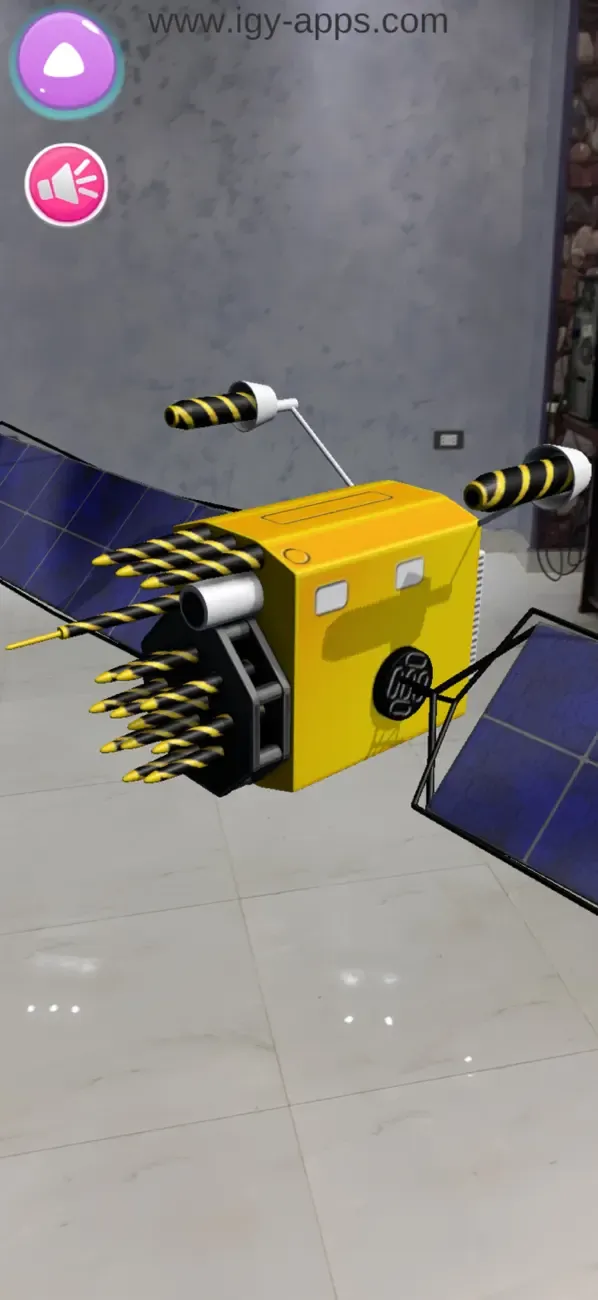
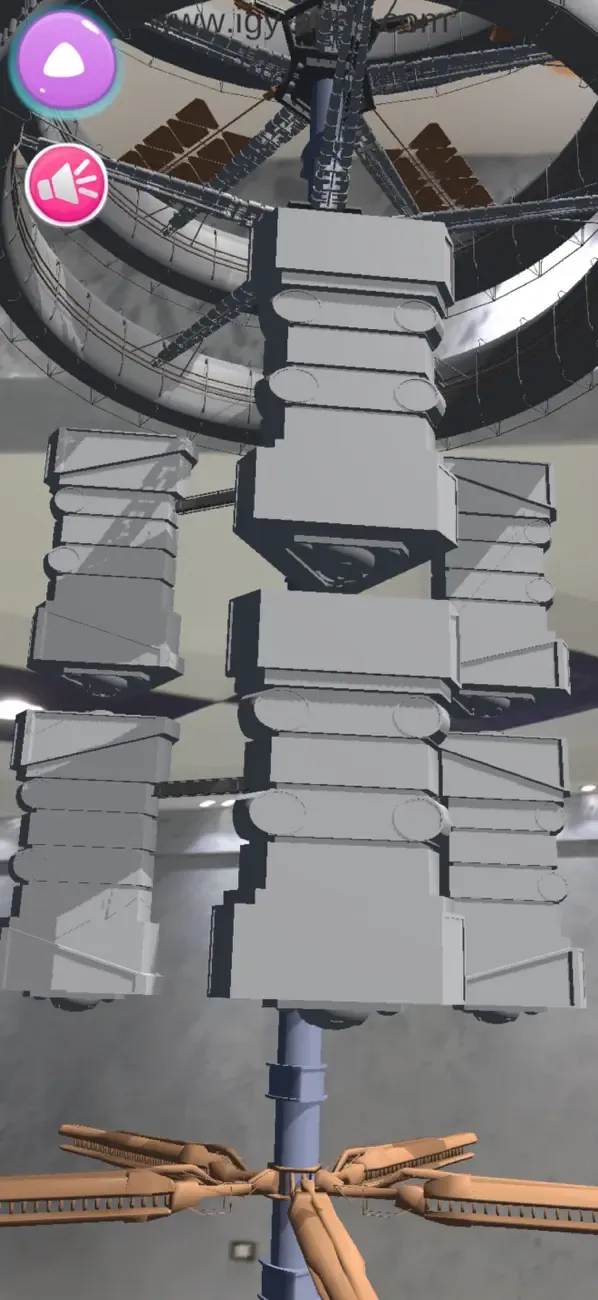
- Explore additional space objects such as an astronaut, space shuttle, space station, satellite, and telescope.
- These models connect astronomy lessons with human space exploration.
- Children learn not only planets, but also the tools and vehicles used to study space.
Audio Narration in Three Languages
- Each model includes educational narration in Arabic, English, and French.
- Audio helps children understand what they are seeing and repeat space vocabulary.
- Multilingual explanations support families and classrooms using more than one language.
AR Placement and Touch Interaction
- Place planets and space objects on a table, floor, desk, or classroom surface.
- Resize and rotate models with simple touch gestures to inspect them from different angles.
- This makes space learning hands-on and easier to remember.
Marker-Free Space Learning
- No printed cards are required for the main AR experience.
- Children point the camera at a flat surface and place the selected object in the real world.
- This makes the app easy to use at home, in class, or during science activities.
Tracing and Writing Practice
- A tracing board adds letter and number practice to the space-learning experience.
- Children can practice Arabic and English letters and numbers.
- This supports early literacy while keeping the astronomy theme engaging.
Screenshot Capture
- Capture photos of planets and space objects placed in the room.
- Students can save their favorite space scenes for reports, revision, or sharing with family.
- Teachers can use screenshots to support class activities and science discussion.
Classroom Astronomy Tool
- Designed for young explorers, students, parents, and teachers.
- Useful for introducing planets, space objects, narration-based learning, and visual science.
- The app turns the solar system into an interactive AR lesson that children can revisit.
 English
 العربية
 Français
 Deutsch