 English
 العربية
 Français
 Deutsch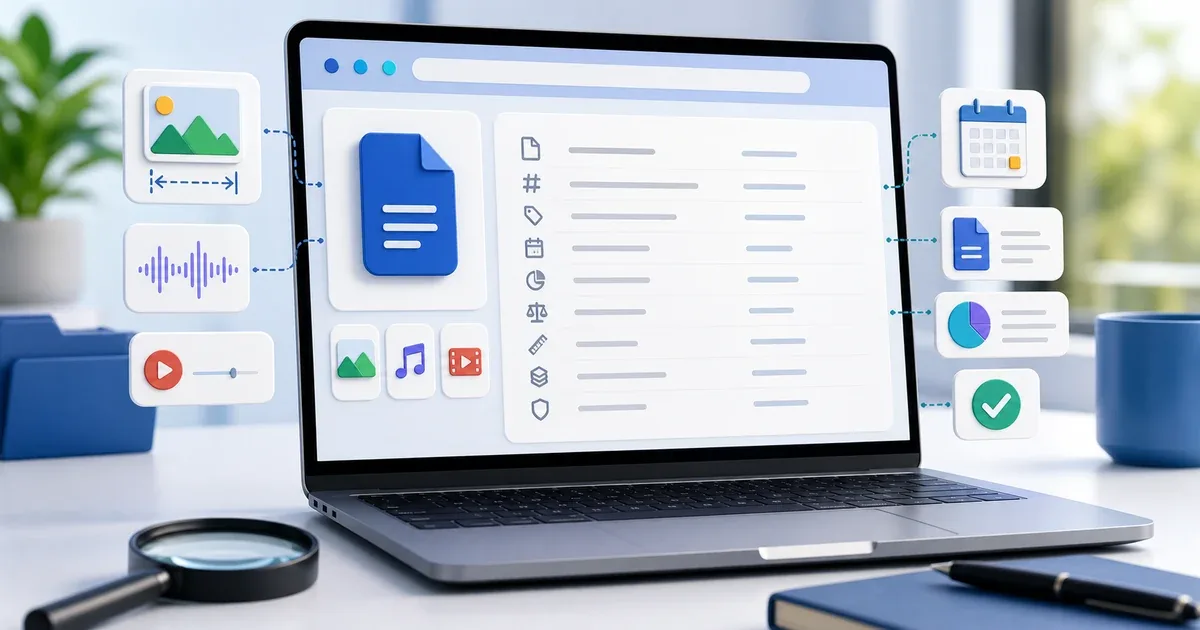
Why file metadata matters
Before you upload, email, archive, or share a file, it helps to know what the file actually contains at a basic technical level. The visible file name is only one part of the story. A file also has a size, type, extension, last modified date, and sometimes extra media details such as image dimensions or audio and video duration.
That information is useful when a file upload fails, a photo looks blurry after posting, a video is too long, or a document has the wrong file type. Instead of guessing, you can inspect the file first.
File Metadata Viewer is a free browser tool for checking these details quickly. You drag a file into the tool or choose it from your device, then review the metadata table that appears.
Viewing and removing metadata are different steps. Use the viewer when you only need basic information. When you need a separate sharing copy with supported EXIF, GPS, PDF properties, or media tags removed, continue with Metadata Remover. The cleaner works locally and leaves the original unchanged.
What the tool shows
The tool displays the core details most people need before sharing a file:
- File name
- Human-readable file size
- Exact size in bytes
- MIME type
- Last modified date
- File extension
For images, it also shows width and height in pixels plus the aspect ratio. This helps when you need to know whether a photo is wide enough for a website, cover image, profile picture, print layout, or social media crop.
For audio and video files, it can show duration. This is useful before sending clips, uploading lessons, reviewing recordings, or checking whether a media file is the expected length.
When to use a metadata viewer
Use a metadata viewer when a file behaves differently than expected. For example, a file may end with .jpg but still be detected as another image type. A video may be much longer than you thought. A screenshot may be too small for a clean banner. A document may have been modified after the version you intended to send.
It also helps before client delivery. If you send a design image, you can verify its dimensions. If you send a media file, you can check duration. If you send a document, you can confirm file size and type before attaching it.
For simple size limits, File Size Checker is the faster first step. For exact integrity checks after download or transfer, use Checksum Generator.
How to use File Metadata Viewer
- Open File Metadata Viewer.
- Drag a file onto the drop zone or click to browse.
- Review the metadata table.
- For image files, check dimensions and aspect ratio.
- For audio or video files, check duration.
- Click the new file button when you want to inspect another file.
The tool does not require sign-up, installation, or a desktop app. It is designed for quick checks directly inside the browser.
Practical examples
If a website asks for a 1200 by 630 cover image, open your image in the metadata viewer and check width and height before uploading. If the image is too small, resize or choose a better source before publishing.
If you are preparing an email attachment, check the file size and type before sending. This can prevent failed messages, blocked uploads, or confusion when the receiver cannot open the file.
If you record audio or video, check the duration before sharing. A clip may include extra silence at the beginning or end, and a quick metadata check can reveal that before you upload it.
If you received a file from another person, metadata can help you confirm that the file is the expected format and that it was modified around the expected date.
Privacy note
File Metadata Viewer works locally in your browser. The file is inspected on your device and is not uploaded to the IGY Apps server.
That matters for private documents, client files, personal photos, study materials, business reports, and internal media. The tool reads basic file information so you can make a better decision before sending or storing the file.
Final tip
Metadata will not tell you everything about a file, but it answers many everyday questions quickly: what type is it, how large is it, when was it changed, how big is the image, and how long is the media file?
Try File Metadata Viewer before sharing important files, especially when size, type, dimensions, or duration can affect the result.