 English
 العربية
 Français
 Deutsch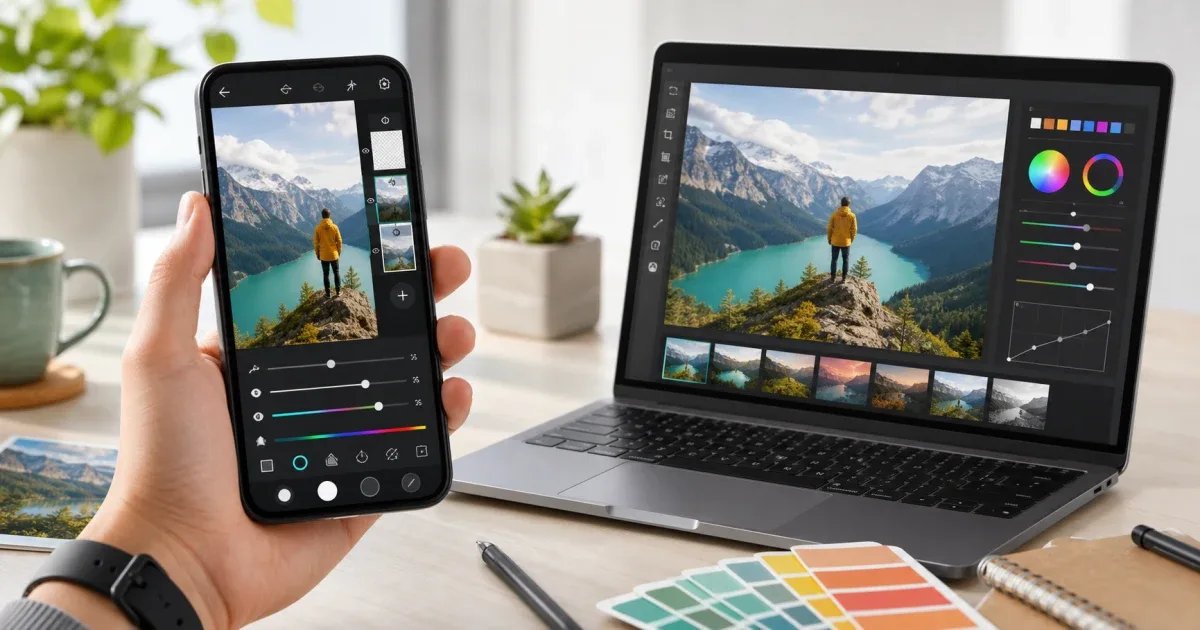
The short answer
Use an online image editor when the task is quick: crop a photo, add a label, draw a shape, prepare a simple graphic, or export a file from a computer. Use Glazr Photo when photo editing becomes a repeated mobile workflow with layers, blend modes, offline work, background removal, OCR, and local project control.
Both choices are useful. The best option depends on where the image is, how complex the edit is, and whether you need to return to the same project later.
For a fast browser task, start with Image Editor. For deeper mobile editing, use the app.
When online image editors are better
Browser tools are best when the job is short and you are already on a computer. You can open an image, crop it, add text or a shape, export PNG, JPG, or WebP, and continue with your work.
This is ideal for blog covers, quick screenshots, website graphics, social media drafts, and one-time edits. You do not need a full mobile project if the file only needs a simple visual correction.
Browser tools also make sense when the edit is part of another web workflow. For example, use Color Picker to extract a color from an image, or Resize Image when the only problem is file size or dimensions.
When Glazr Photo is better
Glazr Photo is better when you want a dedicated mobile editor. It supports layers, blend modes, opacity control, crop and rotate tools, adjustments, filters, text layers, shapes, transform tools, eraser tools, undo and redo history, auto-save, project management, PNG or JPEG export, background removal, and OCR from images.
That makes it useful when the edit is not finished in one pass. If you expect to return later, duplicate a design, manage layers, test versions, or work offline, a mobile app gives you more continuity.
It is also useful when the original photo is already on your phone. Moving the image to a computer just for editing can create extra copies and confusion.
Privacy and file location
The practical privacy question is simple: where should the image stay? If the photo is already on your phone and you want to avoid unnecessary transfers, Glazr Photo is a comfortable choice because the editing workflow is local and offline-first.
If the image is already on your computer and the edit is light, a browser tool may be simpler. Privacy is not only about the tool itself; it is also about reducing unnecessary movement between devices.
Editing depth
Choose the browser when the edit is mostly about one exported result: crop, text, shape, resize, or format.
Choose Glazr Photo when the edit needs layers, repeated adjustments, blend modes, background removal, OCR, or a saved project that you can continue later.
Think of Image Editor as the fast workbench. Think of Glazr Photo as the mobile creative workspace.
A practical decision rule
Choose online image editing when:
- You are on a desktop or laptop.
- The task should finish in a few minutes.
- You only need crop, text, shapes, or export.
- You do not need to reopen the project later.
Choose Glazr Photo when:
- The image is on your phone.
- You need offline editing.
- You work with layers or repeated versions.
- You want background removal, OCR, or project history.
Final recommendation
Use both where they fit. Start with Image Editor for quick browser edits and use Resize Image for simple dimensions. Move to Glazr Photo when the edit becomes mobile, layered, private, or repeated.