Overview
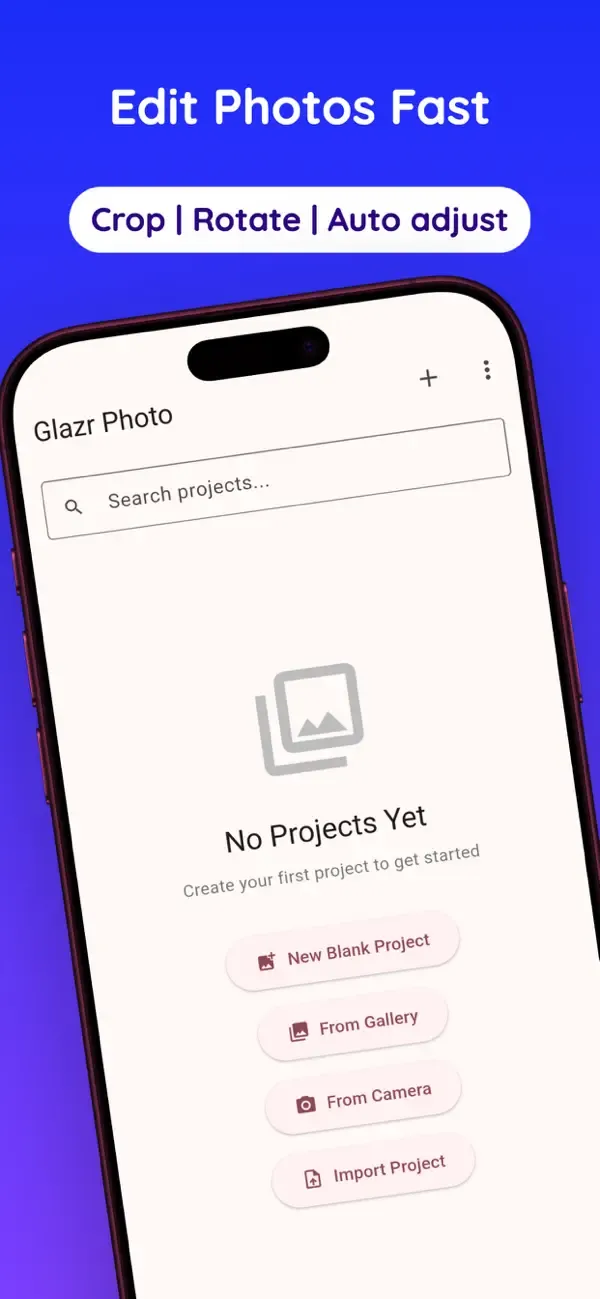
Glazr Photo is a layer-based mobile photo editor for creating projects, editing images, adding text and shapes, removing backgrounds, recognizing text, generating QR codes, and exporting finished designs. It is built for private, offline editing with project saving and flexible PNG/JPEG export.
What this app includes
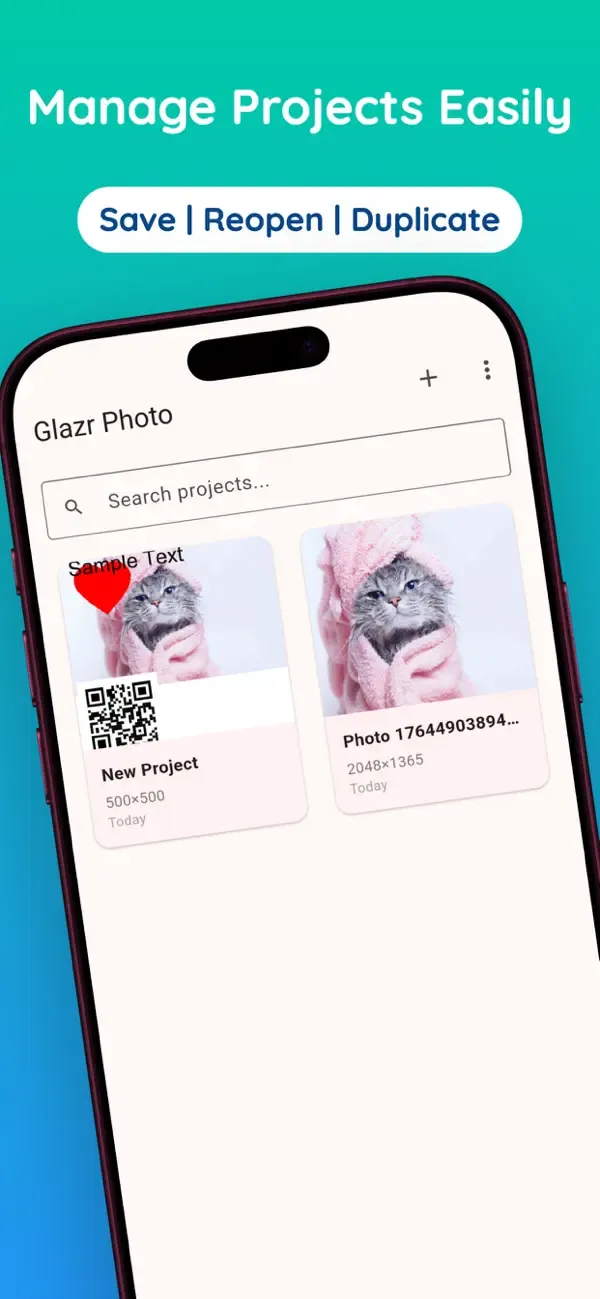
Projects & Canvas Setup
- Create a blank project with custom canvas size and background color
- Start from the camera or import one or more gallery images
- Open image files shared from other apps for quick editing
Layers & Blend Modes
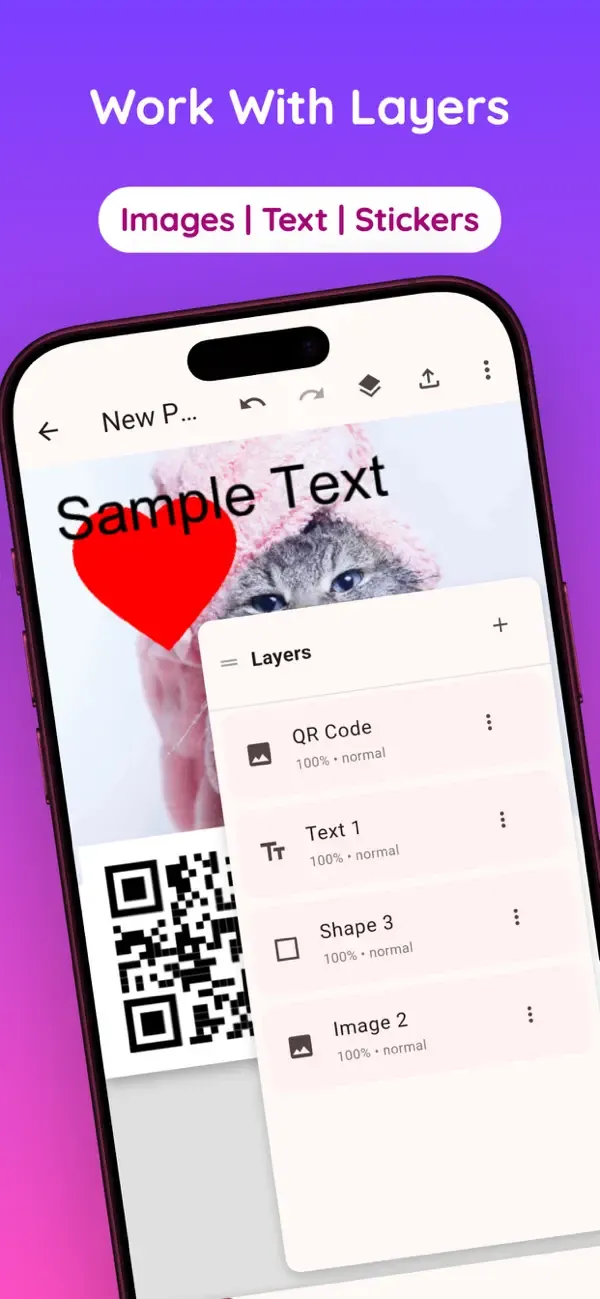
- Build edits with independent image, text, shape, drawing, QR, and adjustment layers
- Show, hide, lock, duplicate, reorder, and delete layers
- Control opacity and use 16 blend modes for richer compositions
Text & Arabic Fonts
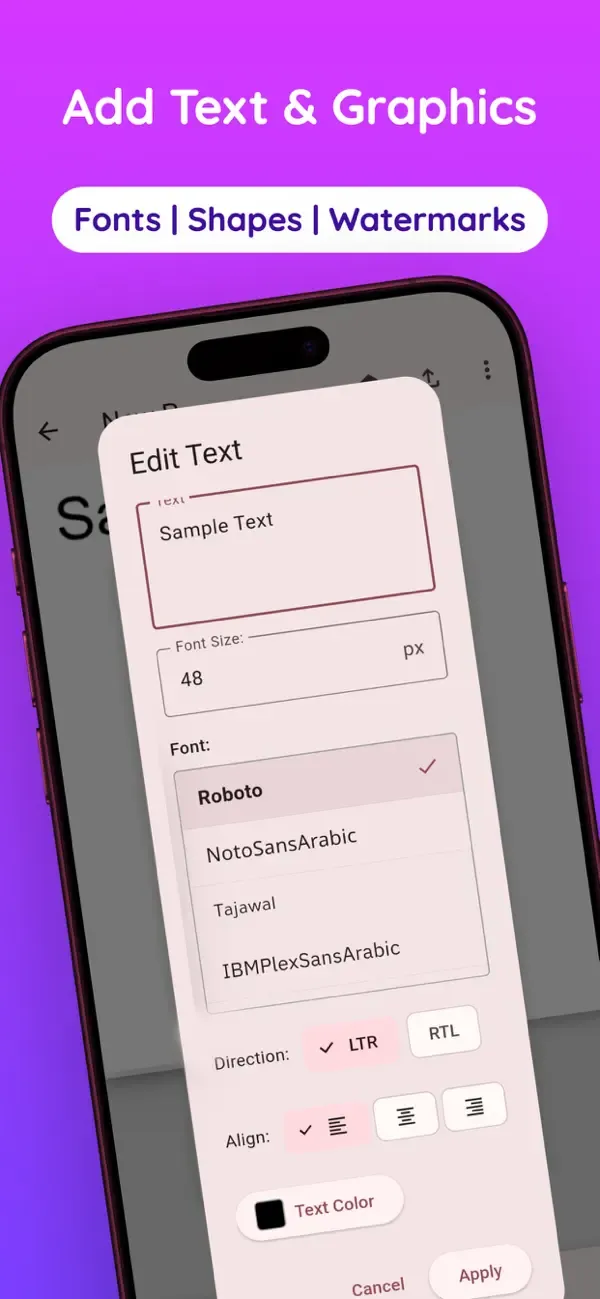
- Add editable text layers with font, size, color, and alignment controls
- Use right-to-left direction for Arabic or mixed-language designs
- Choose from 12+ Arabic and Latin fonts for posters, captions, and labels
Shapes, Drawing & QR Codes
- Add rectangles, circles, stars, triangles, lines, and other shapes
- Draw freehand with adjustable pen color and stroke width
- Generate QR codes for links, text, contacts, email, SMS, or Wi-Fi details
Crop & Transform Tools
- Crop image layers to the needed area
- Move, scale, rotate, position, and flip layers precisely
- Pan and zoom the canvas while working on detailed edits
Filters & Photo Adjustments
- Apply one-tap filters such as Vivid, Dramatic, Mono, Noir, Warm, Cool, Vintage, and Fade
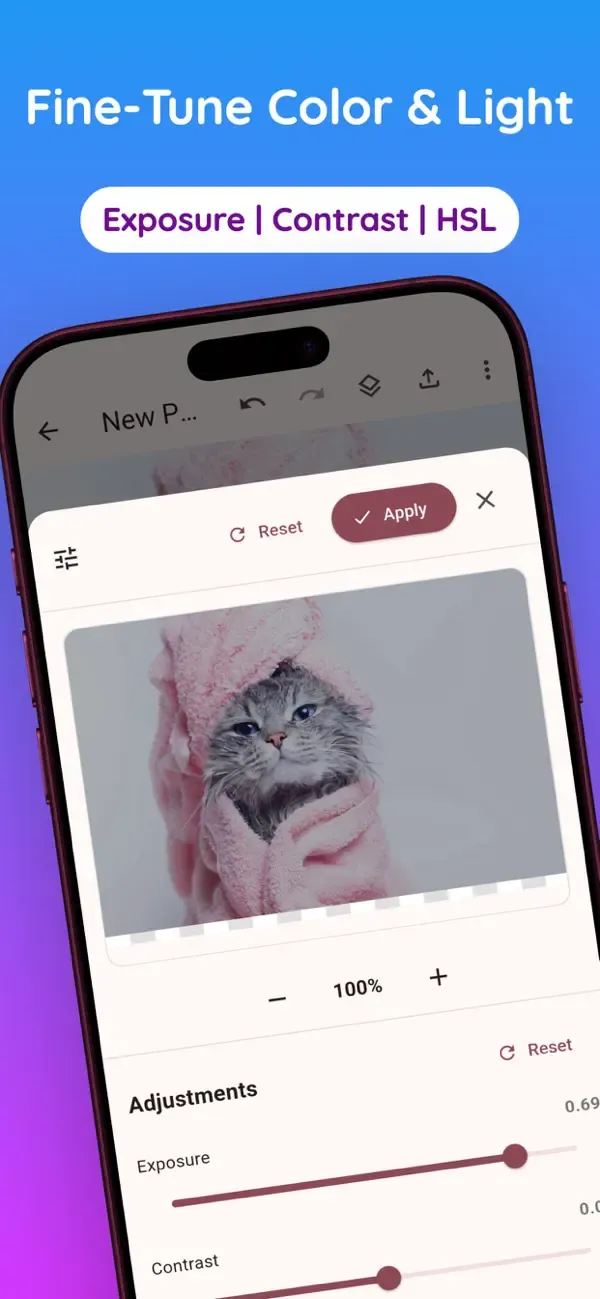
- Adjust exposure, contrast, saturation, temperature, tint, highlights, shadows, vibrance, and clarity
- Keep edits flexible with a layer-based workflow
Background Removal & Eraser
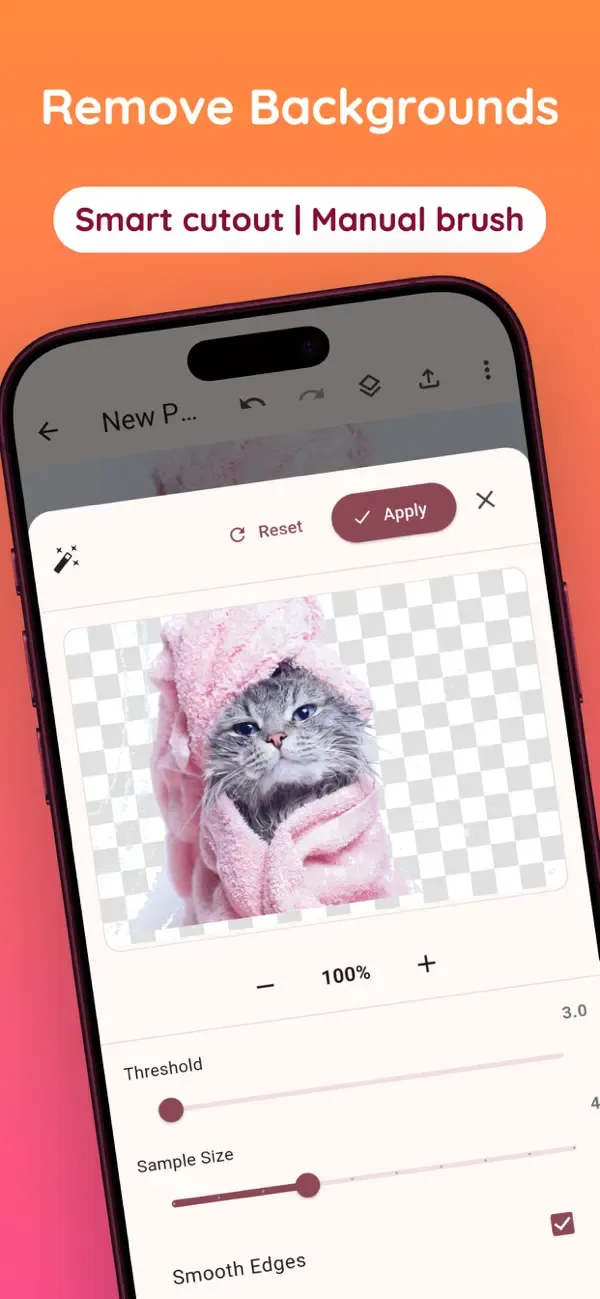
- Remove photo backgrounds locally with before/after preview
- Tune threshold, sample size, and edge smoothing for cleaner results
- Use the eraser to remove selected parts of a layer manually
OCR Text Recognition
- Extract copyable text from images
- Supports Arabic and English text recognition
- Useful for notes, printed pages, signs, labels, and captured documents
Project Archives & Auto-Save
- Save projects and continue editing later
- Export and import full project archives with layers and settings
- Auto-save helps protect work during longer editing sessions
Export & Share
- Export visible layers as PNG or JPEG
- Choose image quality and custom output resolution
- Use presets for social media, print, web, and email before sharing
Settings, Help & Languages
- Choose English, Arabic, French, or German
- Customize theme, accent color, drawing defaults, image optimization, and export quality
- Use built-in help sections for quick start, layers, tools, text, export, and tips
Privacy & Offline Editing
- Core editing, layers, filters, background removal, OCR, saving, and export work locally
- No user account is required for the main editing workflow
- Internet is mainly needed for external links, online help, or store review actions
 English
 العربية
 Français
 Deutsch