Productivity
Platforms
Android, iOS
Price
Free
Version
1.0.0
Last updated
January 13, 2026

Glazr XLSX & CSV File Editor

Glazr is a powerful mobile spreadsheet editor. Create, import, and edit XLSX & CSV files offline with charts, sorting, search, and multi-sheet support.

Glazr XLSX & CSV File Editor

Overview

Glazr XLSX & CSV File Editor is a mobile spreadsheet editor for users who need to create, open, edit, analyze, and share spreadsheets directly from a phone. It works with XLSX, XLS, and CSV files and is useful for budgets, inventory, sales lists, study sheets, data entry, and quick business edits without needing a computer.

What this app includes

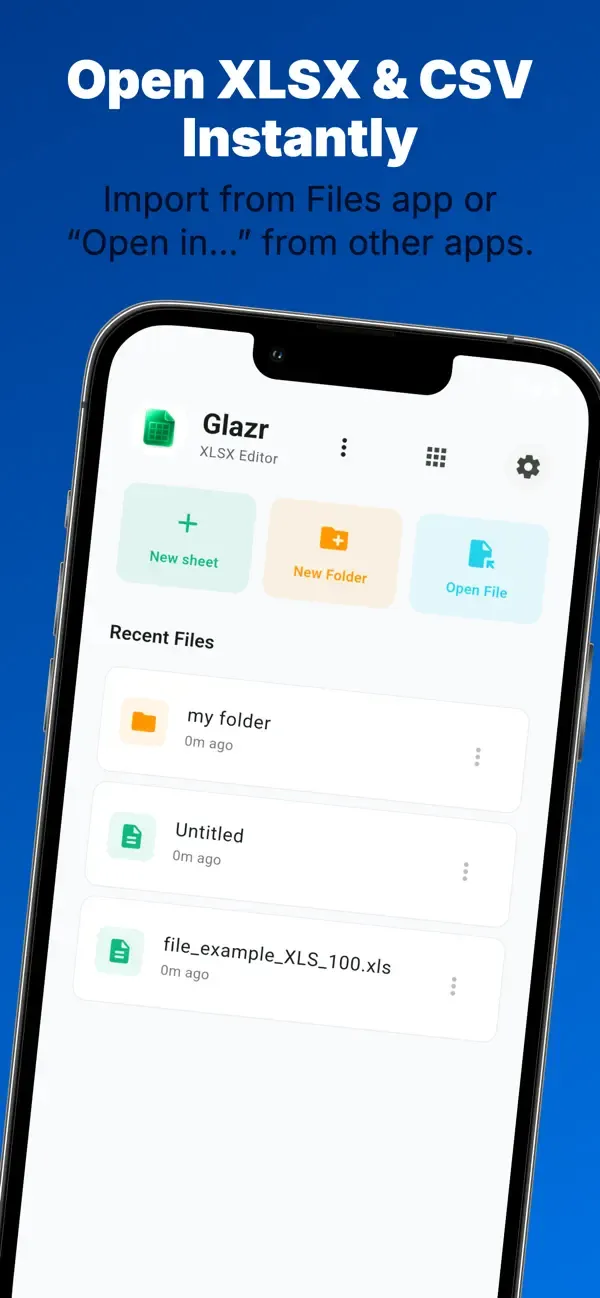
Create, Import & Open Files

  • New spreadsheets - Start a blank workbook with a large editable grid for lists, budgets, reports, or trackers.
  • Open Excel files - Import XLSX and XLS files from the file picker, email, messaging apps, or other file managers.
  • CSV support - Import CSV files, edit them in a spreadsheet grid, then export them again when needed.
  • Recent files and folders - Organize workbooks into folders, rename files, move them, delete old files, and return to recent work quickly.

Cell Editing & Formulas

  • Edit spreadsheet cells - Enter text, numbers, dates, boolean values, and formulas directly on mobile.
  • Formula-friendly workflow - Keep formulas as part of the workbook instead of flattening every sheet into plain text.
  • Touch selection mode - Select ranges more comfortably on a phone screen, with manual range input when precision matters.

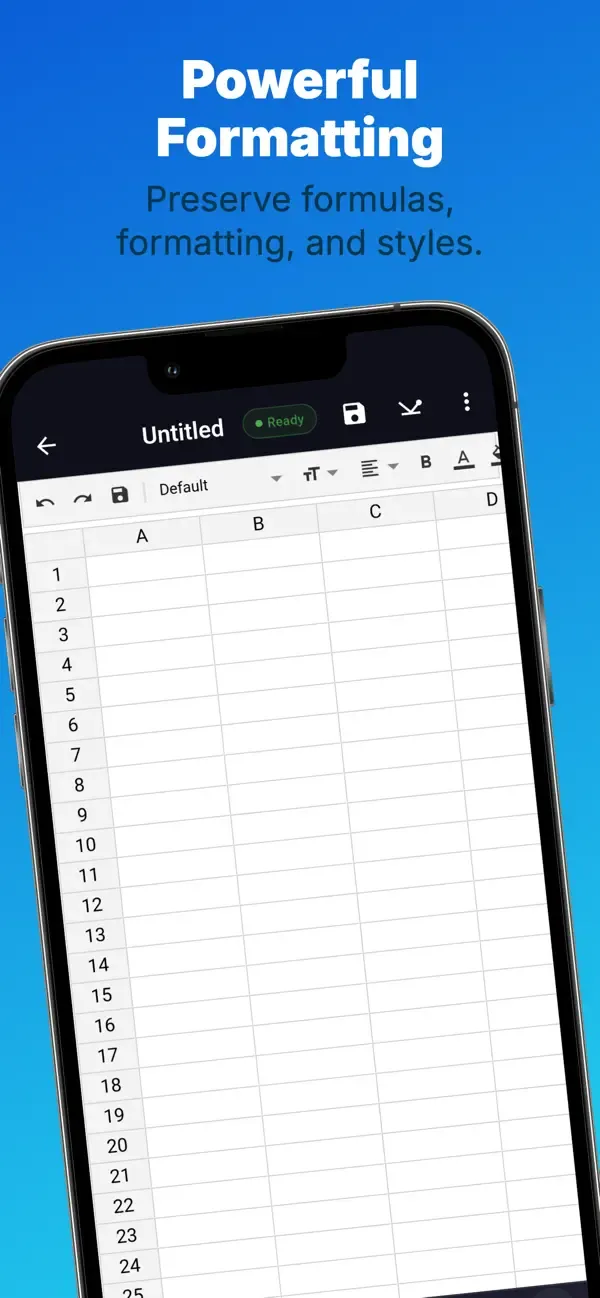
Rich Cell Formatting

  • Text style controls - Apply bold, italic, underline, strikethrough, font family, and font size.
  • Colors and alignment - Set font color, background color, horizontal alignment, vertical alignment, and text wrapping.
  • Number formats and borders - Format numeric values and make tables easier to read with cell borders.
  • Share-ready sheets - Prepare spreadsheets that look organized before sending them to clients, teachers, or teammates.

Multi-Sheet Workbooks

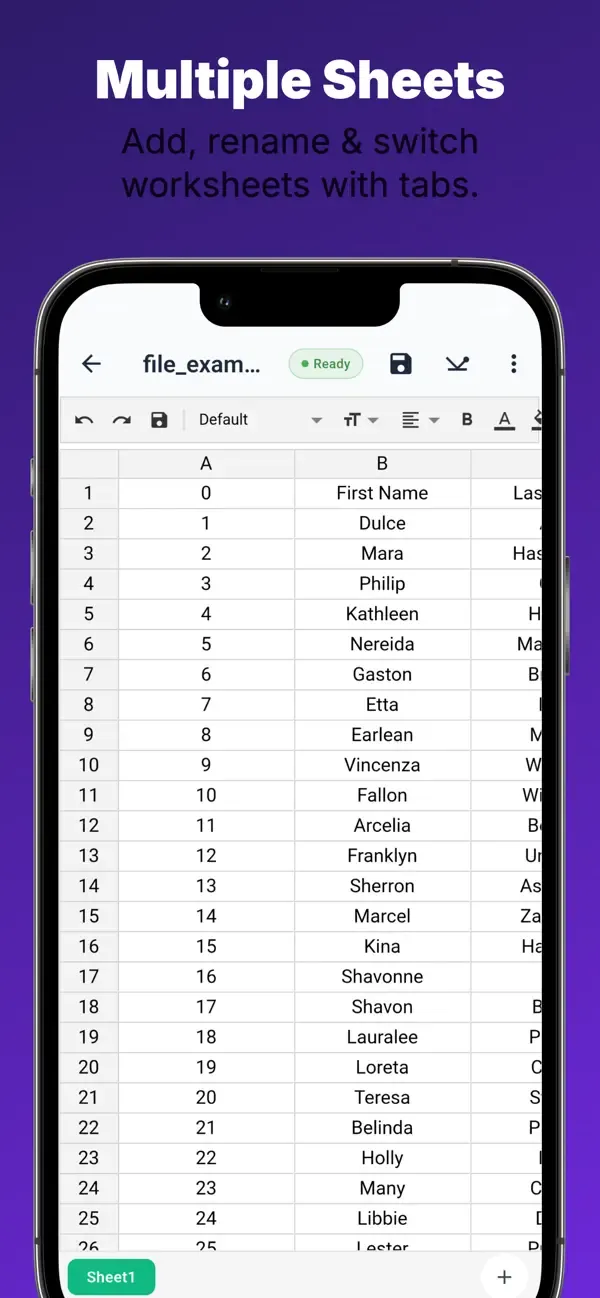
  • Multiple sheets - Add, rename, delete, and switch between sheets inside one workbook.
  • Organize related data - Keep sales, expenses, months, inventory categories, or class data in separate sheets.
  • Sheet tabs - Move between sheets without leaving the editor.

Search, Sort & Data Tools

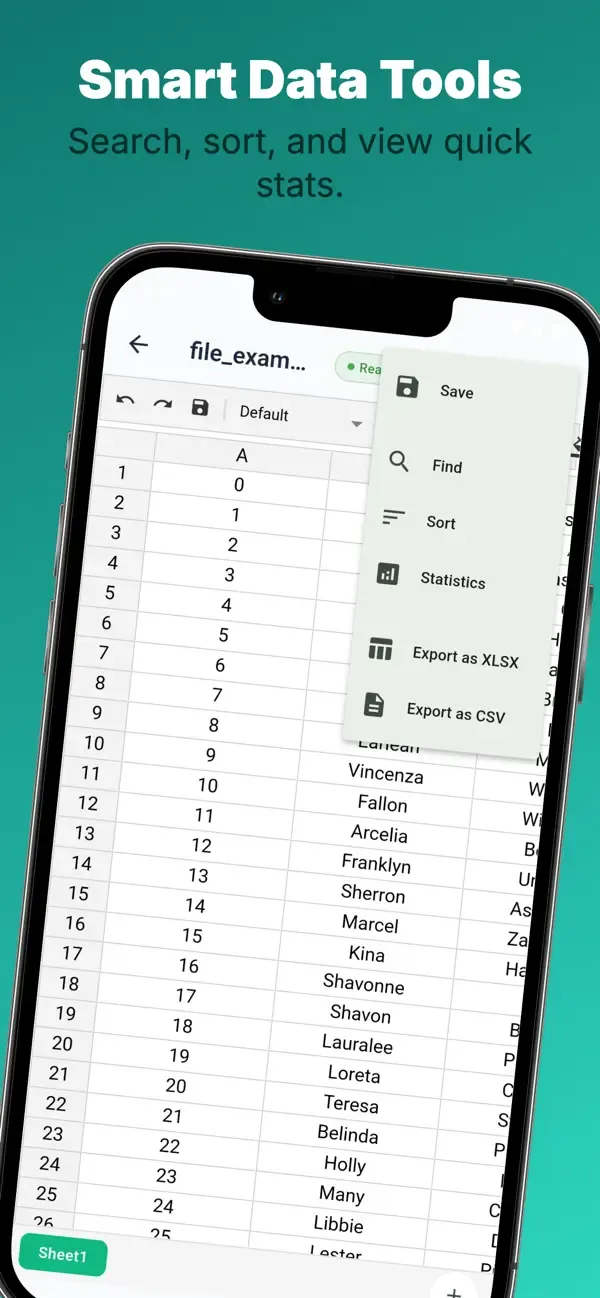
  • Find values quickly - Search the active spreadsheet with options such as case sensitivity and whole-cell matching.
  • Tap search results - Jump directly to the matching cell instead of scrolling manually.
  • Sort columns - Sort data ascending or descending and choose whether the first row should be treated as a header.

Statistics & Charts

  • Quick statistics - View total cells, numeric cells, sum, average, median, minimum, and maximum.
  • Visual charts - Create charts such as bar, line, and pie charts from selected data ranges.
  • Useful for decisions - Turn raw spreadsheet values into summaries for budgets, inventory, grades, or sales.

Rows, Columns & Layout

  • Row and column operations - Insert, delete, and resize rows or columns as the sheet changes.
  • Freeze panes - Keep important headers visible while reviewing larger tables.
  • Grid size control - Adjust the spreadsheet grid from 50% to 150% for readability and comfort on mobile.

Save, Export & Share

  • Auto-save - Protect changes while editing, with prompts when leaving unsaved work.
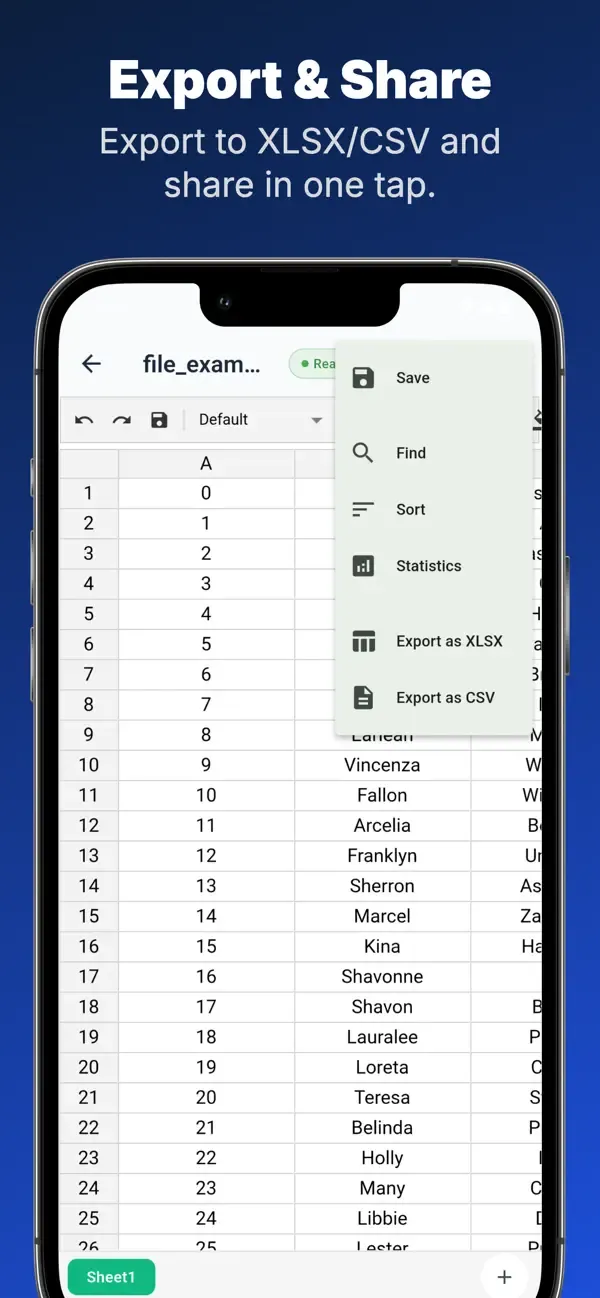
  • Export XLSX - Share the full workbook as an XLSX file.
  • Export CSV - Share the active sheet as CSV for lightweight data exchange.
  • System sharing - Send exported files through the normal share sheet on the phone.

Privacy, Offline & Languages

Download Glazr XLSX & CSV File Editor to create, edit, analyze, and share spreadsheets from your phone.

  • Works offline - Core spreadsheet creation, editing, search, sorting, statistics, charts, and export work without internet.
  • Local files - Your spreadsheets are processed and stored on the device for core workflows.
  • No account required - Open the app and work without creating an account.
  • 4 languages - English, Arabic with RTL support, French, and German.
  • Custom appearance - Light, dark, or system mode with 7 accent colors, 6 font choices, and onboarding for first setup.

Frequently asked questions

Where can I download Glazr XLSX & CSV File Editor?

Glazr XLSX & CSV File Editor is currently available through Google Play, App Store.

What platforms does Glazr XLSX & CSV File Editor support?

Glazr XLSX & CSV File Editor is available for Android, iOS.

How can I contact the Glazr XLSX & CSV File Editor team?

You can contact the team at [email protected].

Does Glazr XLSX & CSV File Editor have a privacy policy?

Yes. Use the privacy policy link on this page to review it.

Similar apps

More apps in the same category.

Glazr File Manager Pro
Productivity

Glazr File Manager Pro

Glazr File Manager Pro — browse, share & manage files with built-in media players, local Wi-Fi chat with 11 multiplayer games, FTP client, and PC transfer.

View app
Glazr Download Manager
Productivity Utilities

Glazr Download Manager

Browse, download, and manage files faster with multi-segment downloads, built-in browser, and a powerful file manager — all in one app.

View app