Overview
Glazr Download Manager is built for users who browse the web, download files often, and need one place to save, open, organize, transfer, and clean those files afterward. It combines a tabbed browser, accelerated download engine, file manager, media viewers, PC transfer, local sharing, chat, notes, and storage cleanup in one app.
What this app includes
Browser & Media Detection
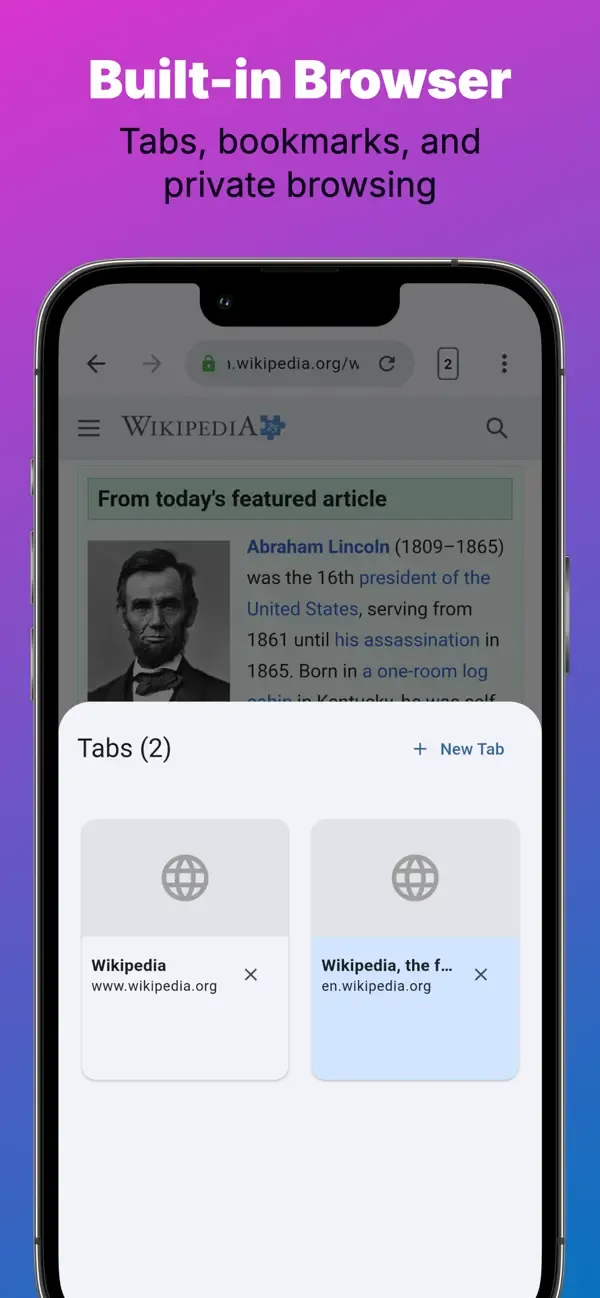
- Tabbed browser - Browse with up to 20 tabs, bookmarks, history, private tabs, and mobile/desktop viewing.
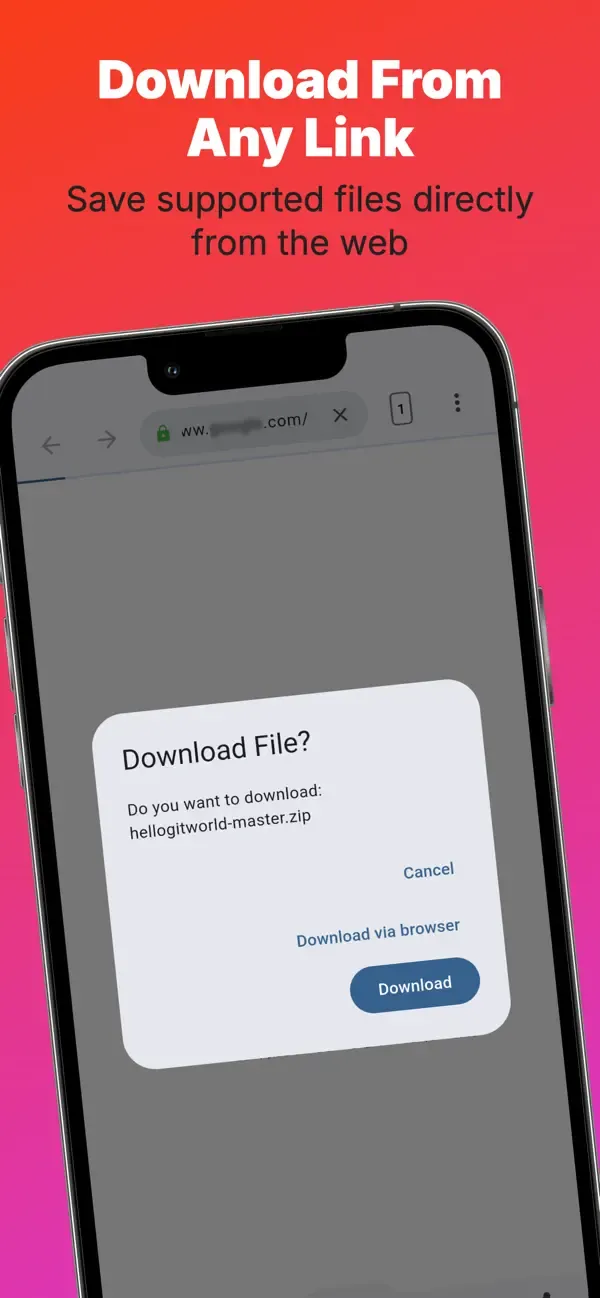
- Download from the page you are viewing - Open a site, detect downloadable links, and send files directly to the download manager.
- Media detection - Find downloadable audio and video resources on web pages and save them with fewer manual steps.
- Cleaner browsing - Reduce distracting page elements while keeping browser and downloader in the same workflow.
Accelerated Downloads
- Multi-part downloading - Split large files into parallel parts for faster downloading, with speed gains described as up to 6x.
- Up to 16 parts - Useful for large videos, archives, documents, and repeated downloads.
- Automatic file naming - Helps save files with meaningful names when the website provides file information.
Pause, Resume & Background
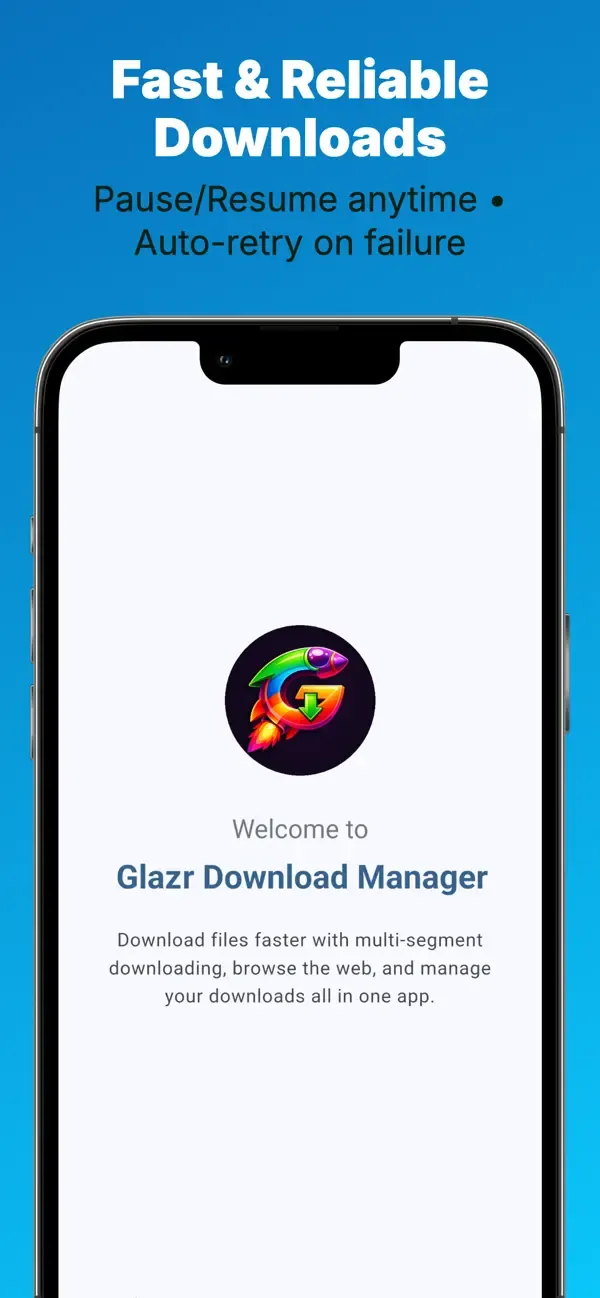
- Pause and resume - Stop a download and continue later instead of restarting from zero.
- Retry failed downloads - Recover from network drops or temporary failures.
- Background downloads - Keep downloads running while using other apps or when the screen is off.
- Progress notifications - Follow active downloads without opening the app every time.
Download Queue Management
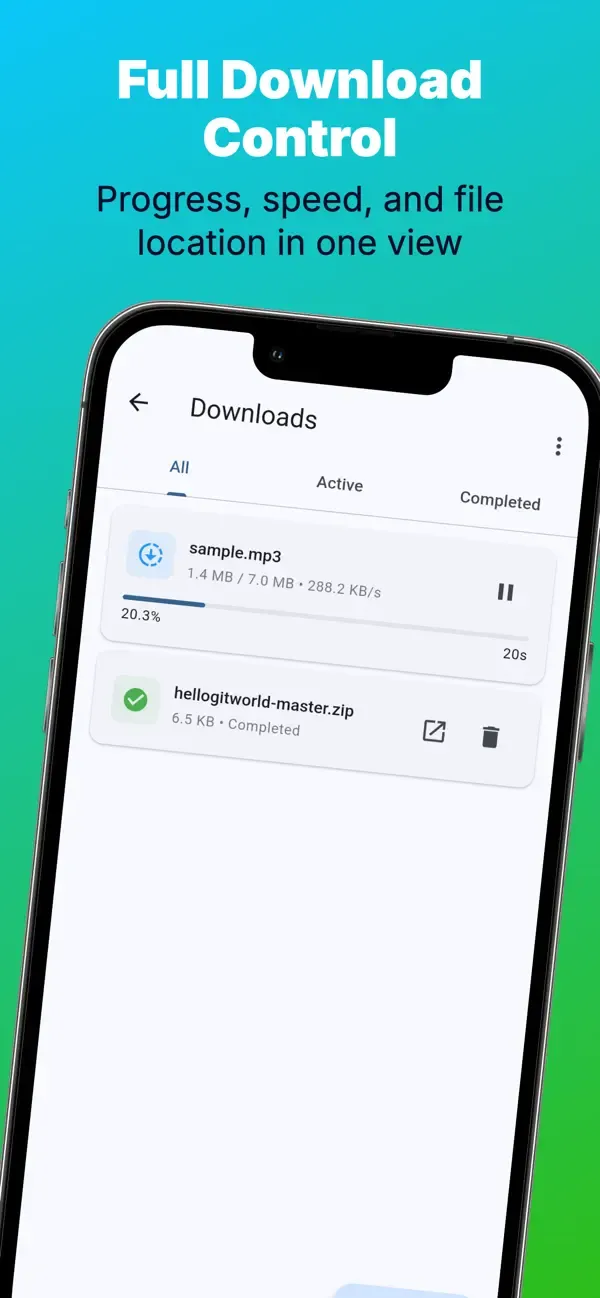
- Active and recent downloads - See what is downloading now and what finished recently.
- Cancel or retry - Control each task when plans change or a link fails.
- Open after download - Move from download to preview, playback, sharing, or file management without leaving the app.
File Manager & Categories
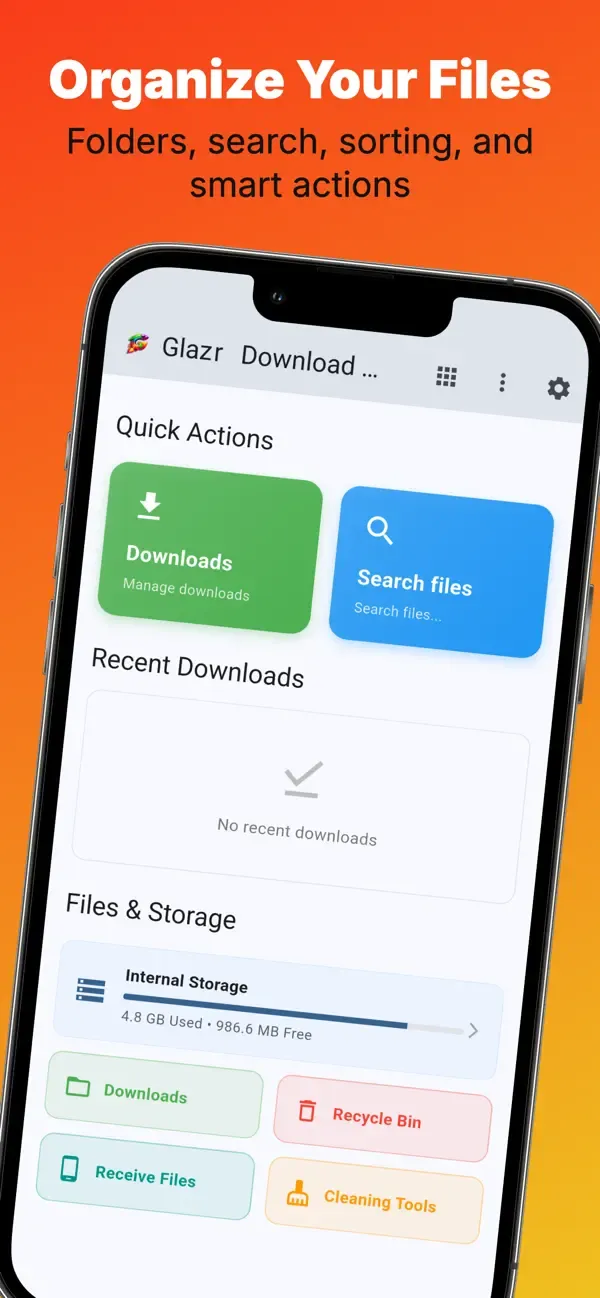
- Full file browser - Browse folders with breadcrumbs, grid/list view, sorting, search, and multi-select.
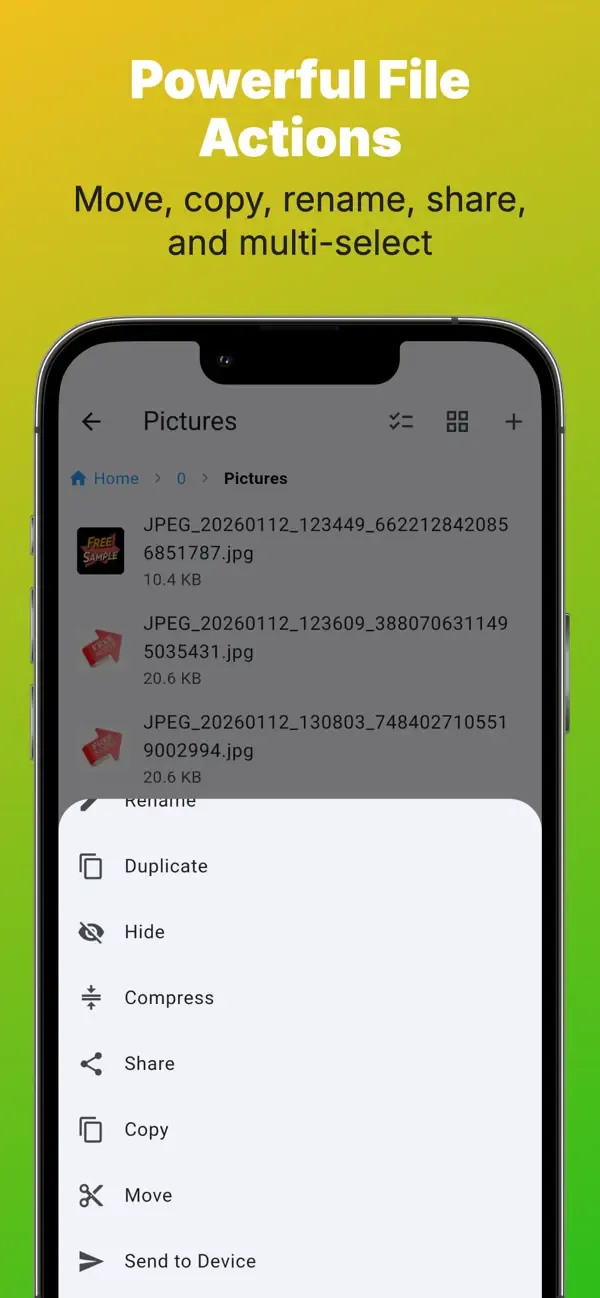
- File actions - Copy, move, paste, rename, duplicate, hide, unhide, delete, share, and create folders or text files.
- Quick categories - Jump to images, videos, audio, documents, and downloads so saved files are easier to find.
- Recycle bin - Restore deleted files or remove them permanently when you are sure.
Media & Document Viewers
- Image viewer - Open JPG, PNG, GIF, BMP, WebP, and SVG images with zoom and pan.
- Video player - Play local videos with fullscreen, seek controls, speed options, repeat, and orientation controls.
- Audio player - Play MP3, WAV, FLAC, M4A, and other audio files with playback controls.
- PDF and Office files - Read PDFs inside the app and open Word, Excel, and PowerPoint files with the right viewer on the device.
Archives, Notes & Text Tools
- Archive tools - Create ZIP files and extract ZIP archives from downloaded or selected files.
- Text editor - Edit TXT, LOG, MD, JSON, and similar text files directly on the phone.
- Quick notes - Take formatted notes with lists, colors, 12 font choices, auto-save, and Arabic-friendly writing support.
PC Transfer & Nearby Sharing
- Transfer to computer - Start browser or FTP transfer on the same Wi-Fi to move files between phone and computer without a cable.
- QR connection - Use a QR code to connect faster when sharing or transferring.
- Device-to-device sharing - Send files to nearby devices on the local network and receive incoming transfers when needed.
Local Chat & Games
- Local network chat - Chat with nearby devices on the same Wi-Fi without needing external internet.
- Messages and images - Share text, images, emoji, stickers, and replies.
- Mini-games - Play Tic-Tac-Toe, Connect Four, Dots and Boxes, Gomoku, Reversi, Memory Match, Rock-Paper-Scissors, Battleship, Checkers, Chess, and more.
Storage Cleanup & Customization
Download Glazr Download Manager to browse, download, preview, organize, transfer, share, and clean files from one practical mobile workspace.
- Cleanup tools - Find large, old, and duplicate files after many downloads.
- Hidden files - Show or hide hidden files when managing storage.
- 4 languages - English, Arabic, French, and German.
- Theme options - Choose light, dark, or system mode with accent color choices.
 English
 العربية
 Français
 Deutsch