Overview
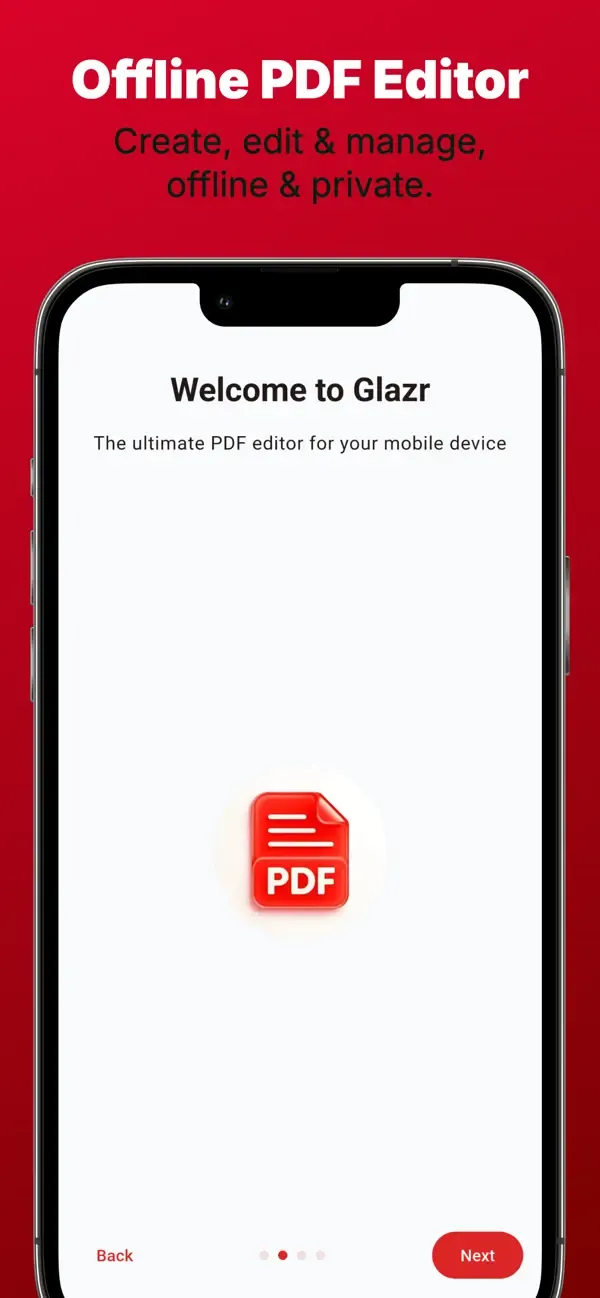
Glazr PDF Editor is an advanced mobile workspace for creating, opening, annotating, signing, searching, organizing, and exporting PDF documents. It combines detailed editing tools with practical page and file workflows for study, work, and everyday forms.
What this app includes
Create and Edit PDFs
- Create a blank PDF with common or custom page sizes
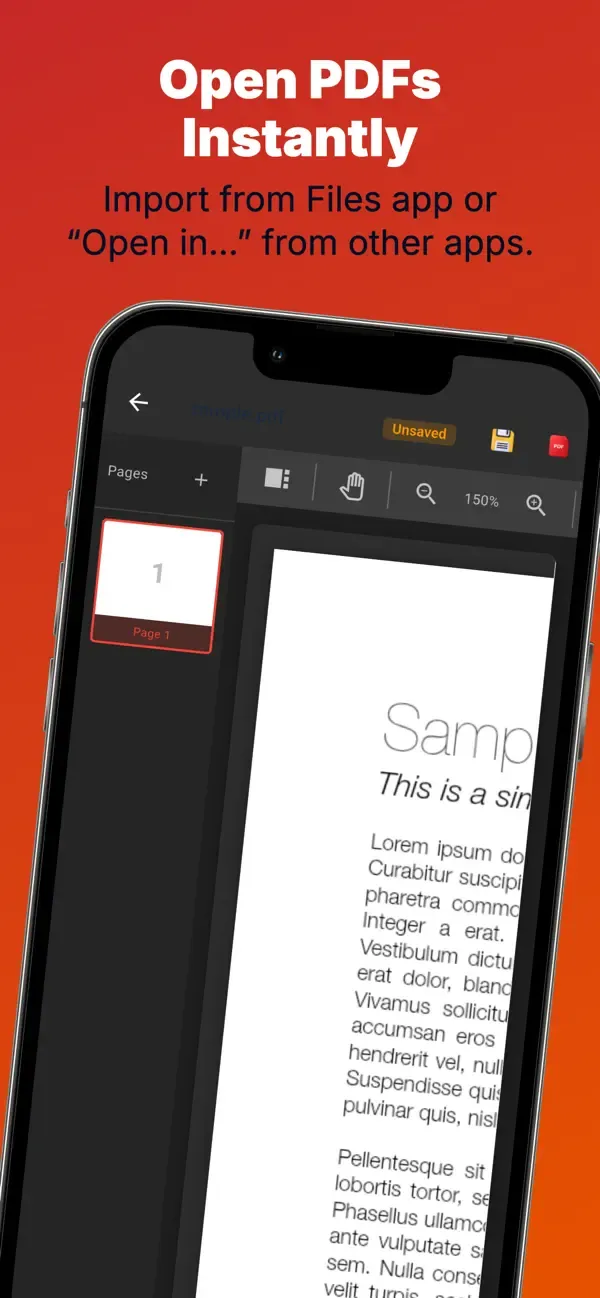
- Open a local PDF or receive one from email, messaging apps, and file managers
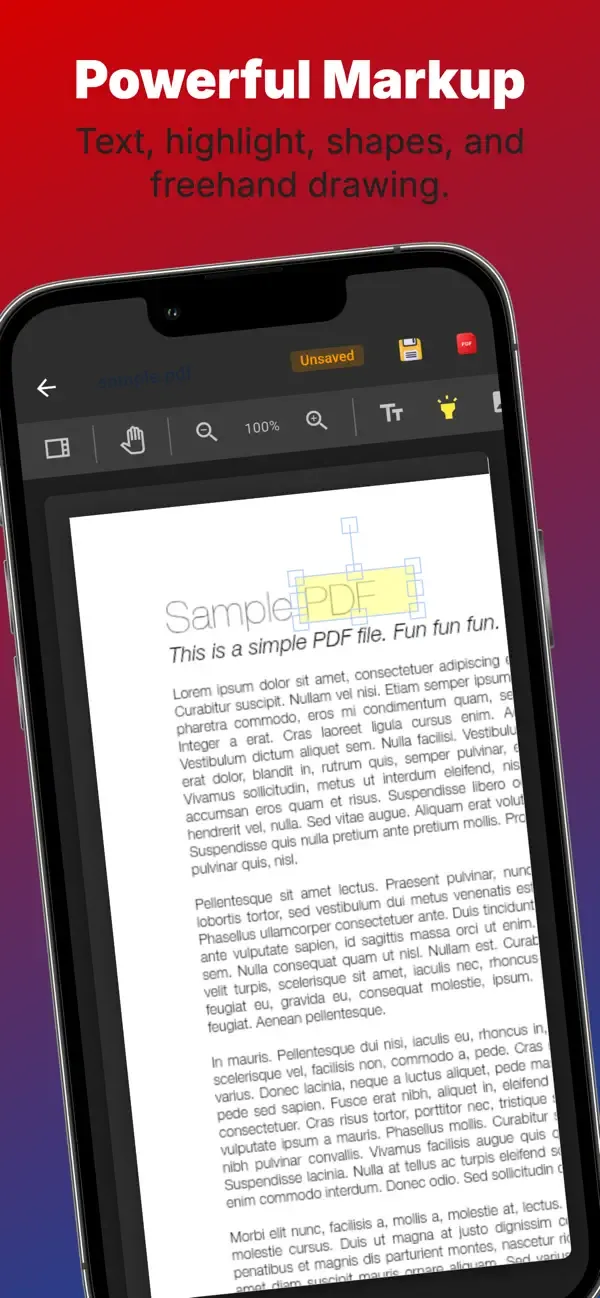
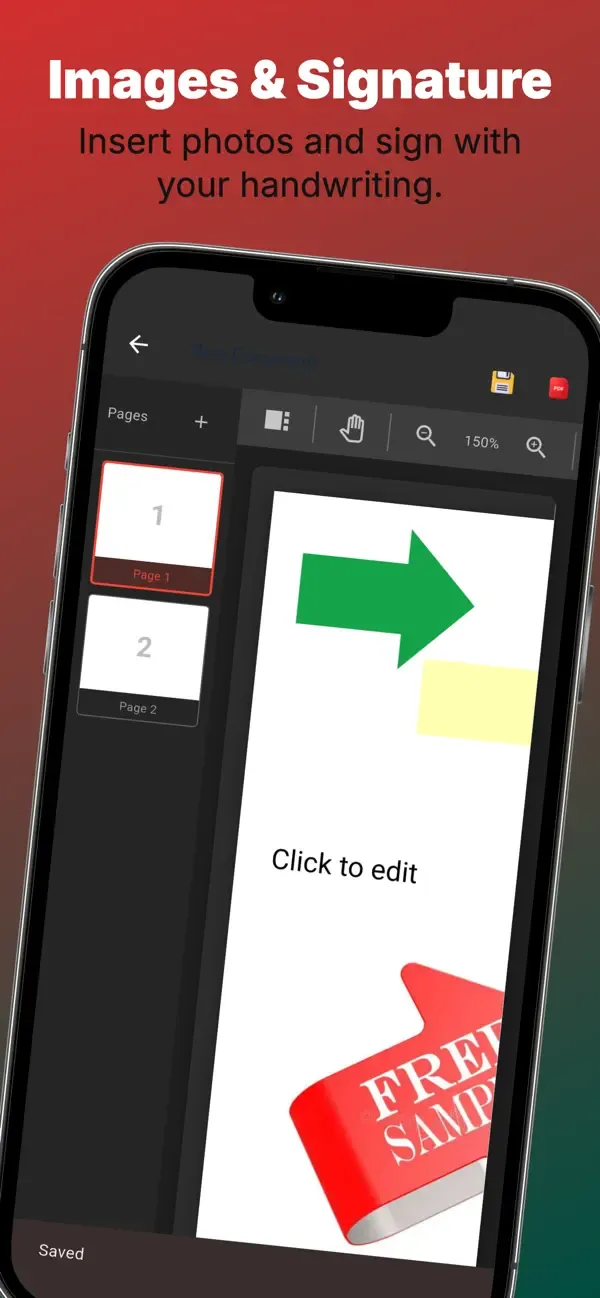
- Add text boxes, images, highlights, shapes, lines, and arrows
- Adjust text style, alignment, writing direction, colors, opacity, fills, and outlines
Drawing and Signatures
- Draw with a pen or translucent marker using selectable colors and widths
- Create signatures, place and resize them, and save them for later documents
- Move, resize, rotate, copy, duplicate, layer, lock, or remove added elements
Advanced Page Tools
- View real page thumbnails and reorder pages
- Add blank pages, rotate or duplicate a page, and insert pages from another PDF
- Extract selected pages into a new file or remove pages that are no longer needed
- Search document text, jump to a match, or highlight every result
Forms, Export, and Home Tools
- Fill supported interactive form fields while preserving them in the saved PDF
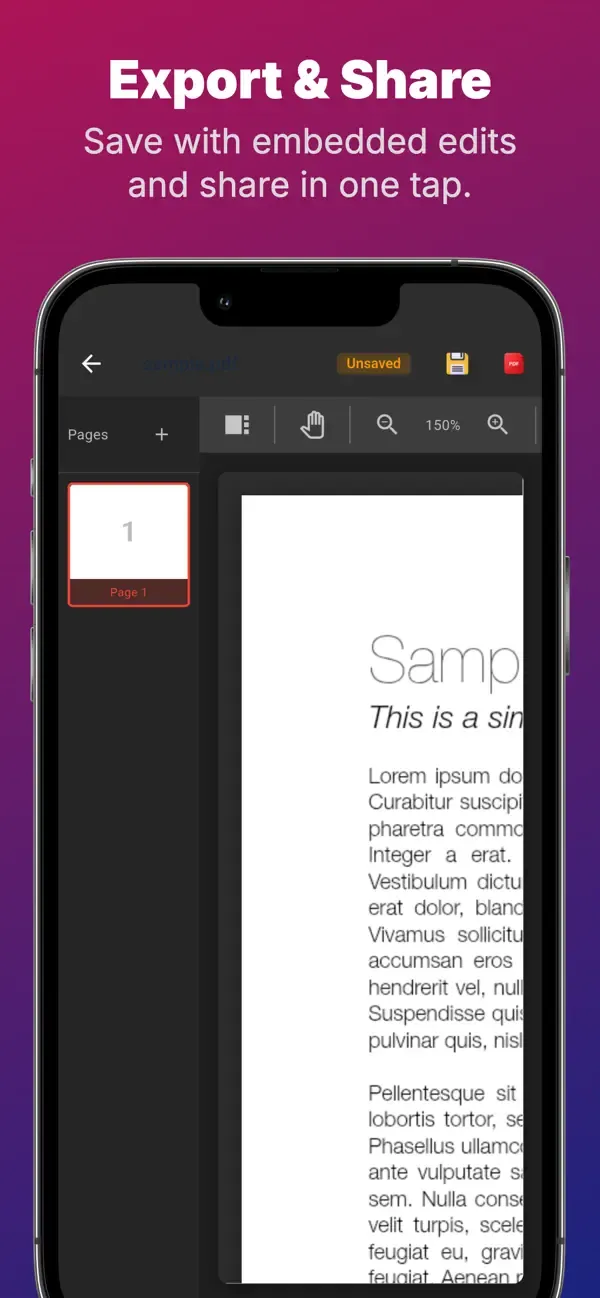
- Export and share the finished PDF, print it, add a watermark or page numbers, choose a page range, or share one page as an image
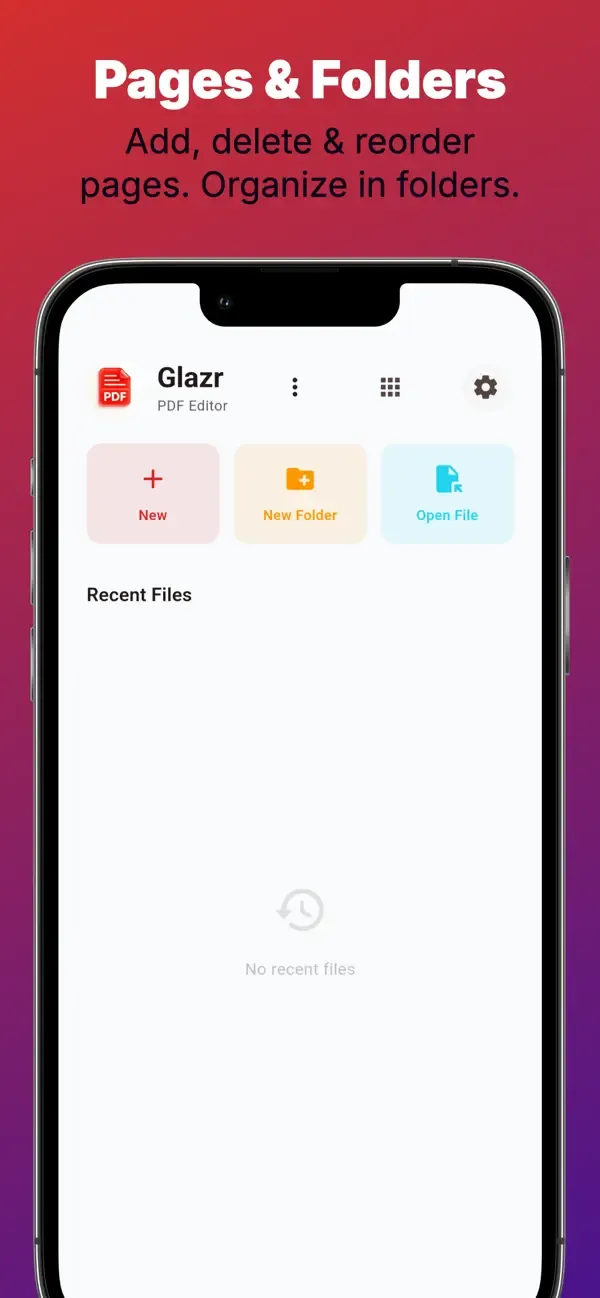
- Scan several pages, convert images to PDF, or merge PDF files from the home tools
- Auto-save helps preserve editing progress and local folders keep documents organized
Optional Document Assistance
- Summarize, explain, translate, or list key points from a page or document
- Ask a question about the document or improve text written in an added text box
- Online assistance starts only after the user explicitly chooses it
Privacy
- Creating, annotating, signing, managing pages, saving, and exporting normally happen on the device
- Opening a PDF does not activate online assistance
- No account is required for the main editing workflow
 English
 العربية
 Français
 Deutsch