Productivity
Platforms
Android, iOS
Price
Free
Version
1.0.3
Last updated
January 13, 2026

Glazr DOCX Word Editor Pro

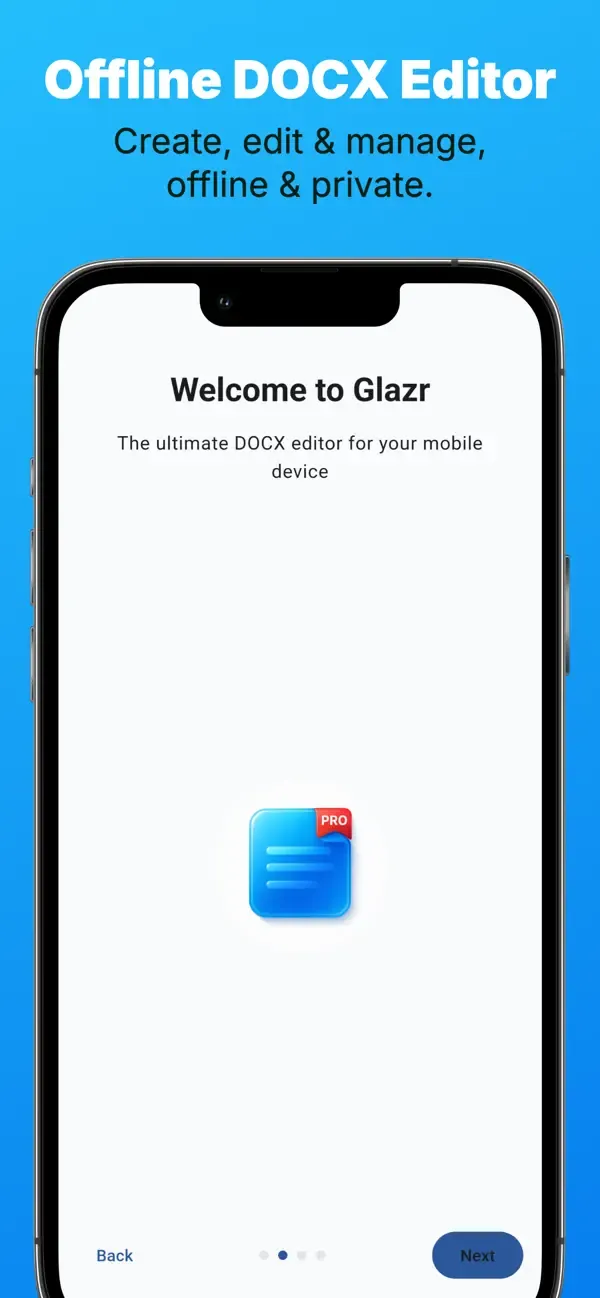
Glazr DOCX Editor lets you create, edit, import, and export Word documents on your phone. Full formatting, PDF export, Arabic RTL support — all offline.

Glazr DOCX Word Editor Pro

Overview

Glazr DOCX Word Editor Pro turns your phone into an offline Word document workspace. Create new documents, import DOCX or DOC files, edit text and layout, organize files in folders, and export your work as DOCX or PDF without needing a subscription or cloud account.

What this app includes

Create & Import Word Files

  • Start a new DOCX document from a blank page
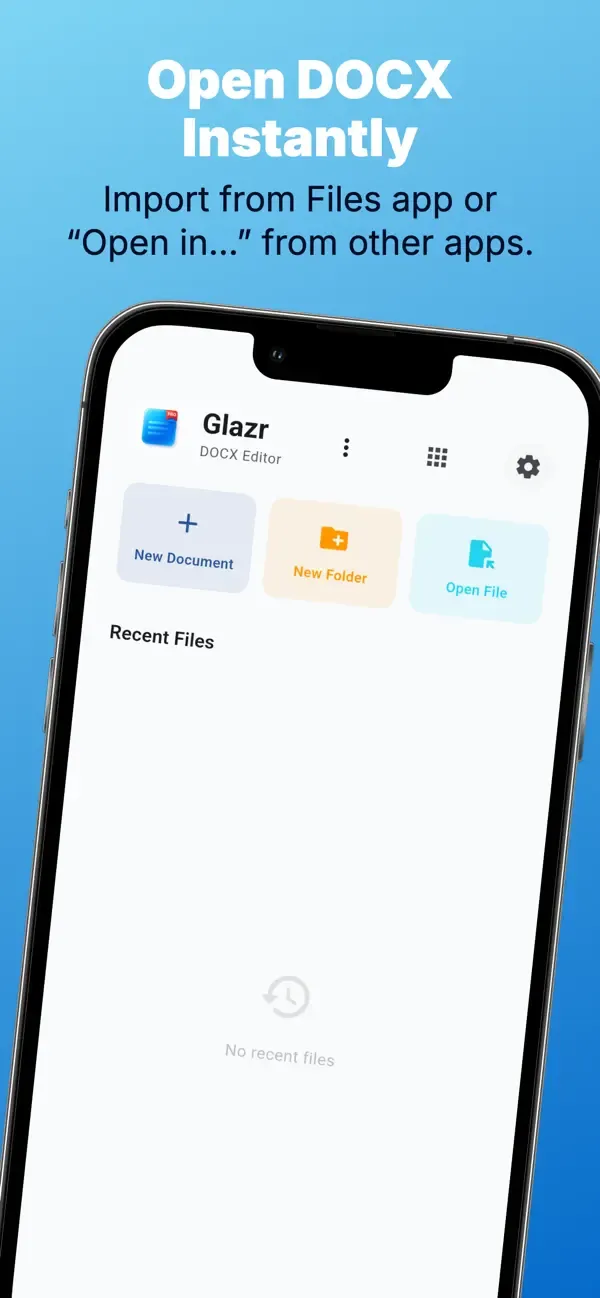
  • Import existing DOCX and DOC files from the device
  • Continue editing documents received for school, work, or personal use

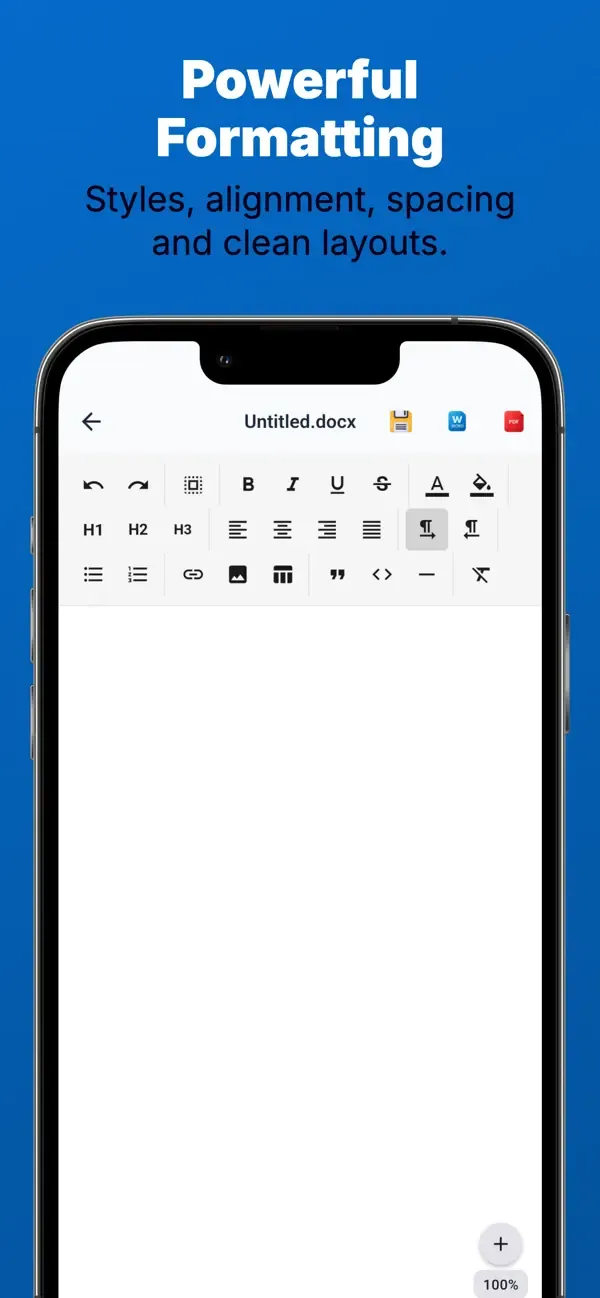
Text Formatting

  • Apply bold, italic, underline, and strikethrough
  • Change text color, background color, and paragraph alignment
  • Format content so the document is ready to read, send, or print

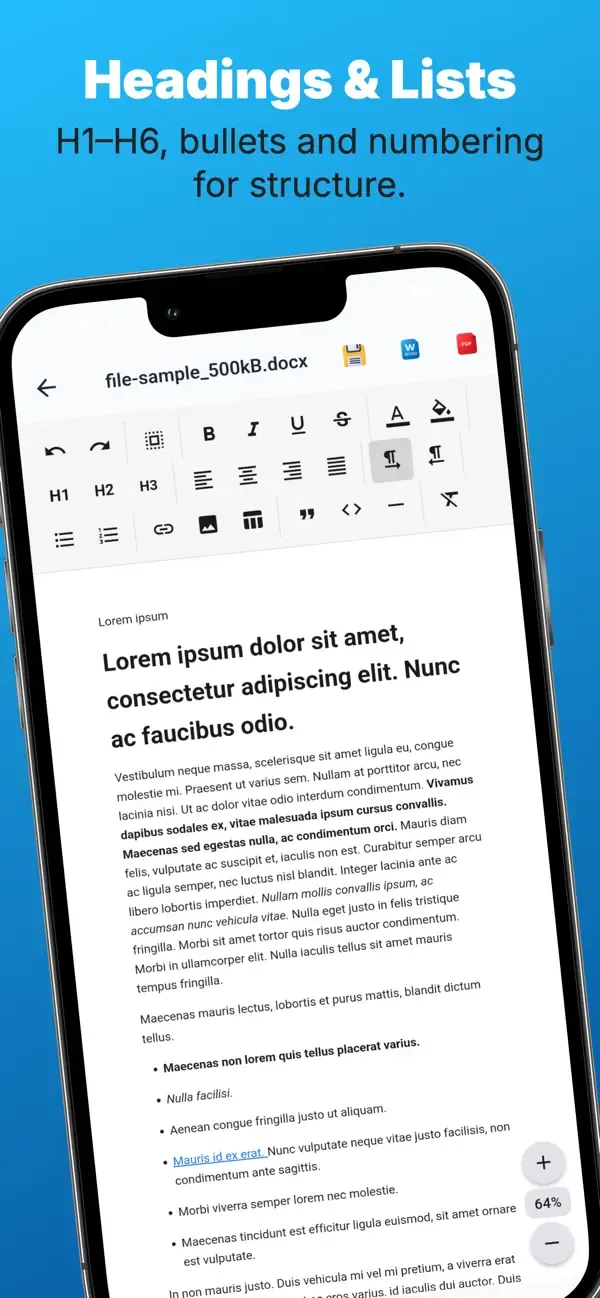
Document Structure

  • Add headings for reports, letters, and organized notes
  • Use bullet lists and ordered lists for clear sections
  • Add quotes and horizontal separators to divide long content

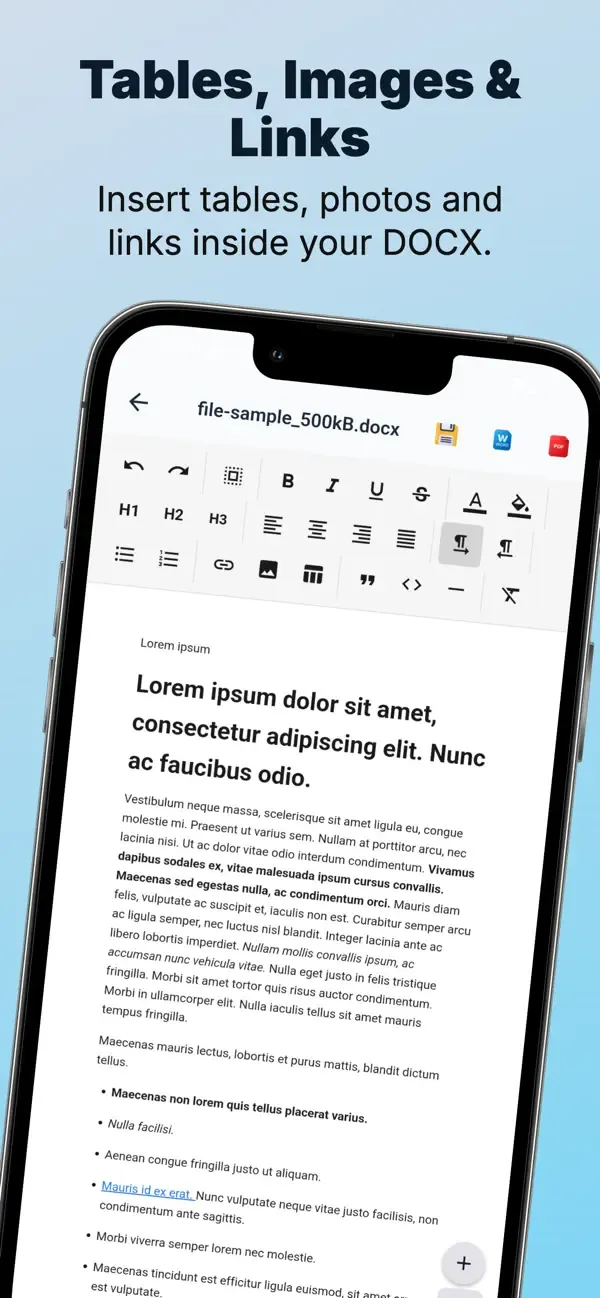
Images & Tables

  • Insert images from the device gallery directly into documents
  • Use tables to keep structured information readable
  • Build richer documents with text, visuals, and organized data

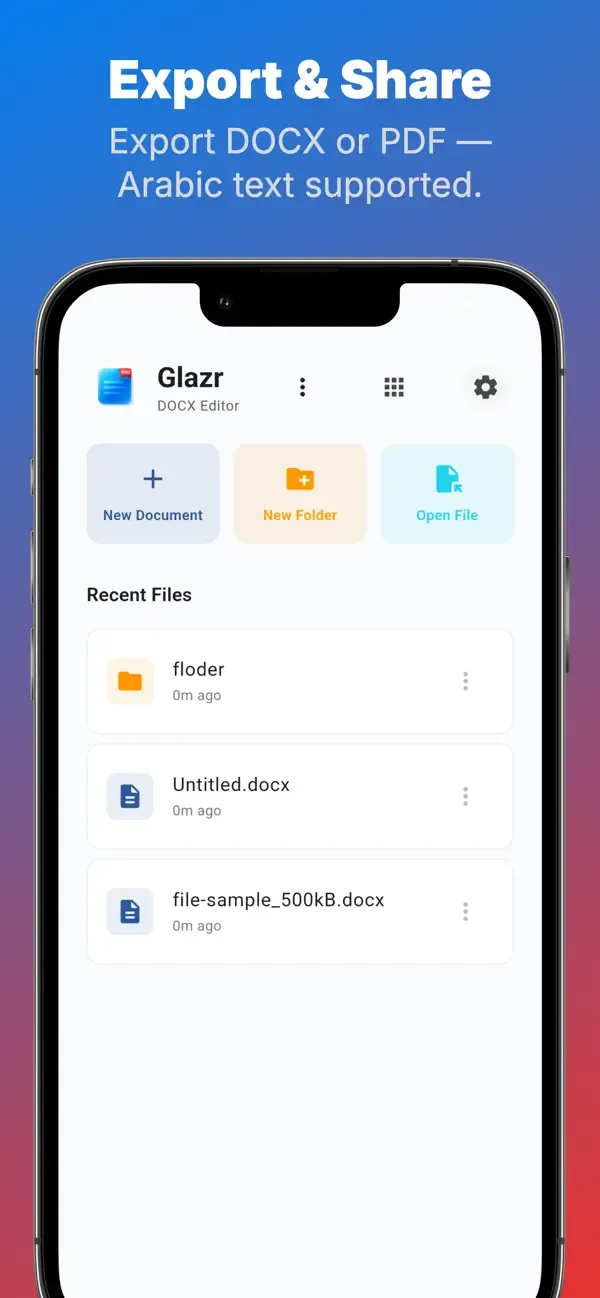
DOCX & PDF Export

  • Export the current document as an editable DOCX file
  • Export as PDF when you need a stable sharing format
  • PDF export supports Arabic and right-to-left text for clearer results

File Manager & Folders

  • Create folders to separate work, study, and personal files
  • Rename, move, and delete documents with confirmation
  • Use recent files to return quickly to active documents

Shared Document Workflow

  • Open Word files shared from messaging apps or file managers
  • Review, edit, export, and share received documents from the phone
  • Use the system share menu for DOCX and PDF files

Zoom & Auto-Save

  • Zoom in, zoom out, or reset the editor view for comfortable reading
  • Auto-save helps protect longer editing sessions
  • Designed for practical document work on smaller screens

Themes, Fonts & Languages

  • Choose light, dark, or system appearance
  • Customize accent color and font preference
  • Interface support for English, Arabic, French, and German

Privacy & Offline Work

  • Core editing, saving, organization, and export run locally
  • No user account is required for the main document workflow
  • Internet is mainly needed for external store links or app-sharing actions

Frequently asked questions

Where can I download Glazr DOCX Word Editor Pro?

Glazr DOCX Word Editor Pro is currently available through Google Play, App Store.

What platforms does Glazr DOCX Word Editor Pro support?

Glazr DOCX Word Editor Pro is available for Android, iOS.

How can I contact the Glazr DOCX Word Editor Pro team?

You can contact the team at [email protected].

Does Glazr DOCX Word Editor Pro have a privacy policy?

Yes. Use the privacy policy link on this page to review it.

Similar apps

More apps in the same category.

Glazr File Manager Pro
Productivity

Glazr File Manager Pro

Glazr File Manager Pro — browse, share & manage files with built-in media players, local Wi-Fi chat with 11 multiplayer games, FTP client, and PC transfer.

View app
Glazr Download Manager
Productivity Utilities

Glazr Download Manager

Browse, download, and manage files faster with multi-segment downloads, built-in browser, and a powerful file manager — all in one app.

View app