 English
 العربية
 Français
 Deutsch
Ready-to-use tools in this category that you can open now.
Available
Image Tools
Browser-friendly image tools for resizing, compression, conversion, cropping, editing, color picking, and palette generation.
Category overview
Eight image tools are live: Image Editor, Resize Image, Image Compressor, WebP Converter, Crop Image, HEIC Converter, Color Picker, and Color Palette Generator.
- Edit, crop, compress, resize, convert, or sample colors from JPG, PNG, WebP, and HEIC workflows.
- Color Picker targets image color extraction directly: upload an image, click a pixel, then copy HEX, RGB, or HSL.
- Most image tools run in the browser; server-assisted tools use controlled, short-lived processing only when needed.
Available tools
These tools are ready to use — click any tool to get started.

Available
Image Editor
Use a browser-first Fabric.js editor with a real project flow, transparent document stage, contextual inspector, and export that stays on the user device.
View tool
Available
Resize Image
Upload one image, fit it to the size you need, and download the resized result after private server-side processing.
View tool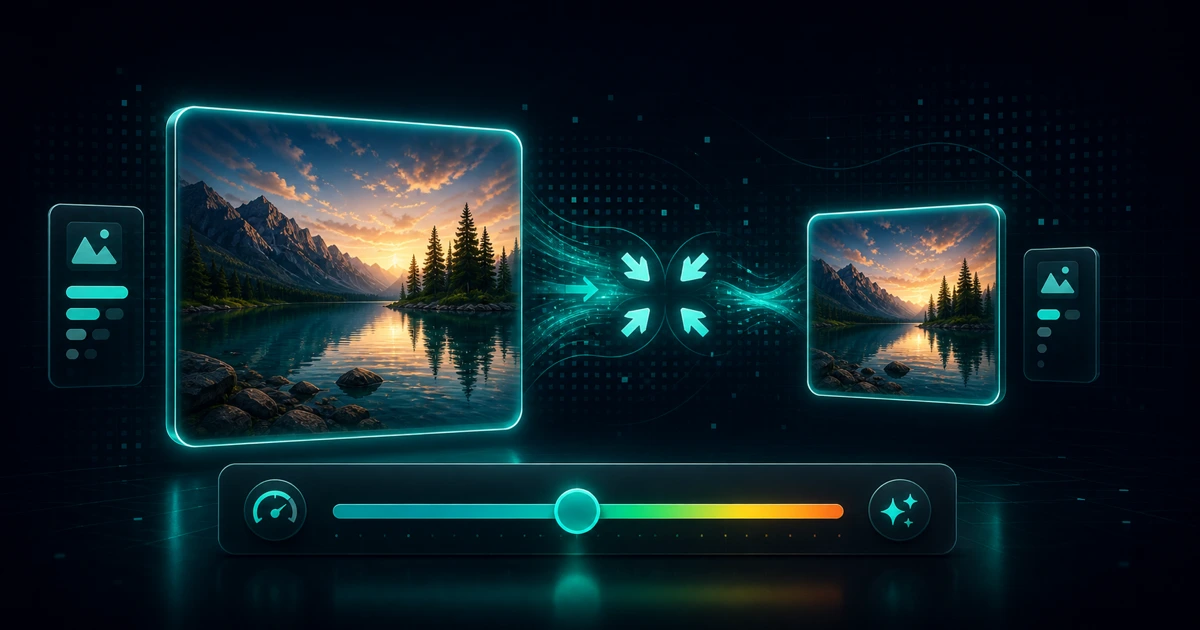
Available
Image Compressor
Reduce image file size while keeping it practical for web use.
View tool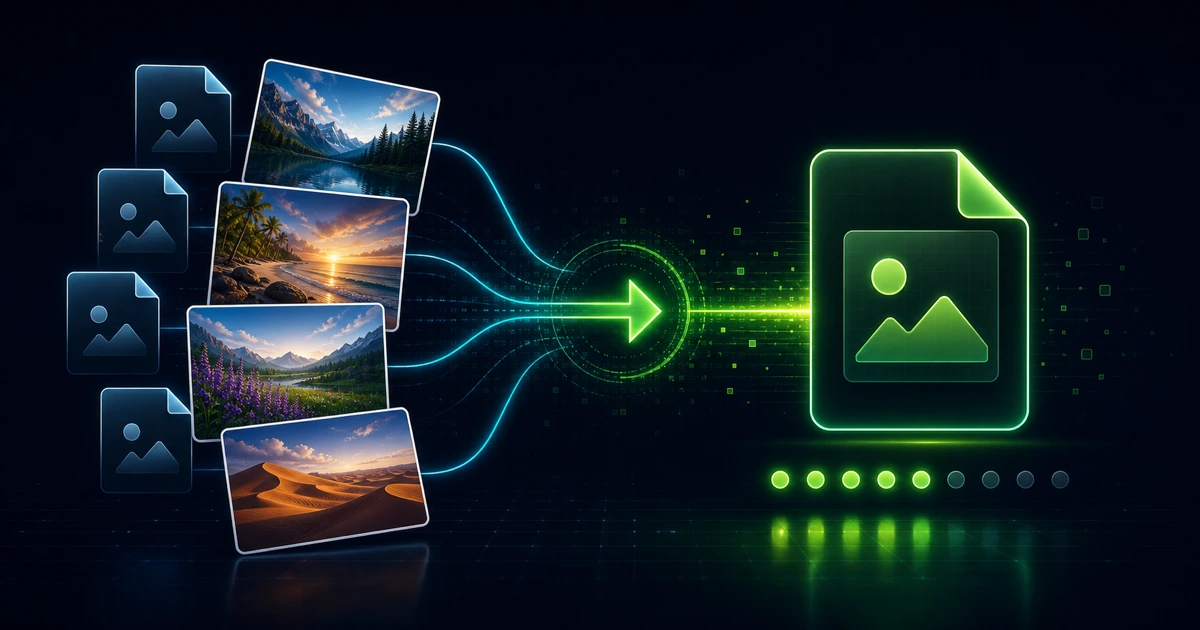
Available
WebP Converter
Convert images to WebP or WebP to PNG/JPEG. Batch conversion with quality control, all in your browser.
View tool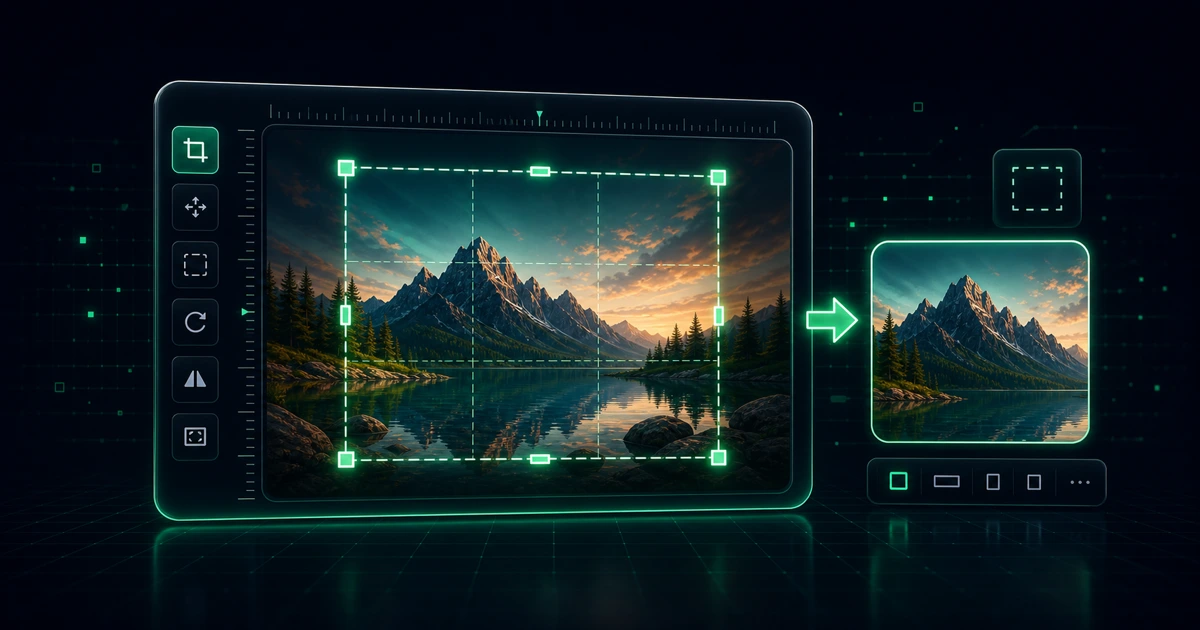
Available
Crop Image
Trim an image to the exact area you want to keep.
View tool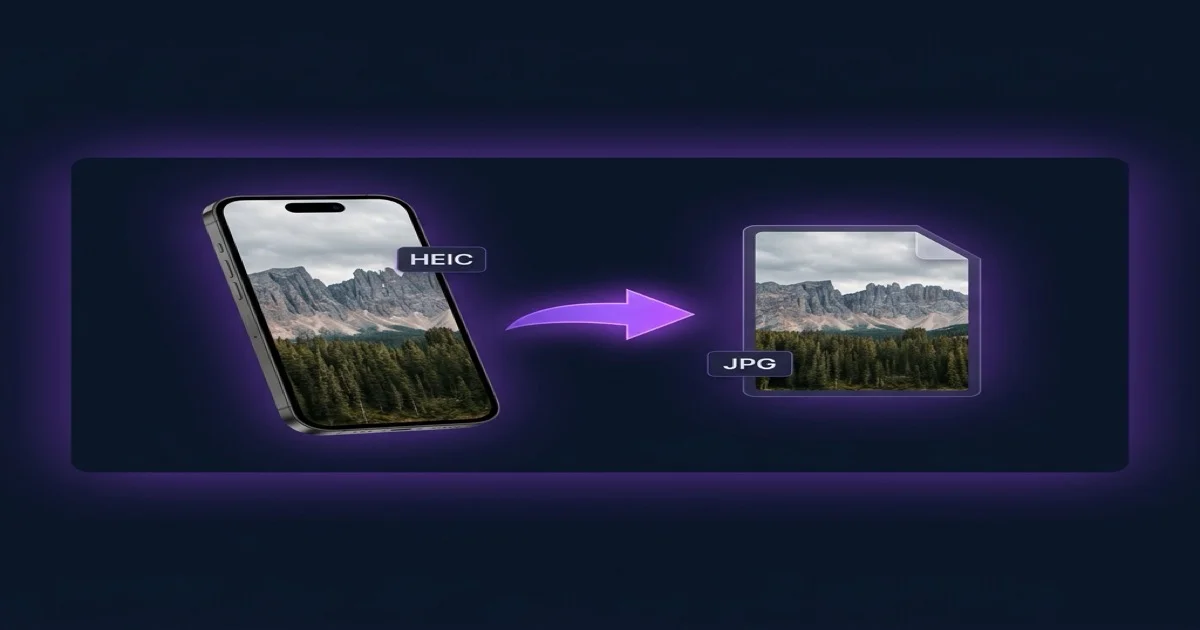
Available
HEIC to JPG Converter
Convert iPhone HEIC/HEIF photos to JPG or PNG directly in your browser — no upload, fully private.
View tool
Available
Color Picker From Image — HEX, RGB & HSL Codes
Visual color picker with image color extraction, HEX, RGB, HSL output, clipboard copy, and a saveable palette — runs 100% in the browser.
View tool
Available
Color Palette Generator
Pick a base color, choose a harmony mode, and get a beautiful palette. Export as CSS variables, HEX list, or SVG.
View toolFAQ
Common questions about the tools in this category.
Which image tool is already live?
Image Editor and Resize Image are both live now. Image Editor keeps a one-image editing workflow in the browser, while Resize Image handles one-file resizing with PHP GD and a controlled private download.
Will image tools run in the browser or on the server?
Both models are now in use. Image Editor keeps most editing in the browser, while Resize Image uses server-side PHP GD when a controlled upload-and-download flow is the honest choice.
Related tools and categories
Move to the live tool, a related category, or back to the full tools hub.