 English
 العربية
 Français
 Deutsch
Ready-to-use tools in this category that you can open now.
Available
PDF Tools
Eight practical PDF tools are available for compression, password protection, editing, merging, splitting, image conversion, and PDF-to-Word extraction with optional OCR.
Category overview
Eight PDF tools are live, including local compression, AES-256 protection, and PDF to Word with optional OCR for scanned pages.
- Compress, password protect, merge, split, annotate, convert images, or create an editable Word document from a PDF.
- PDF to Word supports embedded text first and optional Arabic, English, or bilingual OCR for scans.
- Complex page layouts, handwriting, forms, and tables may need manual cleanup after conversion.
Available tools
These tools are ready to use — click any tool to get started.

Available
Merge PDF
Drag, reorder, and merge multiple PDFs in the browser. No upload needed.
View tool
Available
PDF Editor
Open a PDF in the browser, add annotations and drawings, then download the edited file.
View tool
Available
Compress PDF
Optimize PDF streams and compatible images locally, compare the real file sizes, and download only when the result is smaller.
View tool
Available
Password Protect PDF
Protect one PDF locally with separate opening and owner passwords plus clear document permissions. Nothing is uploaded.
View tool
Available
Images to PDF
Drag images, reorder them, and generate a PDF — all in the browser. No upload needed.
View tool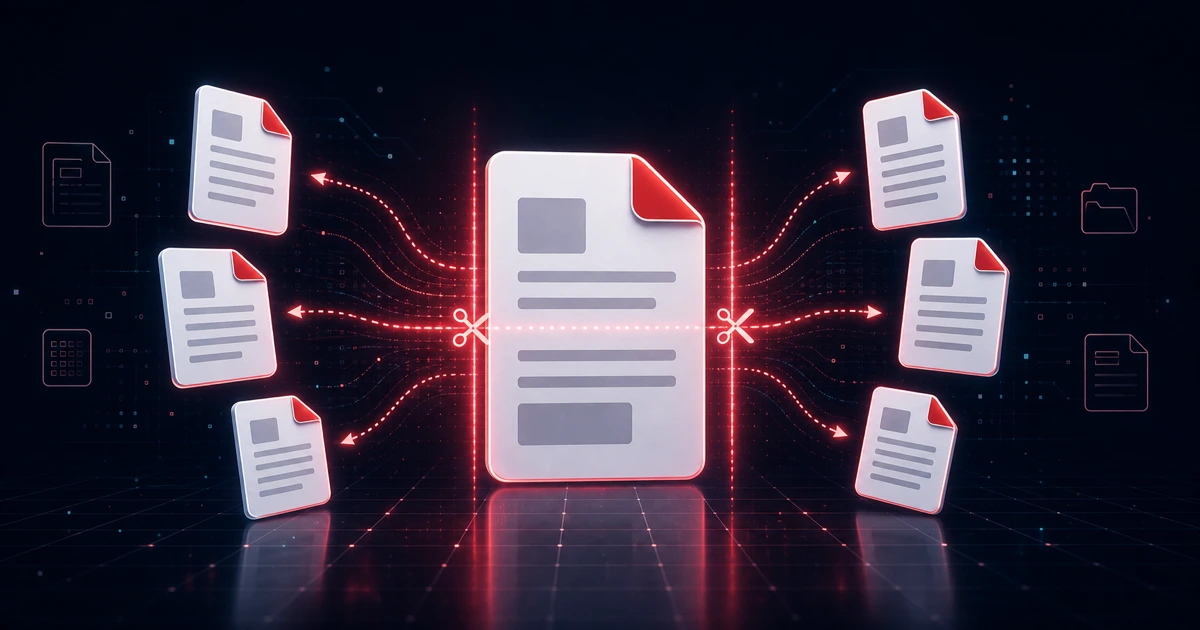
Available
Split PDF
Extract pages or split one large PDF into smaller files.
View tool
Available
PDF to Image
Export PDF pages as image files for sharing or reuse.
View tool
Available
PDF to Word Converter with Arabic OCR
Extract embedded text or run OCR on scans, preview the result, and download an editable Word file without uploading the PDF.
View toolFAQ
Common questions about the tools in this category.
Are PDF tools already live on the new platform?
Yes. All eight listed tools open as working pages and process files directly in the browser.
Why launch the category page before the tools?
Because PDF is a core section in the platform architecture. The category page helps routing and product clarity while keeping availability explicit.
Related tools and categories
Move to the live tool, a related category, or back to the full tools hub.