Overview
Glazr PPTX Presentation Editor is a mobile tool for creating, importing, editing, organizing, exporting, and sharing PowerPoint-style presentations. Build slides with text, shapes, images, backgrounds, and precise object placement, then export the deck as PPTX or PDF from your phone.
What this app includes
Create & Import Presentations
- Start a new presentation from a blank deck
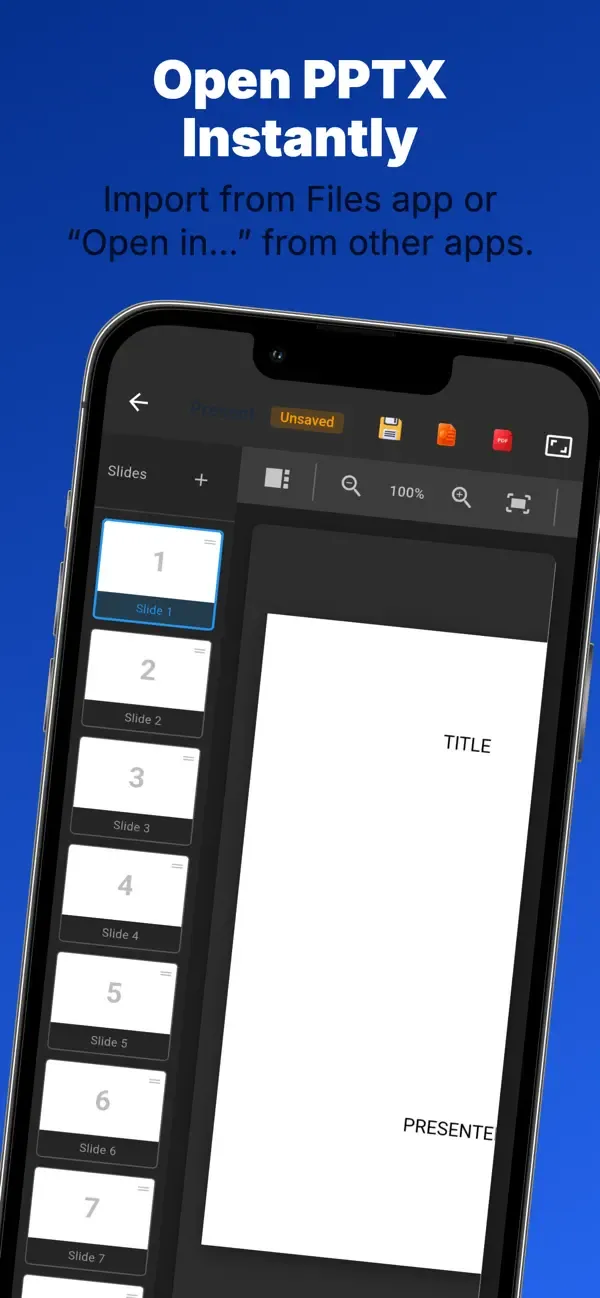
- Import existing PPTX and PPT files from device storage
- Open presentations shared from messaging apps, email, or file managers
Visual Slide Editor
- Position, resize, and rotate slide objects by touch
- Build layouts directly on the slide instead of editing plain text only
- Work on presentations while away from a laptop
Text & Arabic Support
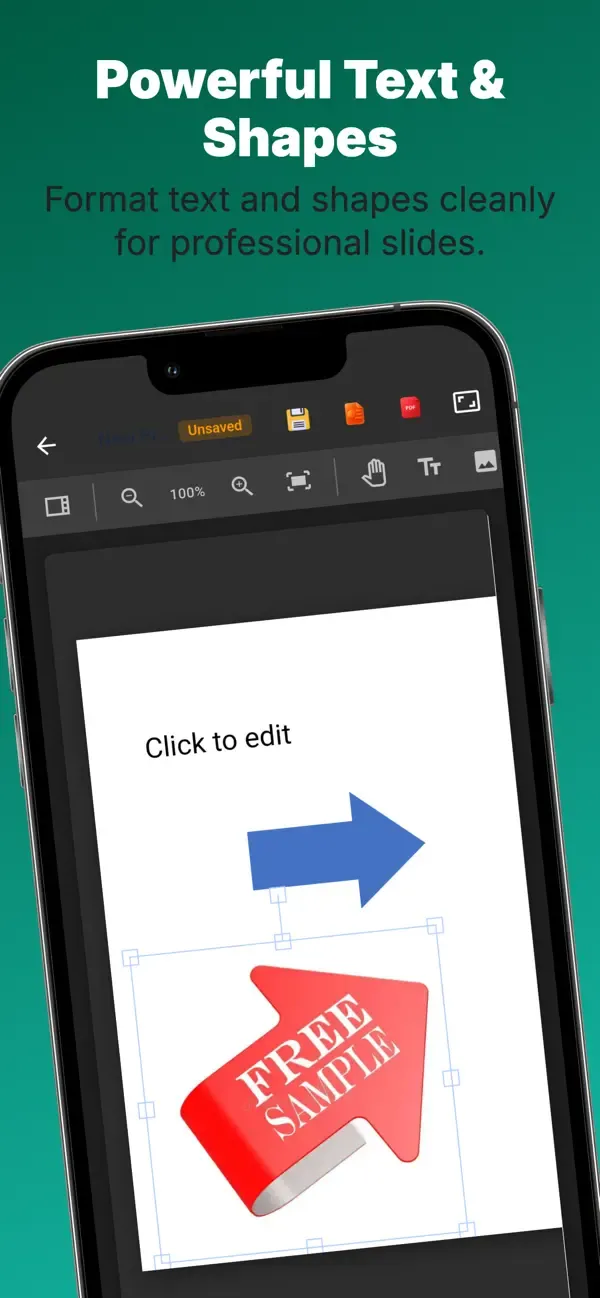
- Add text boxes to any slide
- Adjust font, size, color, bold, italic, and alignment
- Use right-to-left text direction for Arabic and mixed-language slides
Shapes, Lines & Arrows
- Add rectangles, circles, triangles, diamonds, rounded rectangles, and stars
- Use lines and arrows to explain steps, flows, and relationships
- Customize fill color, outline color, and outline width
Images & Slide Backgrounds
- Insert images from the device into slides
- Resize, position, and rotate images freely
- Set slide backgrounds with colors, gradients, or images
Object Order & Layers
- Bring objects forward or send them backward
- Layer text, shapes, and images cleanly on the same slide
- Fix overlap when one object covers another important element
Slide Management
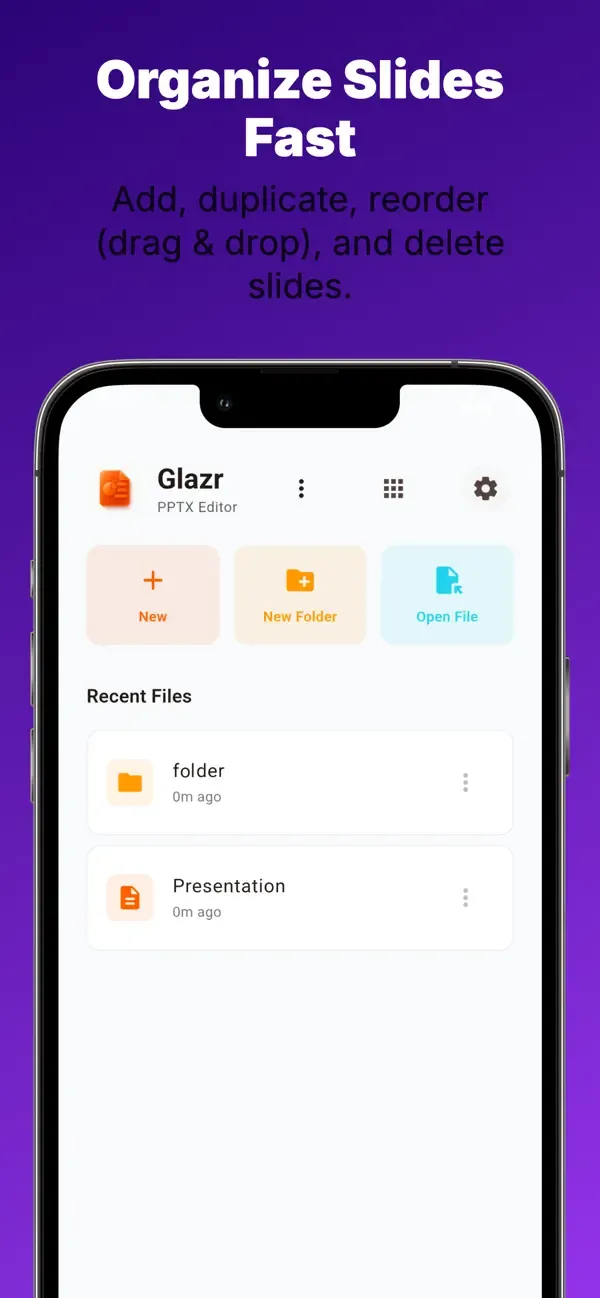
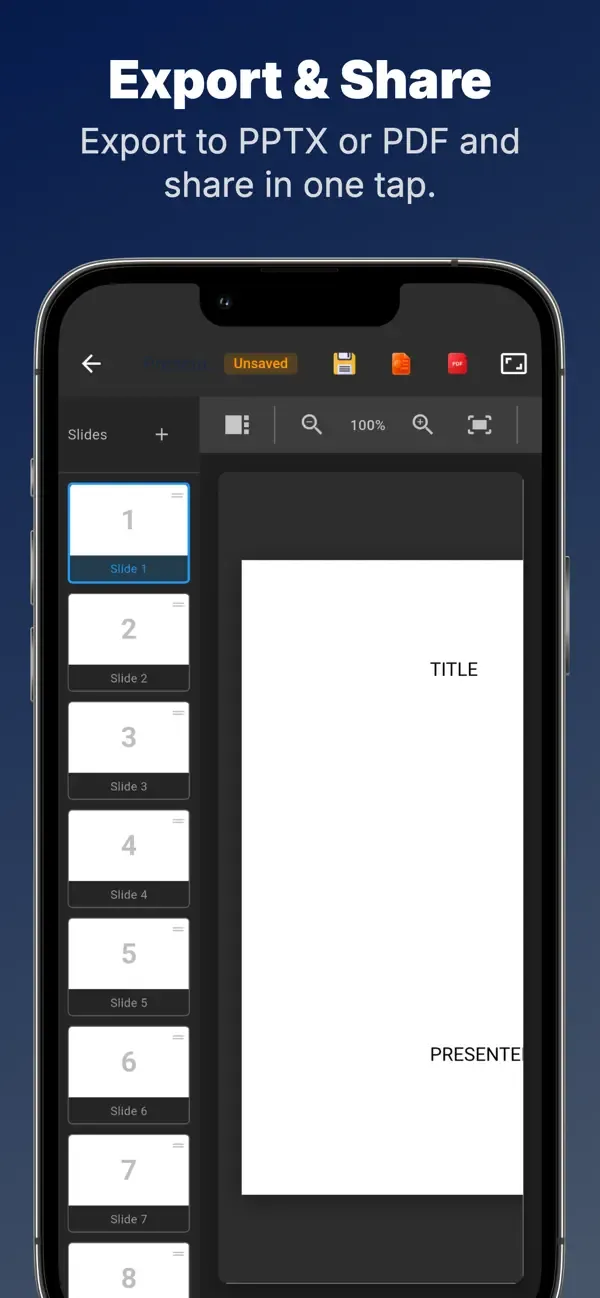
- Add, duplicate, delete, and reorder slides
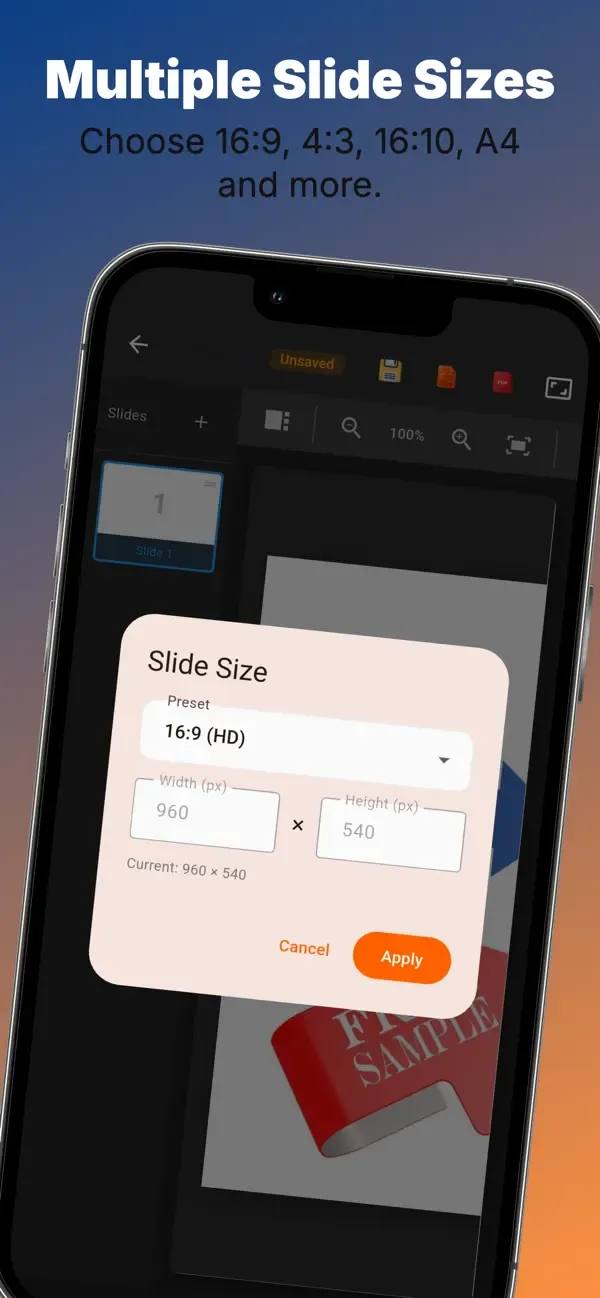
- Choose slide sizes such as 16:9, 4:3, or A4
- Build complete multi-slide presentations from the phone
Undo, Zoom & Pan
- Undo and redo editing changes while working
- Zoom in for small details and pan around large slides
- Edit more comfortably on smaller mobile screens
PPTX & PDF Export
- Export the finished deck as a PPTX file for continued editing
- Export slides as PDF for printing or stable sharing
- PDF export supports Arabic text rendering for clearer shared files
File Manager & Folders
- Organize presentations in folders for work, school, or personal use
- Rename, move, and delete files or folders
- Use recent files to return quickly to active slide decks
Themes, Languages & Settings
- Choose light, dark, or system appearance
- Adjust accent color, font preference, grid size, and auto-save
- Interface support for English, Arabic, French, and German
Privacy & Offline Work
- Core slide creation, editing, saving, and export work locally
- No user account is required for the main presentation workflow
- Internet is mainly needed for ads, store links, or other external actions
 English
 العربية
 Français
 Deutsch