Overview
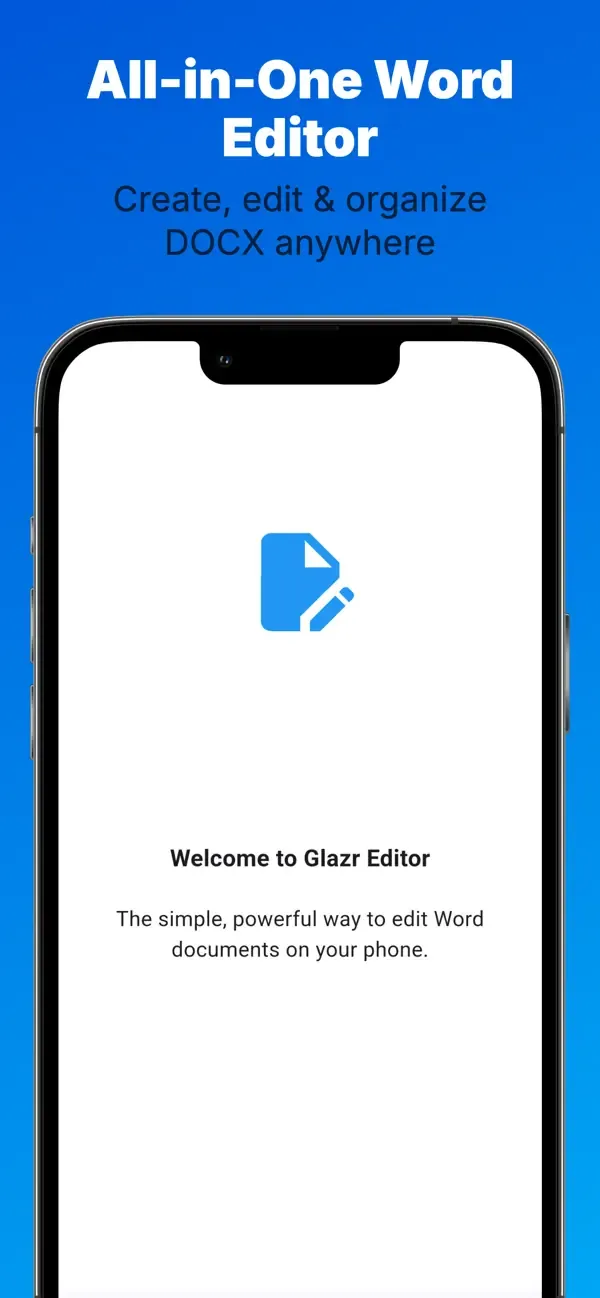
Glazr DOCX File Editor is a mobile Word document editor for creating, opening, editing, saving, and sharing DOCX files. It is built for students, professionals, and Arabic-speaking users who need quick document edits, reliable formatting, file organization, and PDF export from a phone or tablet.
What this app includes
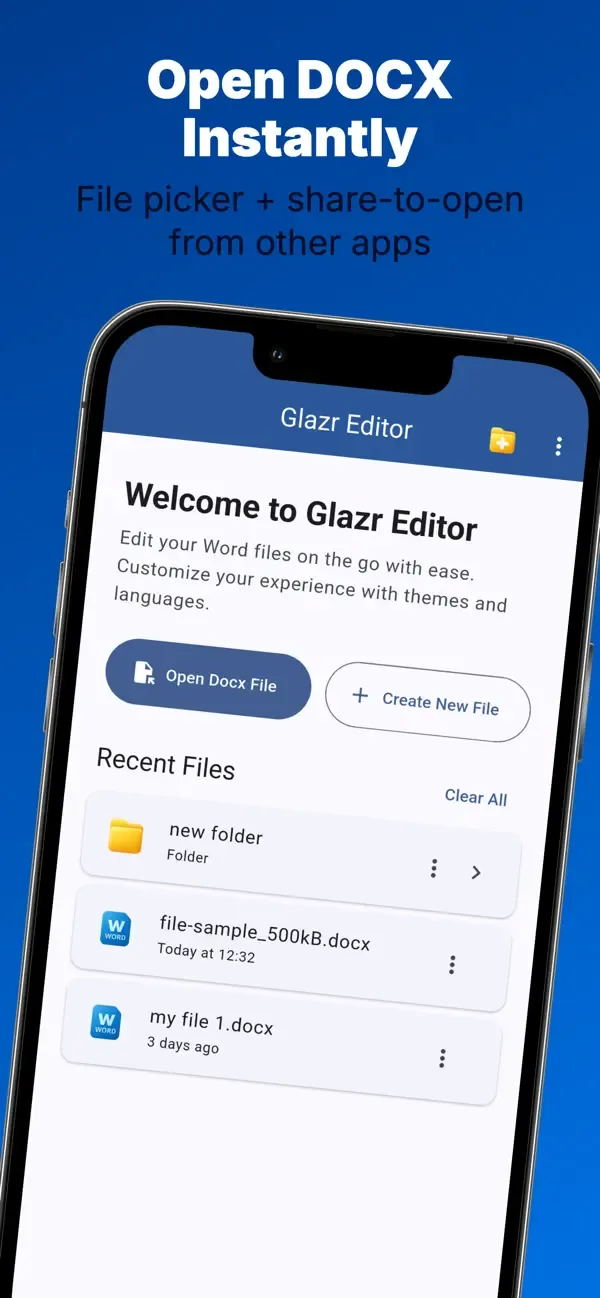
Create & Open DOCX Files
- Create a blank Word document and start writing immediately
- Open existing DOCX files from device storage
- Continue work on documents received from messaging apps or file managers
Rich Text Formatting
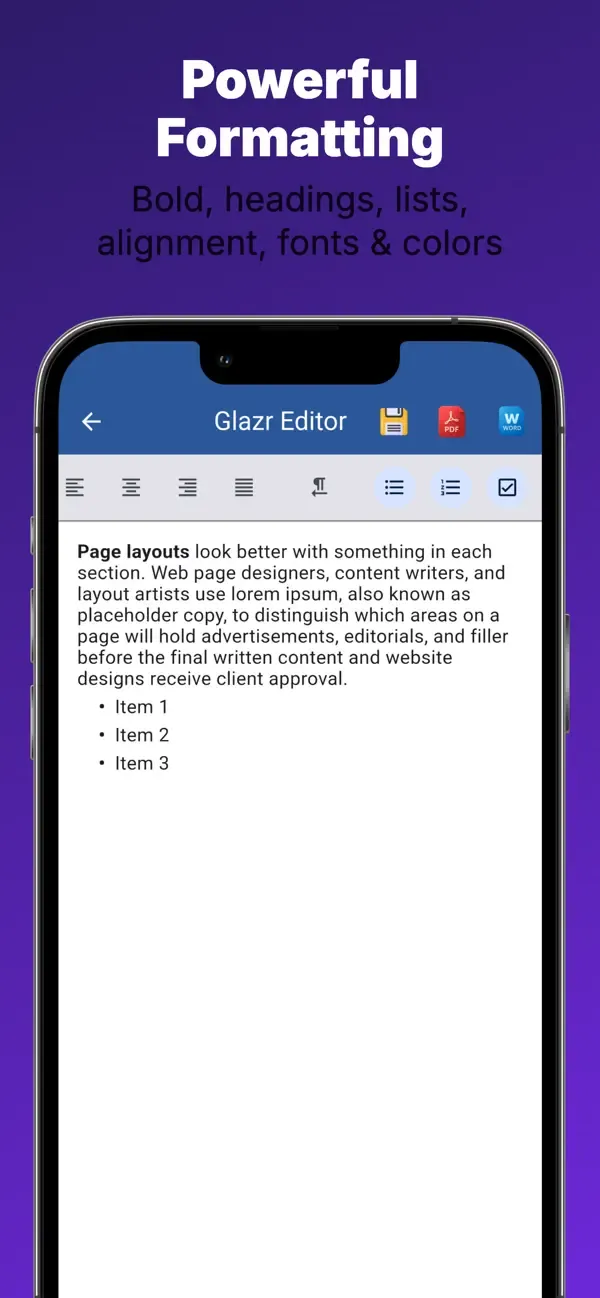
- Apply bold, italic, underline, strikethrough, subscript, and superscript
- Change text color, highlight color, font family, and font size
- Clear formatting, undo mistakes, and redo edits while working
Document Structure & Layout
- Use H1-H6 headings for reports, letters, and study notes
- Add bullet lists, numbered lists, checklists, quotes, and indents
- Align paragraphs left, center, right, or justified for cleaner pages
Arabic & Font Support
- Write Arabic and other right-to-left text naturally
- Choose from Arabic and Latin fonts for mixed-language documents
- Export PDFs with stronger Arabic text appearance and readable layout
Images, Links & Tables
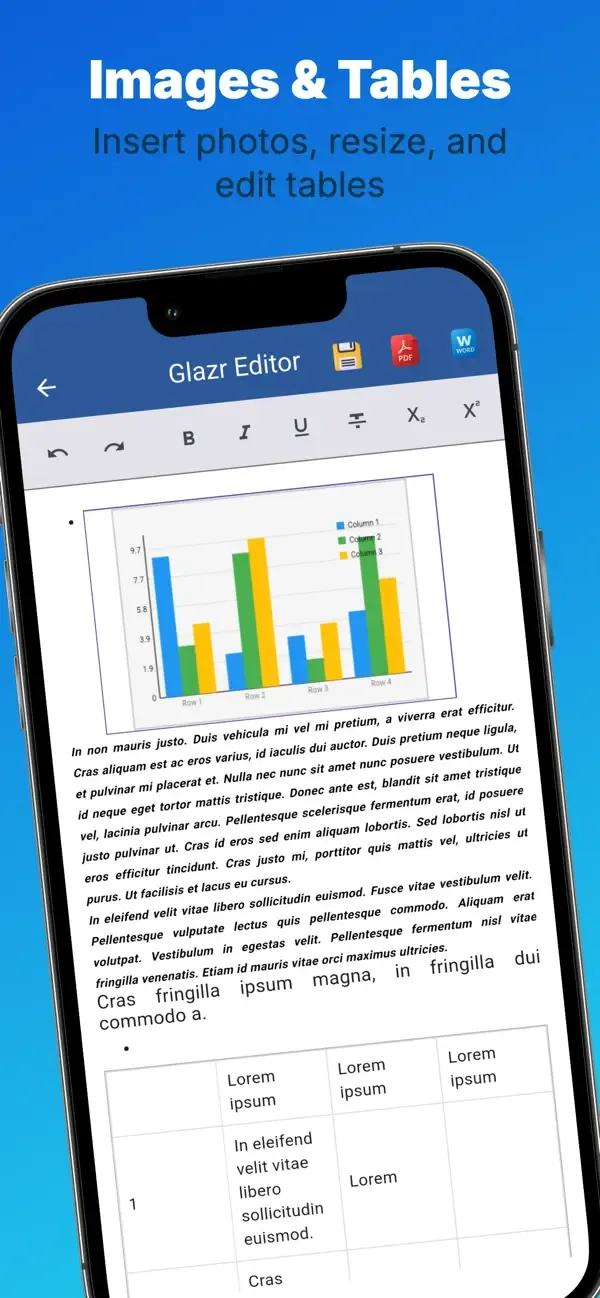
- Insert images from the camera or photo gallery
- Resize images while keeping proportions under control
- Add hyperlinks and work with table-based document content
Save, Export & Share
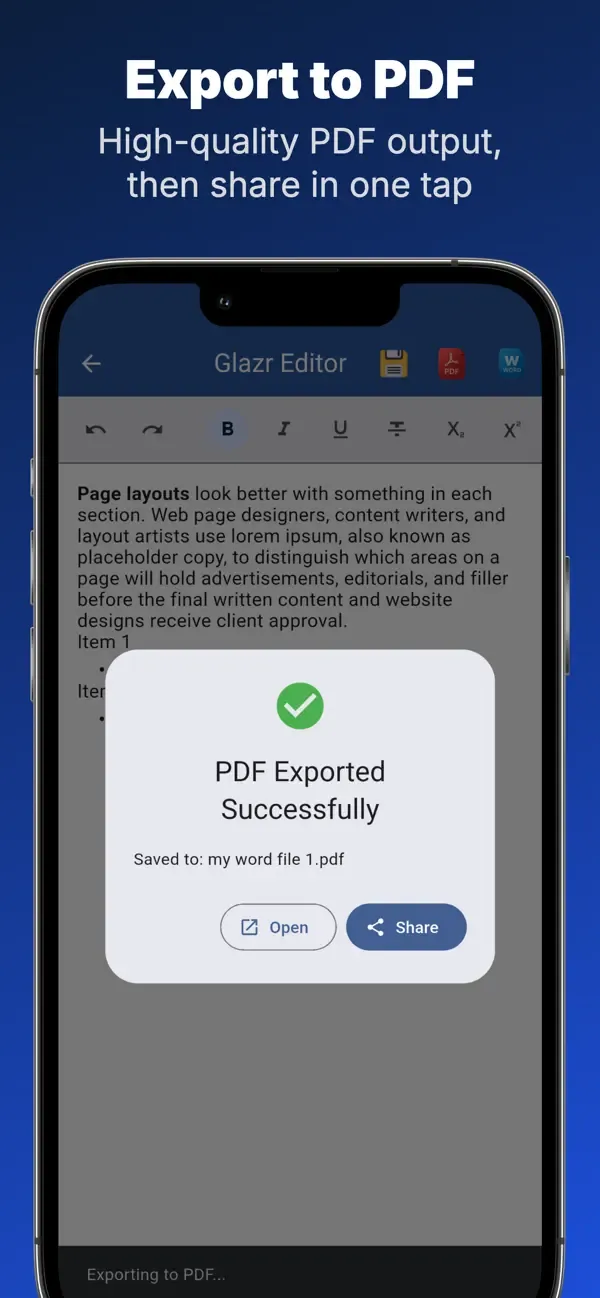
- Save edits to the current document or use Save As for a new copy
- Export DOCX documents to PDF with text, images, and tables
- Share DOCX or PDF files through the system sharing menu
File Manager & Recent Files
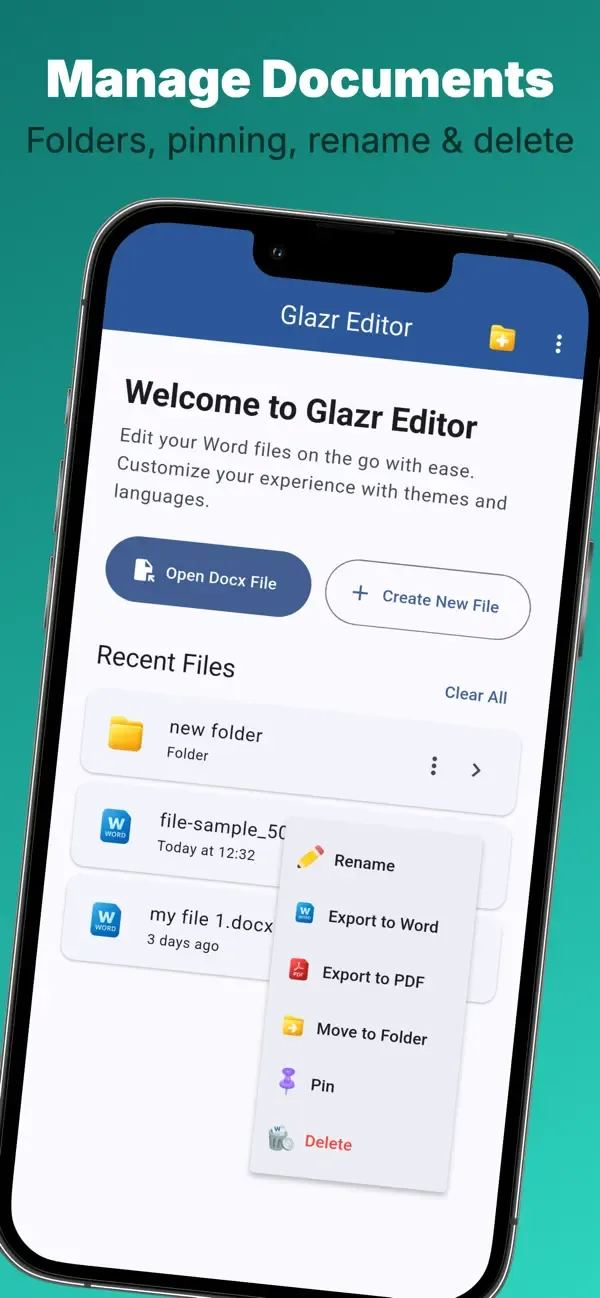
- View recent documents and keep important files pinned at the top
- Sort, rename, move, delete, and organize documents into folders
- Navigate folders easily when managing several Word files
Shared Files Workflow
- Open DOCX files shared from apps such as WhatsApp, Telegram, or file managers
- Review and edit received documents without starting from a computer
- Get a warning before leaving a document with unsaved changes
Themes, Languages & Setup
- Guided first setup for language and appearance
- Six color themes plus light and dark mode
- Interface support for English, Arabic, French, and German
Privacy & Offline Work
- Core editing, saving, organizing, and PDF export work locally
- No user account is required for the main document workflow
- Internet is mainly needed for external links or store-related actions
 English
 العربية
 Français
 Deutsch