Glazr XLSX & CSV File Editor

Glazr XLSX & CSV File Editor

Glazr is a powerful mobile spreadsheet editor. Create, import, and edit XLSX & CSV files offline with charts, sorting, search, and multi-sheet support.

Download from the official app stores.

Platforms
Android, iOS
Price
Free
Version
1.0.0
Last updated
January 13, 2026

Screenshots

Swipe to explore. Tap a screenshot to enlarge.

Overview

Glazr XLSX & CSV File Editor is a mobile spreadsheet editor for users who need to create, open, edit, analyze, and share spreadsheets directly from a phone. It works with XLSX, XLS, and CSV files and is useful for budgets, inventory, sales lists, study sheets, data entry, and quick business edits without needing a computer.

What this app includes

Create, Import & Open Files

  • New spreadsheets - Start a blank workbook with a large editable grid for lists, budgets, reports, or trackers.
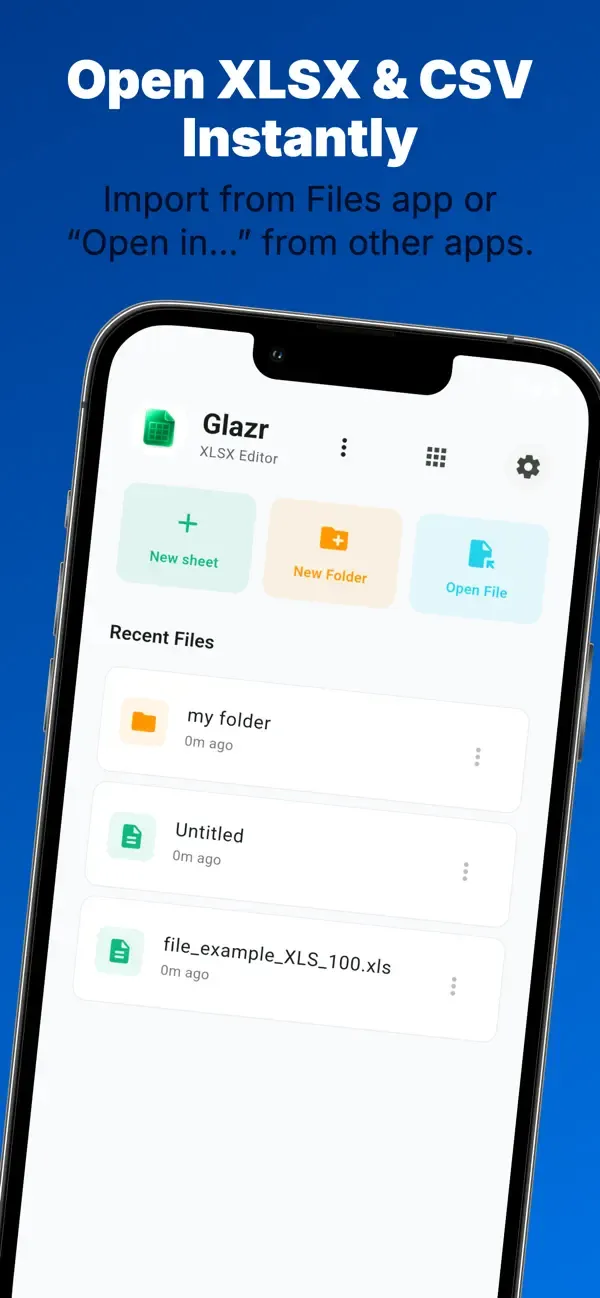
  • Open Excel files - Import XLSX and XLS files from the file picker, email, messaging apps, or other file managers.
  • CSV support - Import CSV files, edit them in a spreadsheet grid, then export them again when needed.
  • Recent files and folders - Organize workbooks into folders, rename files, move them, delete old files, and return to recent work quickly.

Cell Editing & Formulas

  • Edit spreadsheet cells - Enter text, numbers, dates, boolean values, and formulas directly on mobile.
  • Formula-friendly workflow - Keep formulas as part of the workbook instead of flattening every sheet into plain text.
  • Touch selection mode - Select ranges more comfortably on a phone screen, with manual range input when precision matters.

Rich Cell Formatting

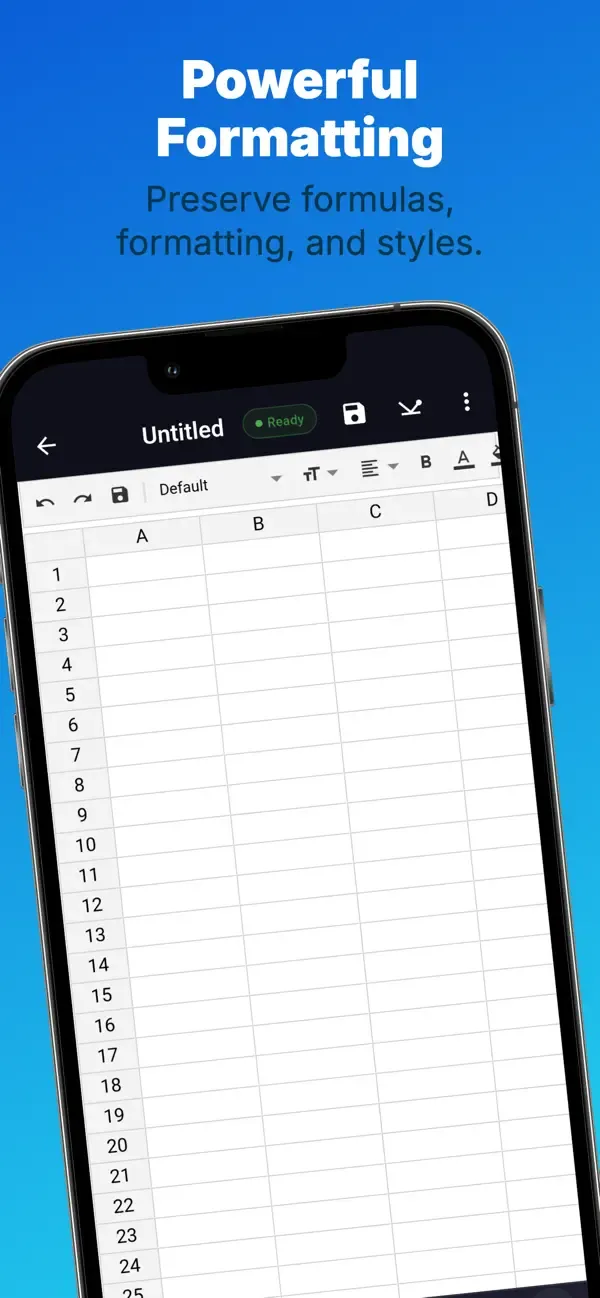
  • Text style controls - Apply bold, italic, underline, strikethrough, font family, and font size.
  • Colors and alignment - Set font color, background color, horizontal alignment, vertical alignment, and text wrapping.
  • Number formats and borders - Format numeric values and make tables easier to read with cell borders.
  • Share-ready sheets - Prepare spreadsheets that look organized before sending them to clients, teachers, or teammates.

Multi-Sheet Workbooks

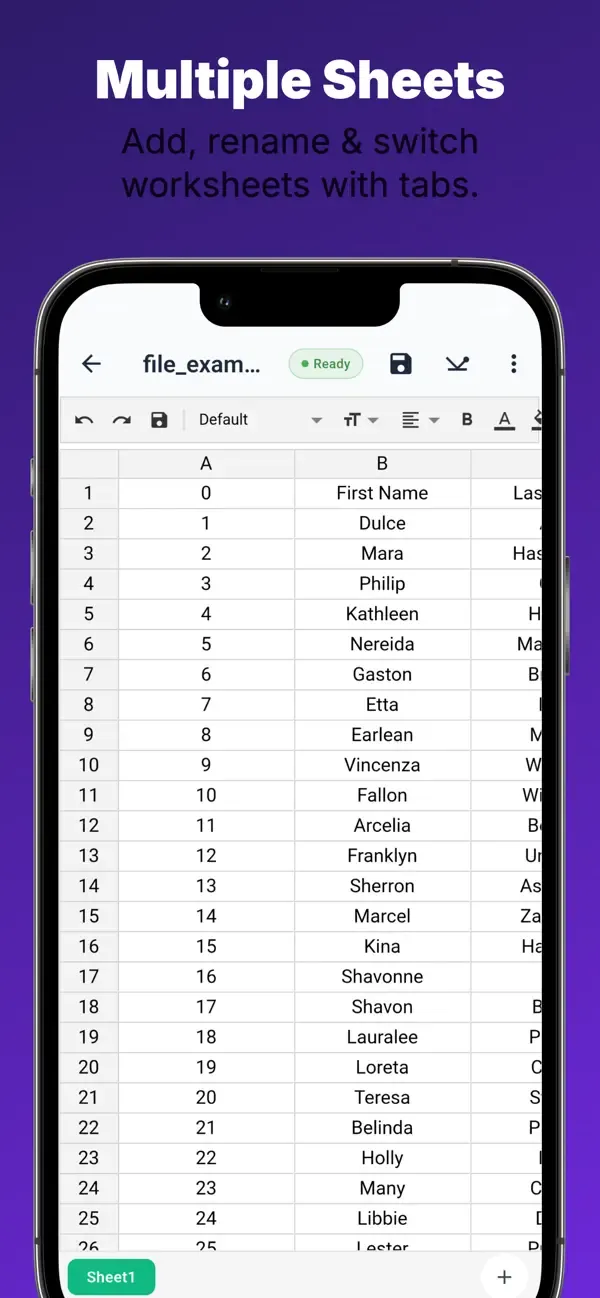
  • Multiple sheets - Add, rename, delete, and switch between sheets inside one workbook.
  • Organize related data - Keep sales, expenses, months, inventory categories, or class data in separate sheets.
  • Sheet tabs - Move between sheets without leaving the editor.

Search, Sort & Data Tools

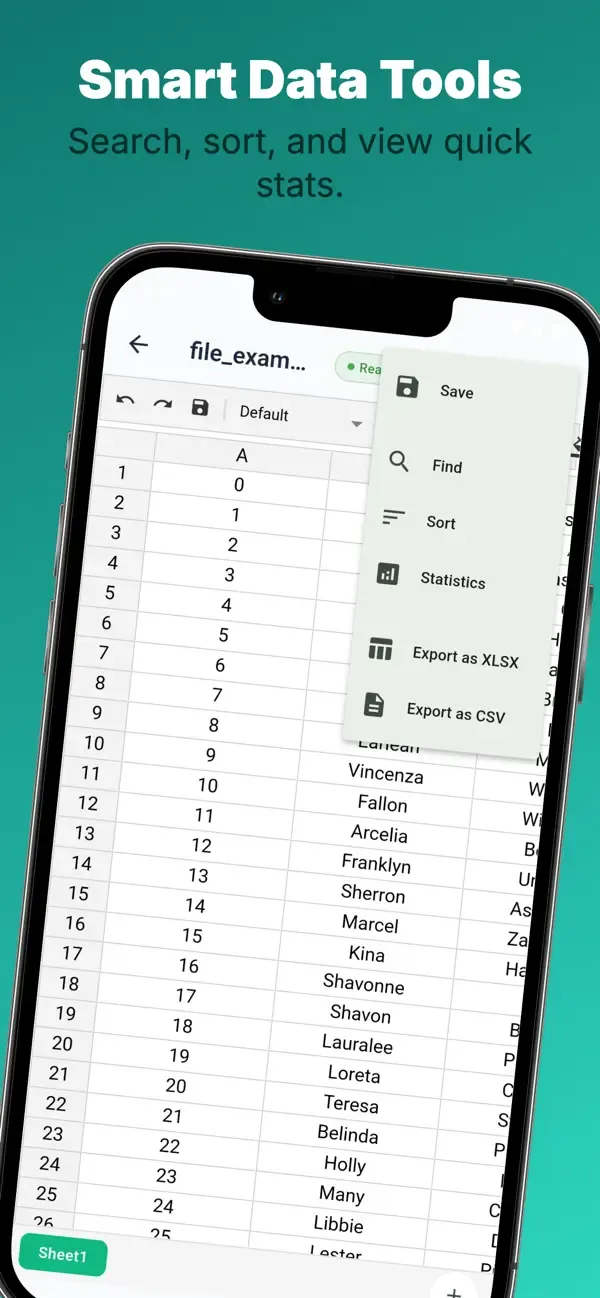
  • Find values quickly - Search the active spreadsheet with options such as case sensitivity and whole-cell matching.
  • Tap search results - Jump directly to the matching cell instead of scrolling manually.
  • Sort columns - Sort data ascending or descending and choose whether the first row should be treated as a header.

Statistics & Charts

  • Quick statistics - View total cells, numeric cells, sum, average, median, minimum, and maximum.
  • Visual charts - Create charts such as bar, line, and pie charts from selected data ranges.
  • Useful for decisions - Turn raw spreadsheet values into summaries for budgets, inventory, grades, or sales.

Rows, Columns & Layout

  • Row and column operations - Insert, delete, and resize rows or columns as the sheet changes.
  • Freeze panes - Keep important headers visible while reviewing larger tables.
  • Grid size control - Adjust the spreadsheet grid from 50% to 150% for readability and comfort on mobile.

Save, Export & Share

  • Auto-save - Protect changes while editing, with prompts when leaving unsaved work.
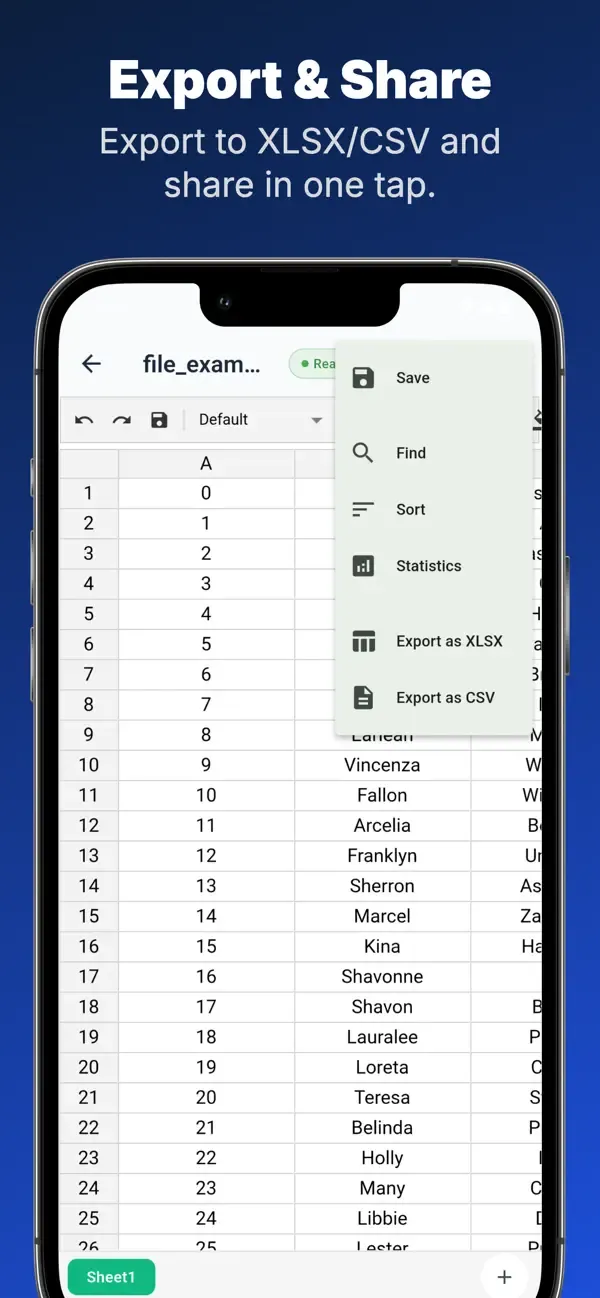
  • Export XLSX - Share the full workbook as an XLSX file.
  • Export CSV - Share the active sheet as CSV for lightweight data exchange.
  • System sharing - Send exported files through the normal share sheet on the phone.

Privacy, Offline & Languages

Download Glazr XLSX & CSV File Editor to create, edit, analyze, and share spreadsheets from your phone.

  • Works offline - Core spreadsheet creation, editing, search, sorting, statistics, charts, and export work without internet.
  • Local files - Your spreadsheets are processed and stored on the device for core workflows.
  • No account required - Open the app and work without creating an account.
  • 4 languages - English, Arabic with RTL support, French, and German.
  • Custom appearance - Light, dark, or system mode with 7 accent colors, 6 font choices, and onboarding for first setup.

Frequently asked questions

Where can I download Glazr XLSX & CSV File Editor?

Glazr XLSX & CSV File Editor is currently available through Google Play, App Store.

What platforms does Glazr XLSX & CSV File Editor support?

Glazr XLSX & CSV File Editor is available for Android, iOS.

How can I contact the Glazr XLSX & CSV File Editor team?

You can contact the team at [email protected].

Does Glazr XLSX & CSV File Editor have a privacy policy?

Yes. Use the privacy policy link on this page to review it.

Similar apps

More apps in the same category.