 English
 العربية
 Français
 Deutsch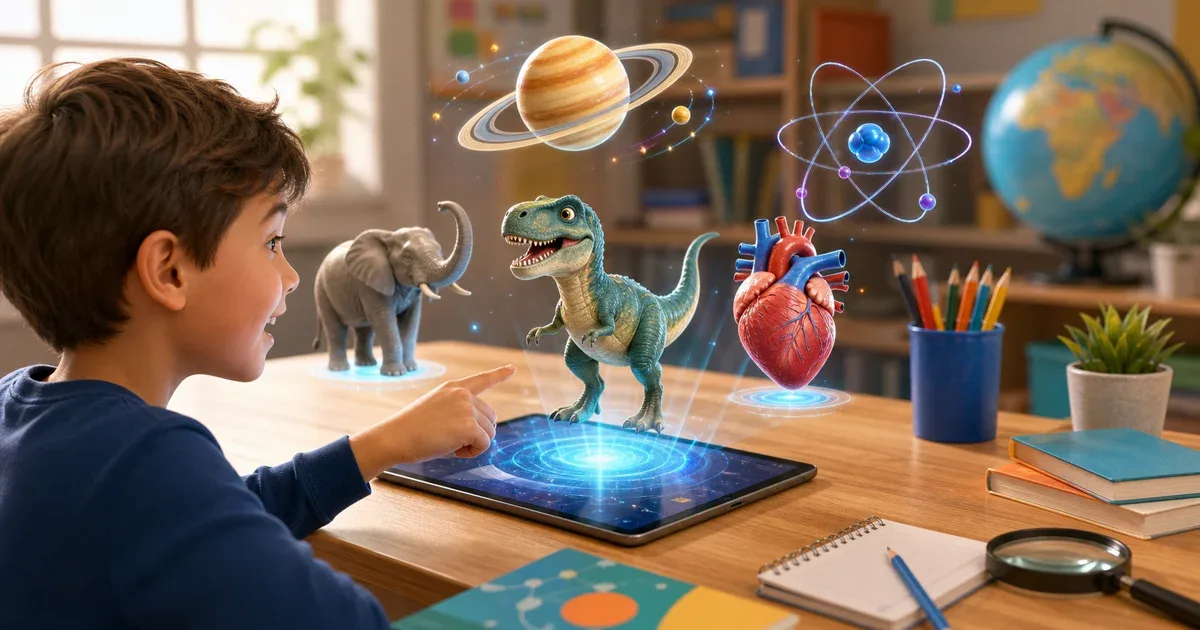
Choose the AR app by the lesson, not by the technology
Augmented reality can make learning more memorable, but the best result comes when the app matches the subject. A child learning letter sounds needs a different experience from a student trying to understand planets, body organs, or atoms.
IGY Apps has several AR 4D learning apps, and each one has a different role. Some are broad kits for young children. Others are focused science apps for astronomy, anatomy, chemistry, animals, or dinosaurs. This guide helps parents and teachers choose the right starting point without turning every lesson into the same activity.
For early learning: letters, numbers, and first vocabulary
For preschool and early primary learning, start with AR Kids Kit 4D. It is the broadest option because it includes 28 educational sections and more than 500 3D models. Children can explore letters, numbers, animals, transportation, science topics, tracing practice, quizzes, points, and multilingual audio.
This type of app works well when the goal is variety. A parent can move from Arabic letters to English alphabet practice, then to numbers or animal names in the same learning session. A teacher can also use it as a rotating activity: one group practices tracing, another group uses flashcards, and another group listens to pronunciation.
If the child only needs a lighter letter-and-number experience, Alphabet AR 4D and Numbers AR 4D are more focused choices. They are useful when the lesson is about recognition, pronunciation, counting, and early handwriting practice.
For animals and sounds: make vocabulary visible
Animals are one of the easiest subjects to teach with AR because children can connect the name, shape, movement, and sound in one moment. Animals AR 4D is designed for this kind of lesson. It includes animal models, names in multiple languages, real sounds, movement controls, and screenshot capture.
This is useful for early vocabulary, multilingual learning, and classroom comparison activities. Ask the child to place two animals on a surface, describe how they move, repeat the name, and listen to the sound. That short routine turns a word list into a visual memory.
If the child is more interested in prehistoric creatures, Dinosaurs AR 4D is the better fit. It combines dinosaur exploration with animal learning, movement, sounds, and tracing practice. Use it when curiosity is the main motivation: a dinosaur lesson can become a bridge into size, movement, habitats, and comparison.
For space and planets: use AR to explain scale and order
Astronomy is hard to explain with flat pictures only. Children need to understand that planets are different in size, position, surface appearance, and relationship to the Sun. Solar System AR 4D helps by placing planets and space objects into the room as 3D models.
Use it for lessons about the Sun, planets, the full solar system, astronauts, satellites, and space exploration objects. The app supports audio narration in Arabic, English, and French, so it can also help with science vocabulary.
A simple home activity is to choose one planet, listen to the narration, rotate the model, then ask the child to say one fact before taking a screenshot. In class, students can compare two planets and explain what looks different.
For anatomy: turn body systems into objects students can inspect
Human anatomy becomes easier when students can see body parts as separate 3D objects. Human Anatomy AR 4D is better for this than a general AR kit because it focuses on external and internal body organs, body systems, pronunciation, and 3D inspection.
Use it for lessons about the heart, lungs, brain, skeleton, muscles, digestion, circulation, and other body systems. The most useful workflow is not to show every model at once. Pick one organ, ask what it does, inspect it from different angles, then connect it to a short explanation or worksheet.
For older students, screenshots can become revision notes. For younger children, the app can be used for recognition: "Where is the heart?", "Which model helps us breathe?", or "Which body part protects the brain?"
For chemistry: when symbols need a 3D explanation
Chemistry often starts as symbols and numbers, which can feel abstract. Periodic Table AR 4D is the best match when the lesson is about elements, atomic numbers, protons, neutrons, electrons, and element groups.
The app includes all 118 elements and shows 3D atom models. It also includes extra science models, including solar system and human anatomy content, but its strongest role is chemistry. Use it when students need to see how an element is represented, not only memorize a symbol.
A practical classroom task is to compare two elements from different groups. Students can write the symbol, atomic number, and one visual difference they noticed in the 3D model.
A simple subject map
Use this quick map when planning a lesson:
- Letters, numbers, broad preschool practice: AR Kids Kit 4D
- Focused alphabet practice: Alphabet AR 4D
- Focused number practice: Numbers AR 4D
- Animal names, sounds, and movement: Animals AR 4D
- Dinosaurs and prehistoric creatures: Dinosaurs AR 4D
- Planets and space: Solar System AR 4D
- Body organs and anatomy: Human Anatomy AR 4D
- Elements and atoms: Periodic Table AR 4D
Best practice for parents and teachers
Keep each AR session short. Ten focused minutes are usually better than a long open-ended session. Start with one goal, choose one app, let the child interact with one or two models, then finish with a small question or screenshot.
For younger children, use AR as a bridge between seeing, hearing, and saying the word. For older students, use it as a way to inspect structure and explain what they observed.
The best AR learning app is not always the app with the most content. It is the app that fits today's lesson. Start with the subject, then choose the AR 4D app that makes that subject easier to see, hear, and remember.