Overview
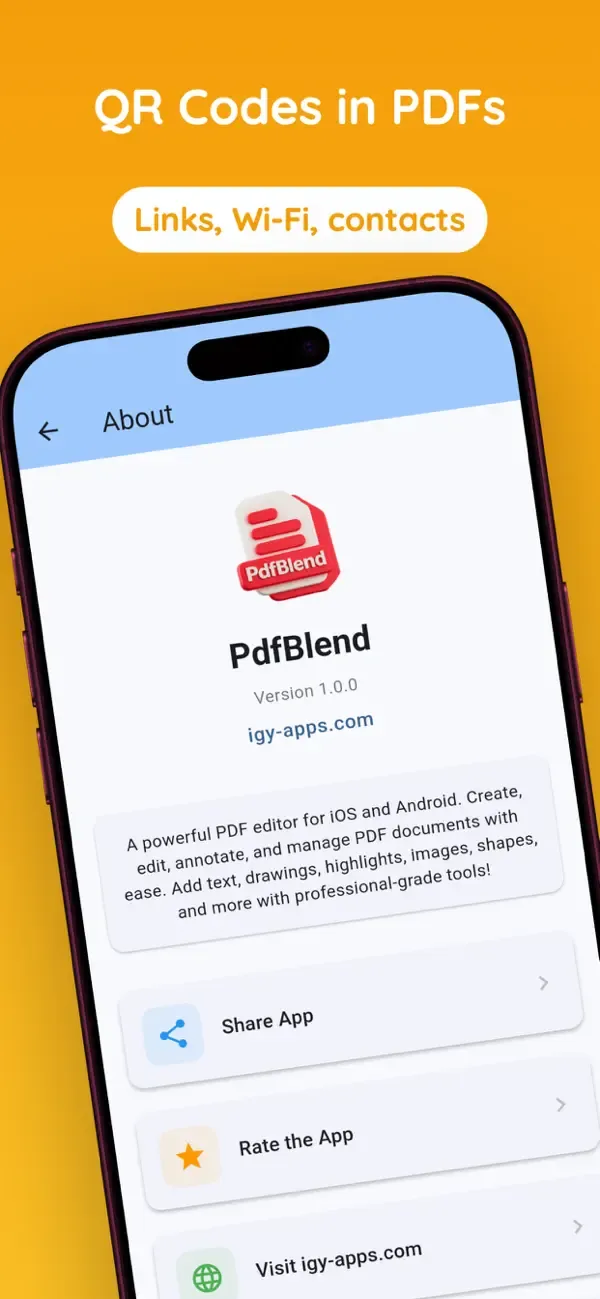
PdfBlend is a professional-grade PDF editor and document scanner for mobile devices. Create, edit, annotate, and manage PDF documents with a comprehensive suite of tools including advanced OCR text recognition, QR code generation, and powerful annotation capabilities.
What this app includes
Key Features
- Professional Annotation Tools - 10 different tools for marking up PDFs
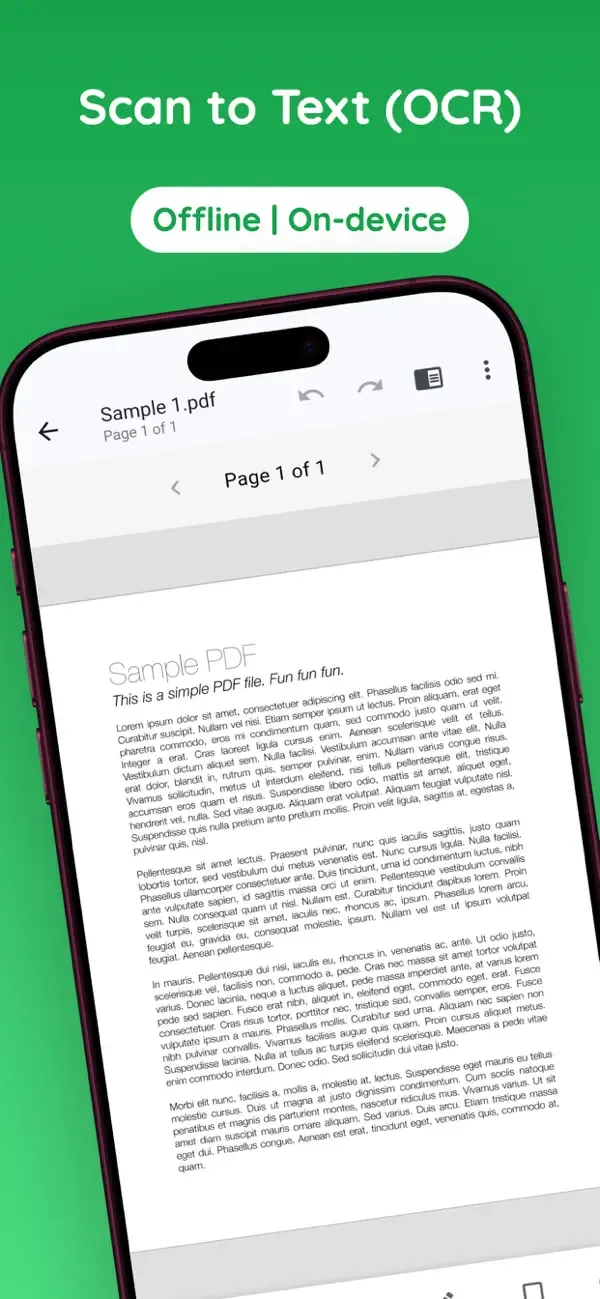
- OCR Document Scanning - Extract text from images with 95-99% accuracy
- QR Code Generator - Create scannable QR codes for URLs, contacts, and more
- Complete Editing - Move, resize, rotate, and scale any element
- Multiple Export Options - PDF, images, or text file
- Multi-Language - Full support for English, Arabic, German, and French
- Privacy First - Core PDF processing happens on-device, with no cloud upload required for main editing tasks
Annotation Tools
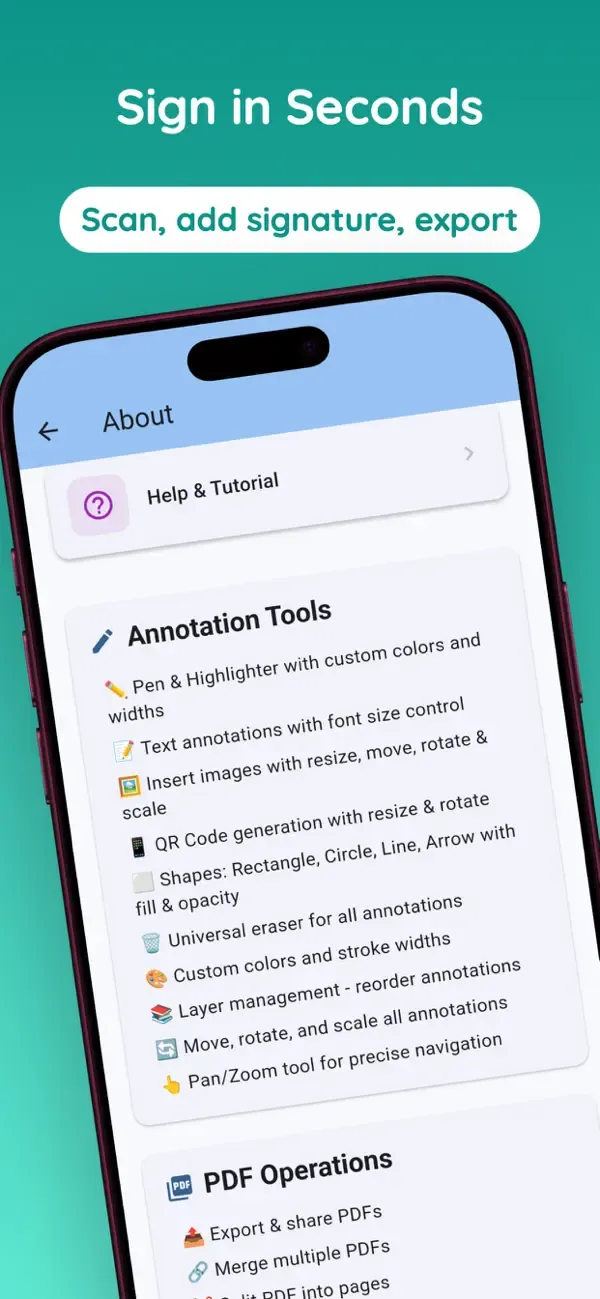
- Pen Tool - Freehand drawing with custom colors and stroke width
- Highlighter Tool - Semi-transparent highlighting for important text
- Text Tool - Add text annotations with 12 professional fonts
- Image Tool - Insert photos and graphics with resize and rotate
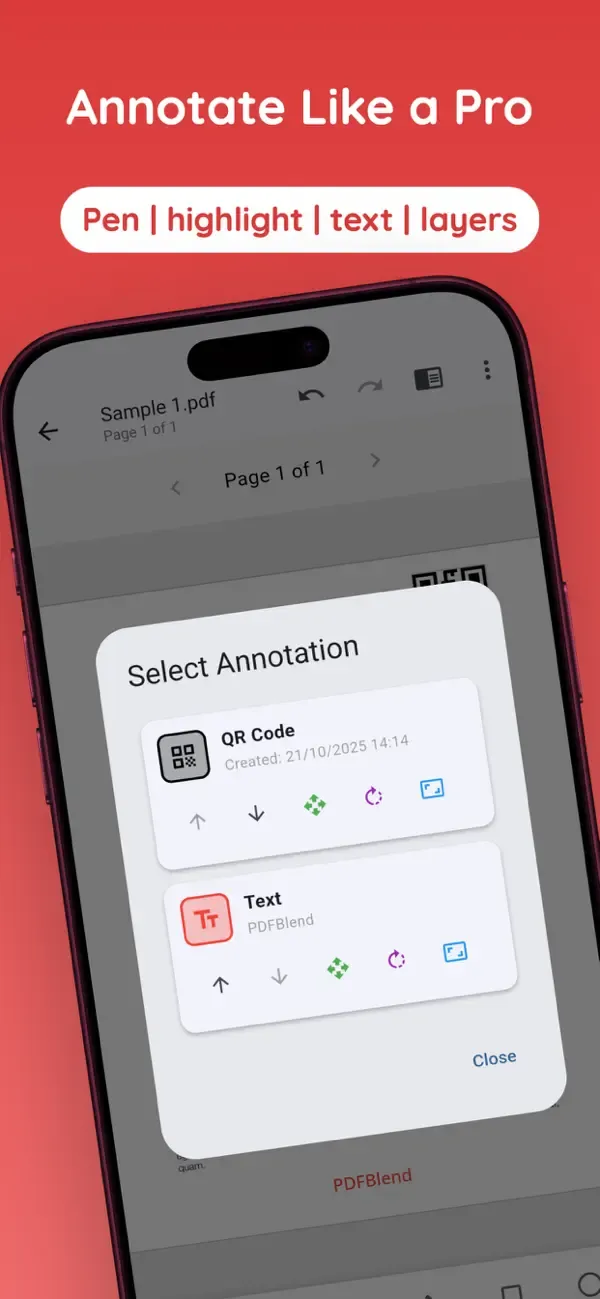
- QR Code Tool - Generate scannable QR codes for any data
- Signature Tool - Add handwritten signatures
- Shape Tools - Rectangle, circle, line, and arrow drawing
- Eraser Tool - Remove unwanted annotations
- Layers Tool - Manage all annotations with full control
PDF Operations
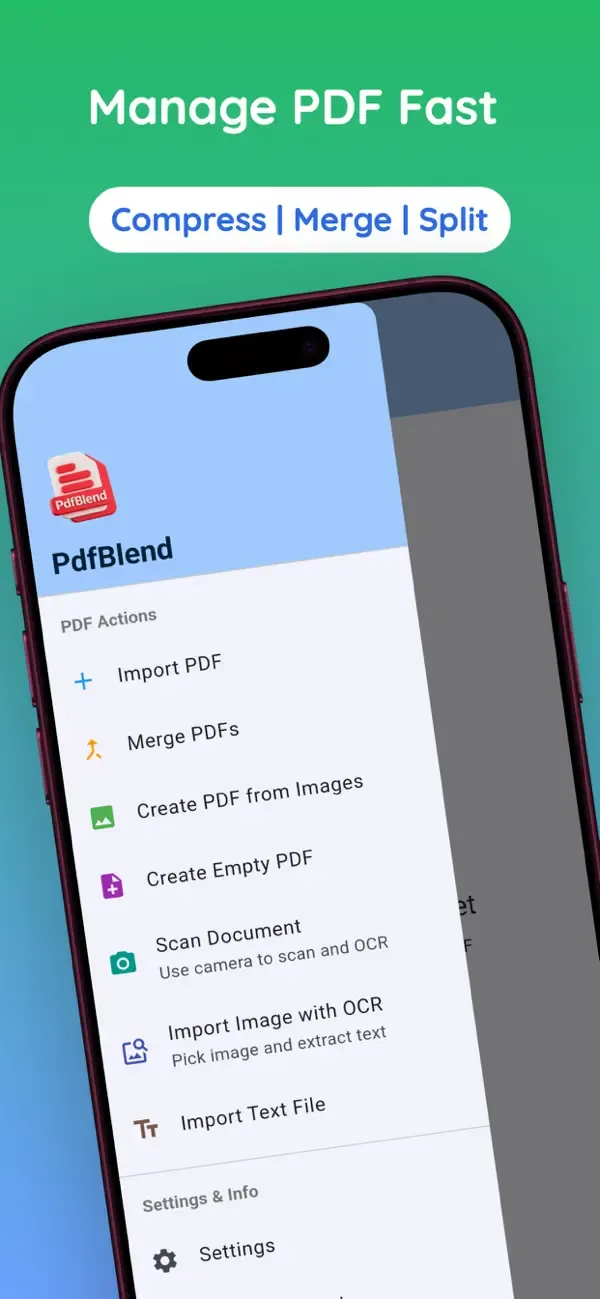
- Import PDF - Select PDF files from device storage
- Create PDF from Images - Convert multiple images to PDF
- Scan Document with OCR - Camera integration with automatic text extraction
- Merge PDFs - Combine multiple PDFs into one
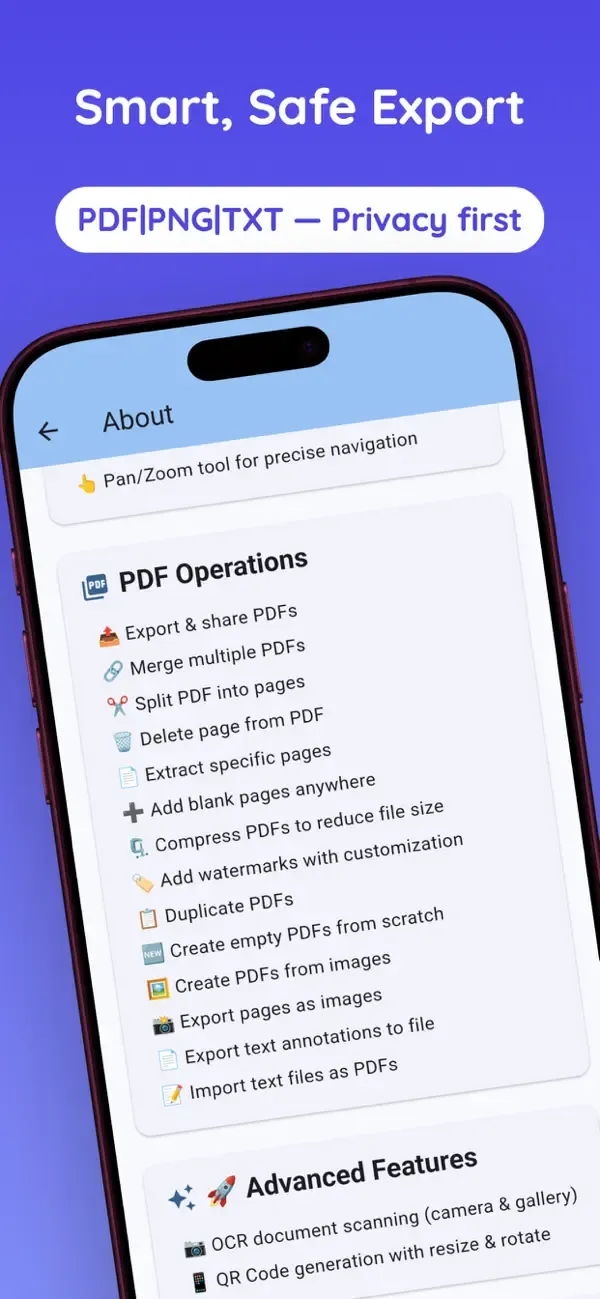
- Split PDF - Split multi-page PDF into separate files
- Delete Page - Remove specific pages with smart annotation handling
- Compress PDF - Reduce file size with 3 compression levels
- Add Watermark - Custom text watermarks on all pages
- Add Blank Pages - Insert blank pages anywhere
- Extract Pages - Create a new PDF with selected pages
Export & Sharing
- Export/Share PDF - Flatten annotations and share via any app
- Export Pages as Images - Convert PDF pages to PNG images
- Export Text to File - Extract text annotations to a text file
Advanced Features
- OCR Document Scanning - 100+ languages with automatic detection
- QR Code Generation - High-resolution, scannable QR codes
- Layer Management - Full control over annotation order and properties
- Undo/Redo System - 50-action history for all operations
- Multi-Language Support - English, Arabic, German, and French
- Dark Mode Support - A polished interface in light and dark themes
Privacy & Security
Perfect for students, professionals, small business owners, and anyone who works with PDF documents regularly.
- On-Device Workflow - Main document processing happens locally
- No Cloud Upload Required - Files stay on your device for core PDF tasks
- No Document-Content Tracking - Document content is not tracked for app behavior
- Offline Capable - Main PDF editing and scanning tools can work without internet
- Privacy-Focused Design - Built for users who handle personal, school, and business documents
 English
 العربية
 Français
 Deutsch